


importing contacts from proton mail to thunderbird

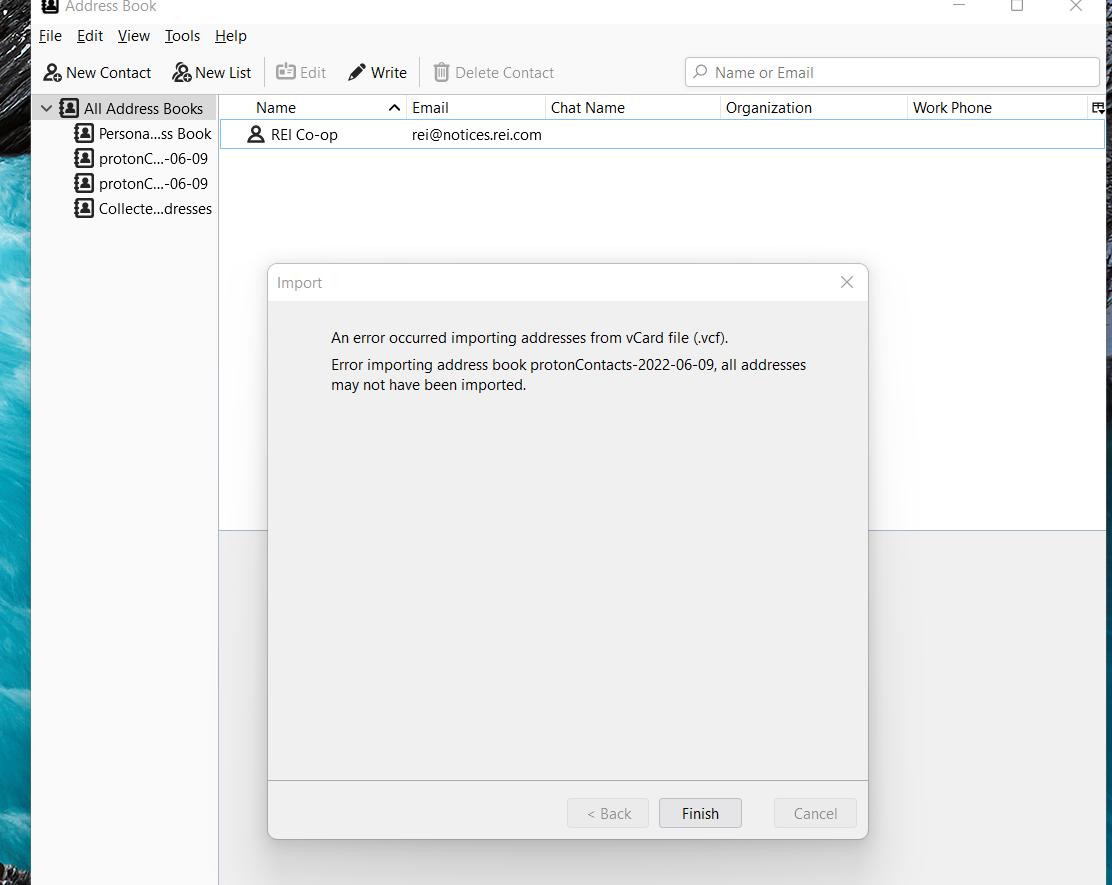
proton made a vcf of all but one of my contacts. not sure why one contact was a no go. i had deleted one corrupted contact. may be there is one more. i stored the file on the desk top. i went to thunderbird. clicked on tools, import, address book and vCard file (vcf). thunderbird went through the process and said all files didnt make it. actually none made it. i right clicked the vcf and clicked properties. it said "open with outlook." I changed it to "open with thunderbird." still no contacts. i have exported and imported repeatedly to no avail. may be i picked the wrong thunderbird file?
すべての返信 (1)
My guess is the version of the vcard is wrong. Open the file in notepad and have a look at the first couple of lines. What vcard format is being used. Thunderbird uses V4 I think.
This addon / replacement address book might offer a successful import https://addons.thunderbird.net/en-us/thunderbird/addon/cardbook/