


Background and font color scheme suddenly reversed... Nothing seems tohelp

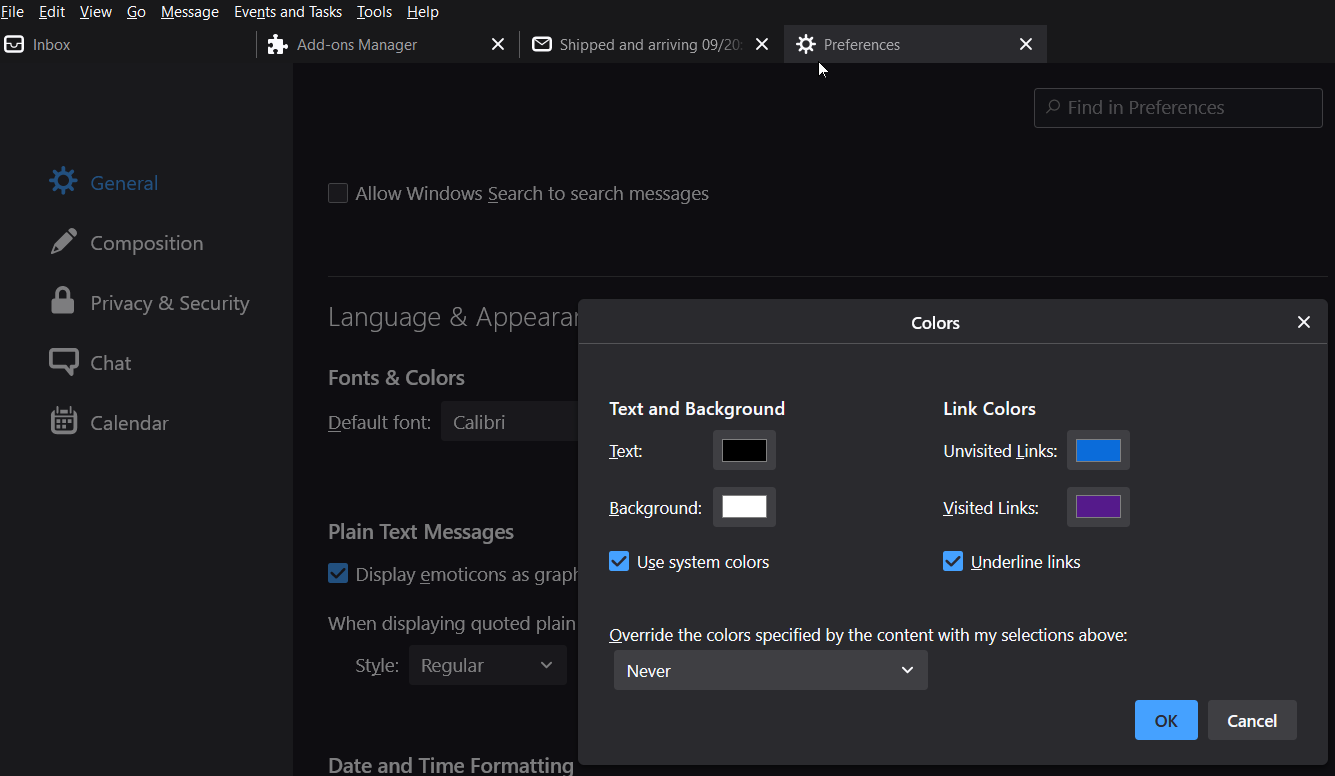
The background and text colors on my home screen and others in Thunderbird suddenly reversed color. The background is now black and the text is white. Very annoying and hard to read. I have tried all of the tips rooted in the tools - preferences - language & appearance - color fix. No change. Any thoughts on how to get the original white background -? black font theme back
The background and text colors on my home screen and others in Thunderbird suddenly reversed color. The background is now black and the text is white. Very annoying and hard to read. I have tried all of the tips rooted in the tools - preferences - language & appearance - color fix. No change. Any thoughts on how to get the original white background -? black font theme back
すべての返信 (1)
In the Add-ons Manager tab, select Themes and set it to Default or Light. If it's already one of those, open W10 Settings, Personalization, Colors, and set the default app mode to Light.