


Downloads doesn't work anymore
I can't download anything anymore from firefox
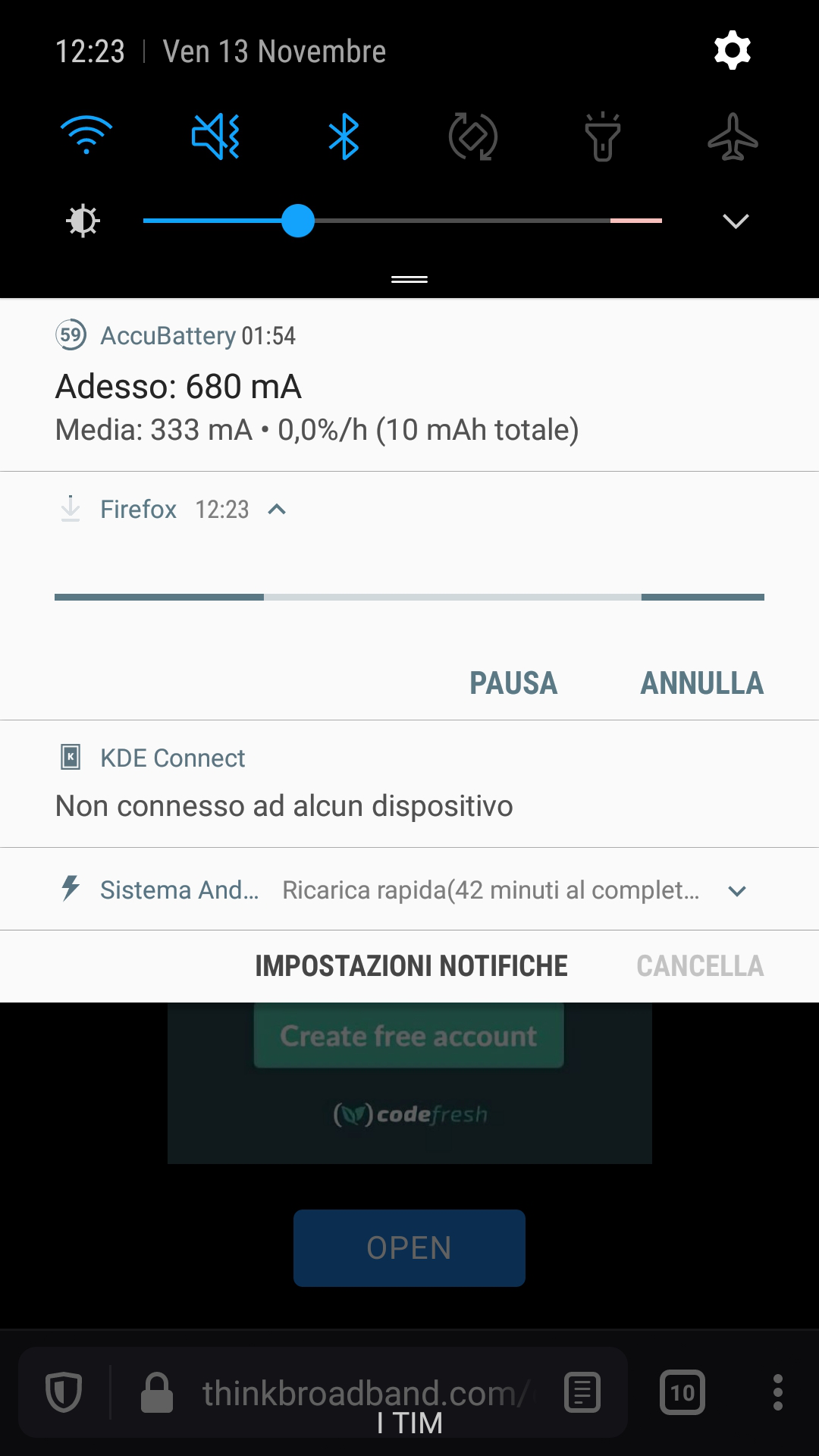
tried for example a very small file (5MB) from www.thinkbroadband.com/download and the download lay up in notificationsforever until i don't stop it manually like the immage attached.
Please refer to: https://support.mozilla.org/en-US/questions/1297466
Regards, Daniele
すべての返信 (4)
More info: Device: Samsung Galaxy S7 GM-930F Android version: 8.0.0 Firefox Version: Firefox Daylight 82.1.3 (Build#2015774643) AC: 60.0.8, 6d57bf5bd GV: 82.0.3-202011080448 AS: 63.0.0
Same problem if i switch on "external download manager", I think I should install it? I don't know any, I'm very pleased if you could provide me one.
Regards Daniele
Hi
What type of file are you trying to download?
Seburo said
Hi What type of file are you trying to download?
any files give me this error, now I switched on an ASUS Zenfone 4 Selfie Pro, Android 7.0, same problem... probably is there something wrong with my Firefox Sync Account?
EDIT Nope, same error cleaning cache and data of the app from Android settings and without touch any setting.
この投稿は Dan により に変更されました
Hi Dan
This is an issue that our developers are aware of and it should be fixed in an update due out this week.