


can't read messages in folder
When I open Thunderbird the messages download and I can see that there are new messages in the folders but they won't open. Instead of the emails listed with message pane below, all I see is the generic Thunderbird Mail- Inbox pane with Email, Accounts, and Advanced Features sections. Nothing I do will allow the folders to show their contents or the messages to open.
すべての返信 (2)
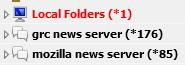
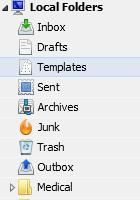
Do you see a small triangle to the left of the account name? Click it and the folder tree should open up. See my screenshots for Local Folders. First shows Local Folders closed. Second shows Local Folders expanded open.
TB-38.3 Win10-PC
I wasn't clear in my description. I am able to see all of the folders and subfolders on the left side of my screen. What I can't see is the information on the right side of the screen. Instead of having the individual messages listed on the top with the message pane on the bottom all I see is the generic Thunderbird Mail- Inbox pane with Email, Accounts, and Advanced Features sections on the right.