


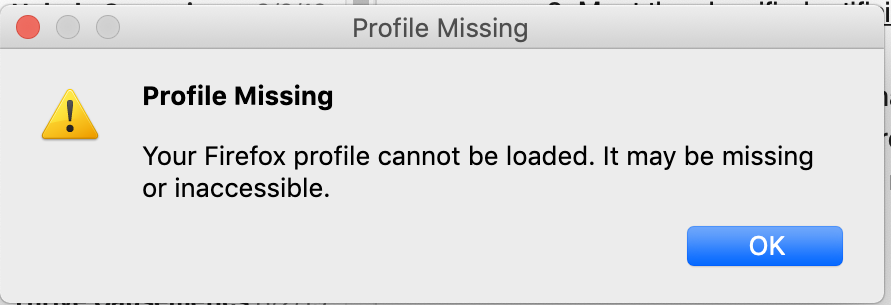
Can't start Firefox, gives me "Your Firefox Profile cannot be loaded"
When I tried to open Firefox this morning, I received the message: Your Firefox profile cannot be loaded. It may be missing or inaccessible. So I deleted my Profile in Library/Application Support and deleted Firefox and redownloaded the latest version. Now when I try to start Firefox, I still get this message!! I can confirm in the folder Library/Application Support there is NO Firefox folder. It is gone. Why can't I open Firefox???
Soluzione scelta
You can delete the Firefox folder in the Caches location a well
Leggere questa risposta nel contesto 👍 0Tutte le risposte (6)

https://support.mozilla.org/en-US/kb/how-run-firefox-when-profile-missing-inaccessible
http://kb.mozillazine.org/Profile_folder_-_Firefox#Navigating_to_the_profile_folder
https://support.mozilla.org/en-US/kb/profile-manager-create-and-remove-firefox-profiles
https://support.mozilla.org/en-US/kb/back-and-restore-information-firefox-profiles
Thanks, I have tried all of these. I deleted the Firefox folder in Library and downloaded a new version of Firefox and it still won't load - giving me the same error. I tried using the ProfileManager app and it WON"T load giving me the SAME error message. I am at my wits end.
You can check for permissions issues in both locations used by[ ] .
- ~/Library/Application Support/Firefox/Profiles/<profile>/
- ~/Library/Caches/Firefox/Profiles/
You can try to do some maintenance and cleanup.
I deleted the Firefox folder under Application Support. What would I be looking for in the Caches/Firefox/Profile/ folder?
Soluzione scelta
You can delete the Firefox folder in the Caches location a well
I rebooted this morning and now Firefox starts fine!