


how to get rid of the Unified Trust Panel/shield from the address bar,

This shield on the search bar is making firefox on win11 unusable for me. I set browser.urlbar.trustPanel.featureGate = false but it still displays. Why do they keep making these changes, it seems like every month there is a new change requiring setting changes,
All Replies (5)
Yes there are changes ever couple of weeks, it is a bit to keep up with, but hey this is a free Browser no one has to use it lol.
Not sure what the problem with the shield is but if you research [userChrome.css] you may find a way of removing it
Asịsa Ahọpụtara
And it's a change from… what exactly? The pref above only enables the older layout, that had two icons, the newer is consolidated under one icon, but as far as I can remember there was this padlock or shield of sorts going back to … always?
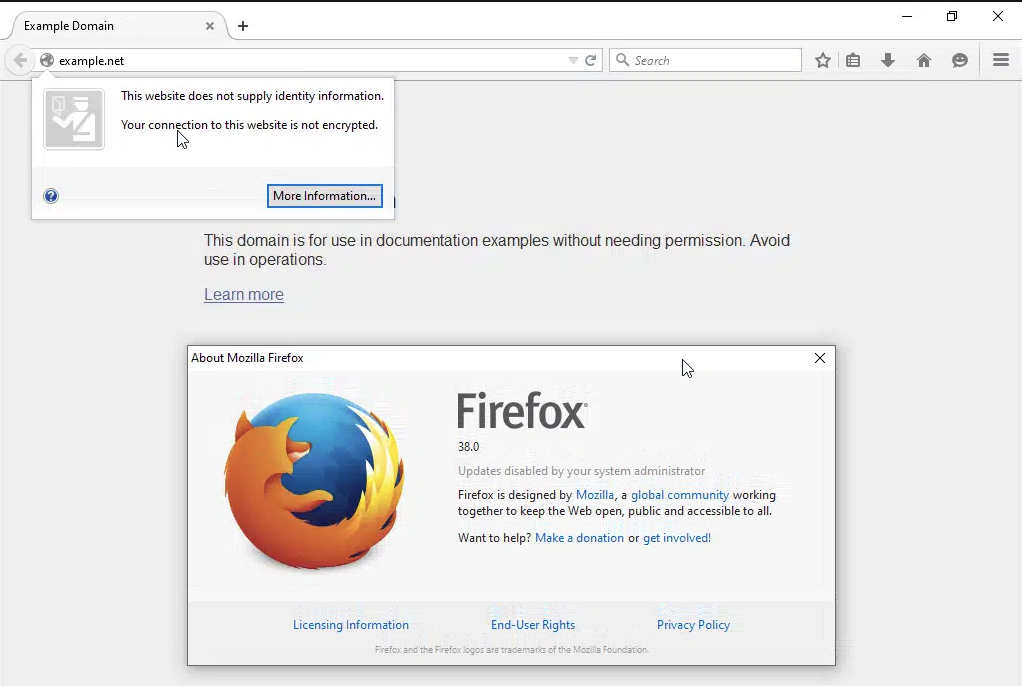
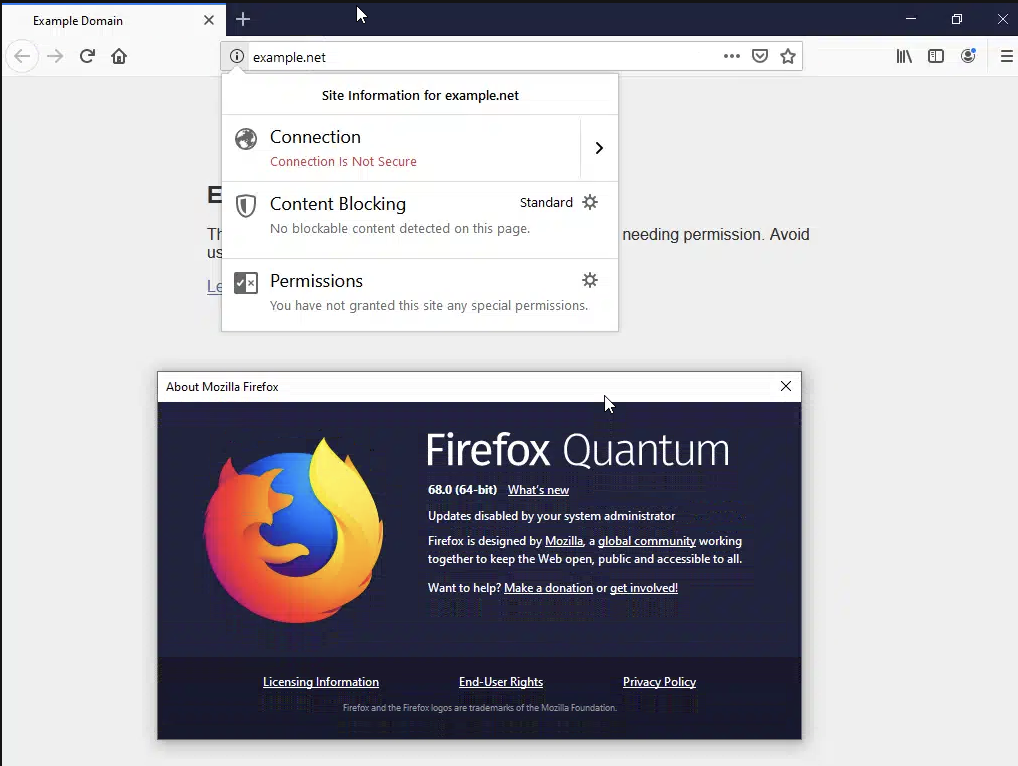
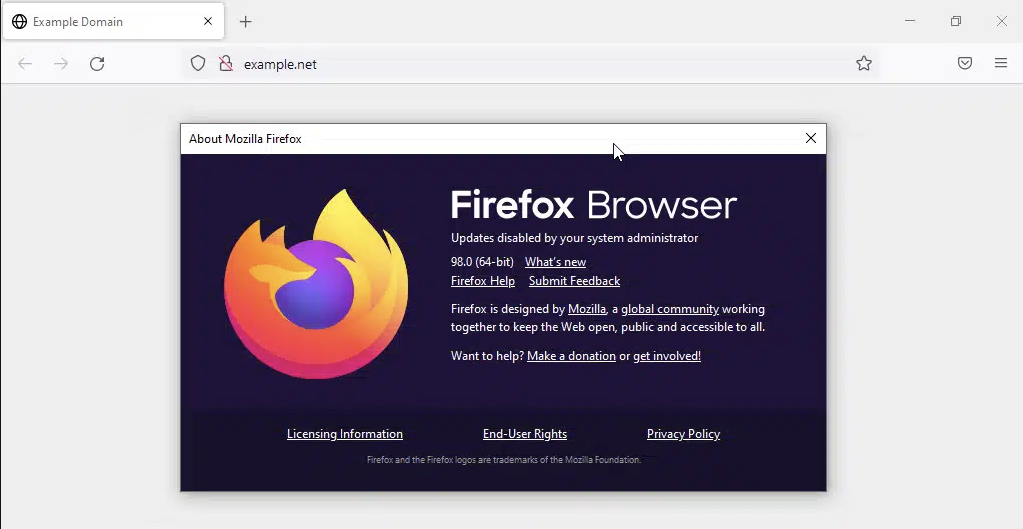
Is it about the icon choice? You'd prefer a globe or something else there?
Or you used to have some custom browser CSS to hide the element and the selectors seem no longer matching?
back to my question: This shield on the search bar is making firefox on win11 unusable for me. I set browser.urlbar.trustPanel.featureGate = false but it still displays. Why do they keep making these changes, it seems like every month there is a new change requiring setting changes, How do I delete this trust panel feature, shield ??????????????????? I am not asking why, just how ?
You might wanna ask around in customization communities, e.g. https://www.reddit.com/r/FirefoxCSS/comments/1d7s7zy/enhanced_tracking_protection_hide_shield_button/ — they will know what selectors to target. But keep in mind once you go that route, you'll basically need to maintain the code on your side to track changes in the client–side code, as all of this is internal, and can change anytime without a warning.
Edeziri site na jbr