how to return http response status code directly on error page?

am experiencing the 'fresh new look' error pages, and am rather annoyed that the raw response code isn't displayed on the initial error page, and must click 'learn more...' to reveal the underlying response code. how can i return the error code to the initial error page and avoid the unnecessary extra click to get at that info?
(ps. i can assure you that by obscuring this basic piece of info, it definitely isn't 'making it clearer what went wrong', despite what the 149.0 patch notes claim)
All Replies (3)
Hello
A space for users to give product feedback https://support.mozilla.org/en-US/kb/what-mozilla-connect
More detail on the new Error page https://connect.mozilla.org/t5/ideas/more-detail-on-the-new-error-page/idi-p/120661
https://httpbin.org/status/404, below a old version of Firefox
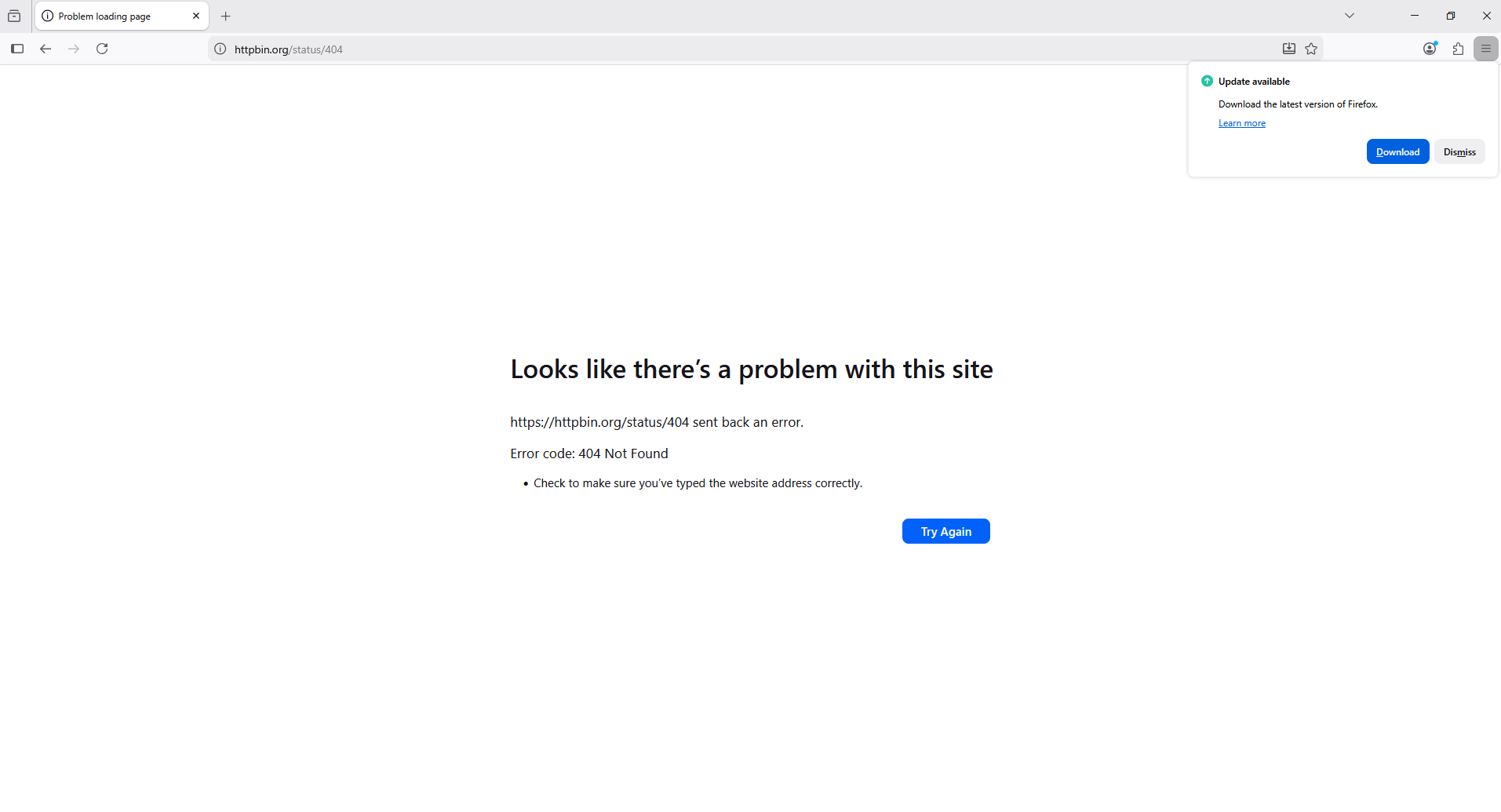
Can you attach some examples?
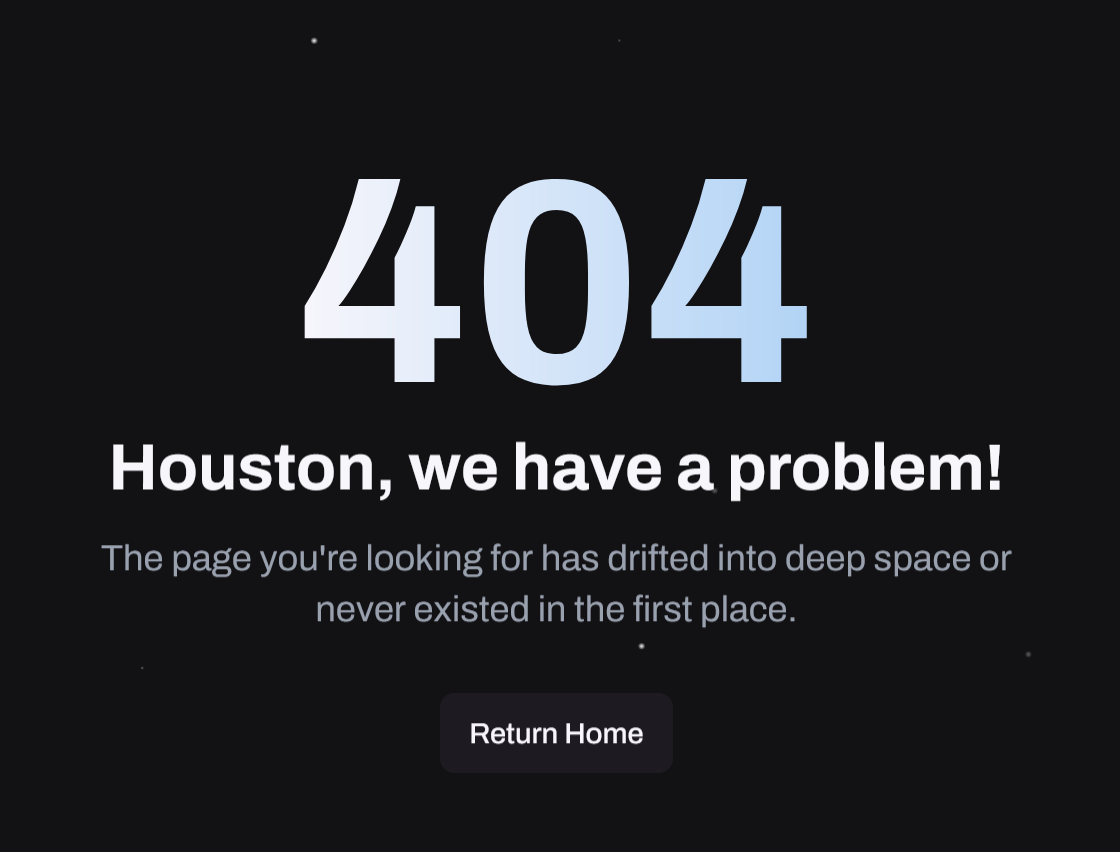
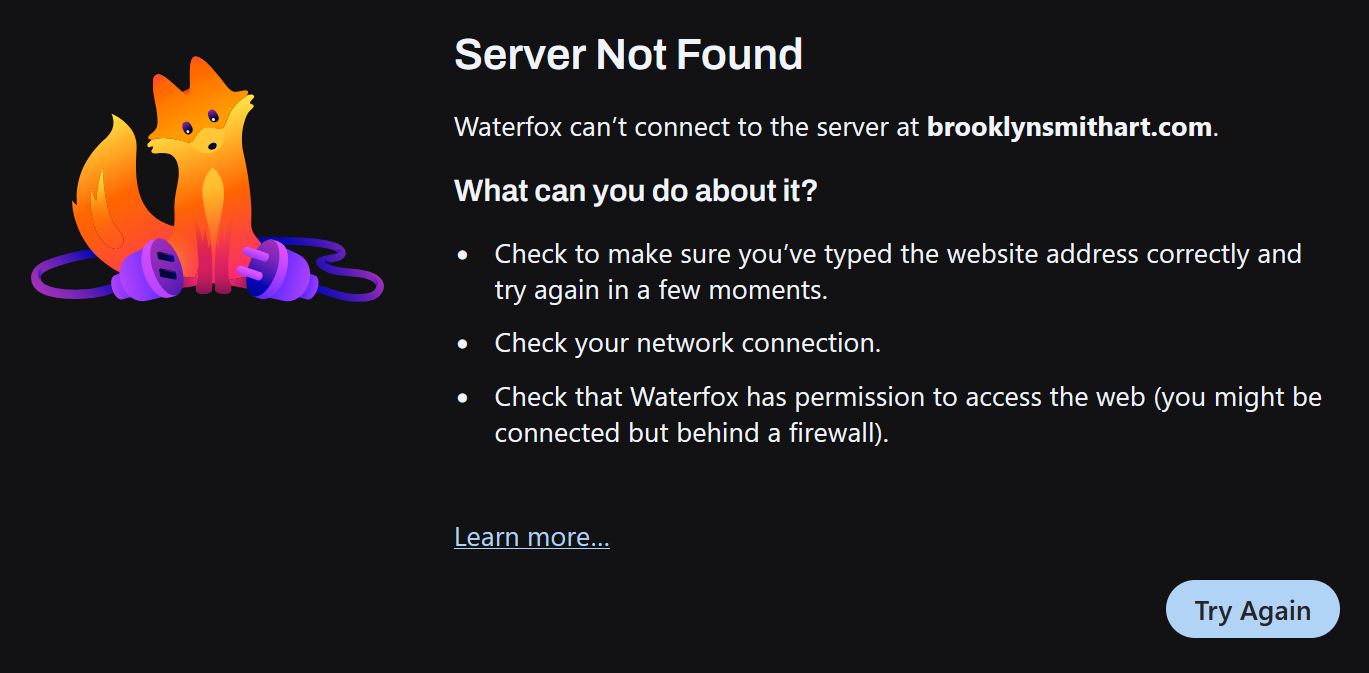
(The above is something else — one's a custom 404, that's still getting shown: e.g. pixar.com/404 — the other has no HTTP codes as that's just connection error on host unavailable. Or are you looking for the specific NSS kinds to tell apart things like NS_ERROR_CONNECTION_REFUSED vs. NS_ERROR_NET_RESET vs. NS_ERROR_UNKNOWN_HOST …? Do you have a good set of example URLs that you'd like to tell apart?)
You also might prefer to look for assistance in you browser's support channels, as they probably flip the prefs their way…?
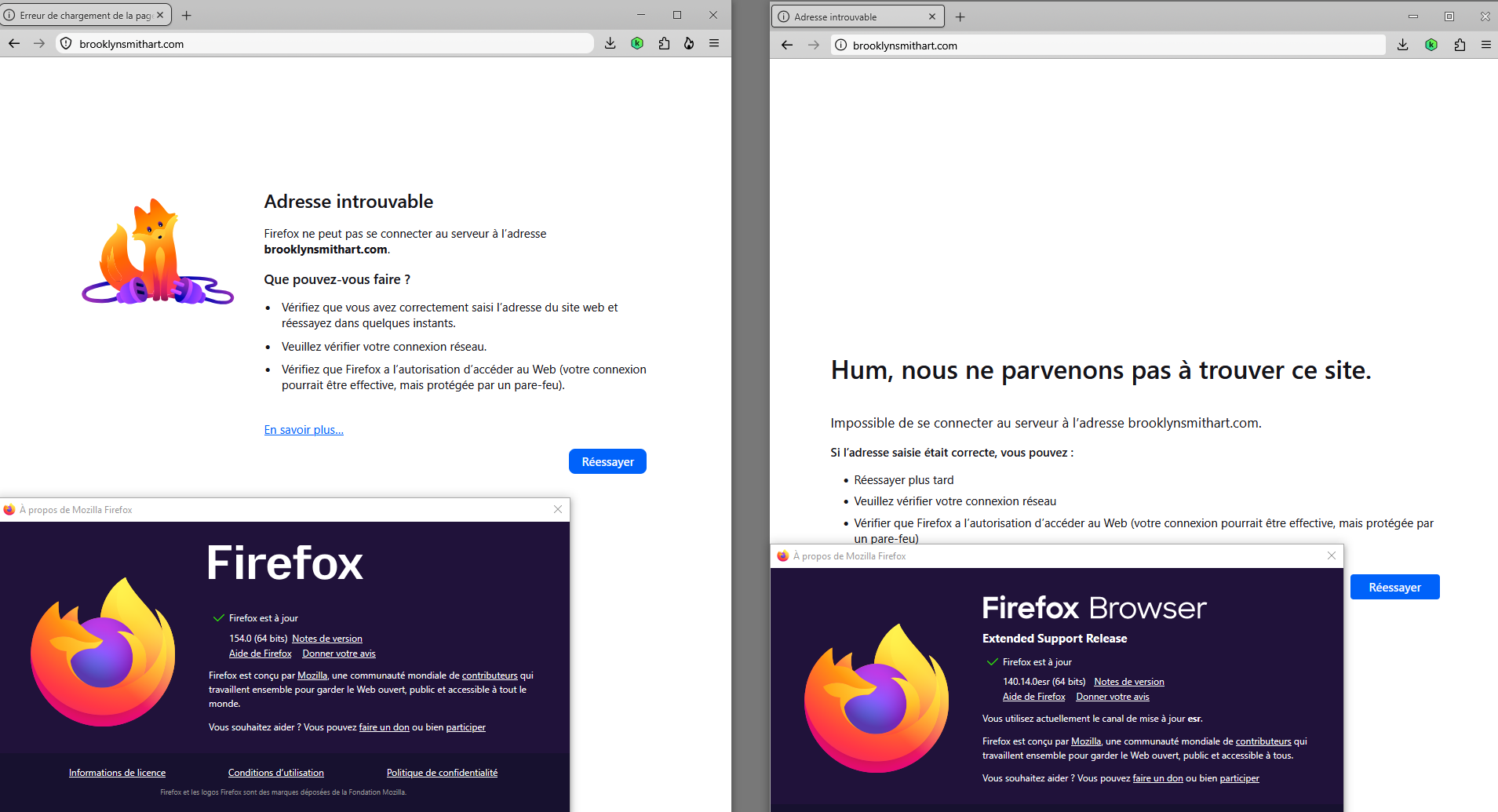
FYI this is how for example the same error as posted above looked before, i.e. it used to have less information, not more:
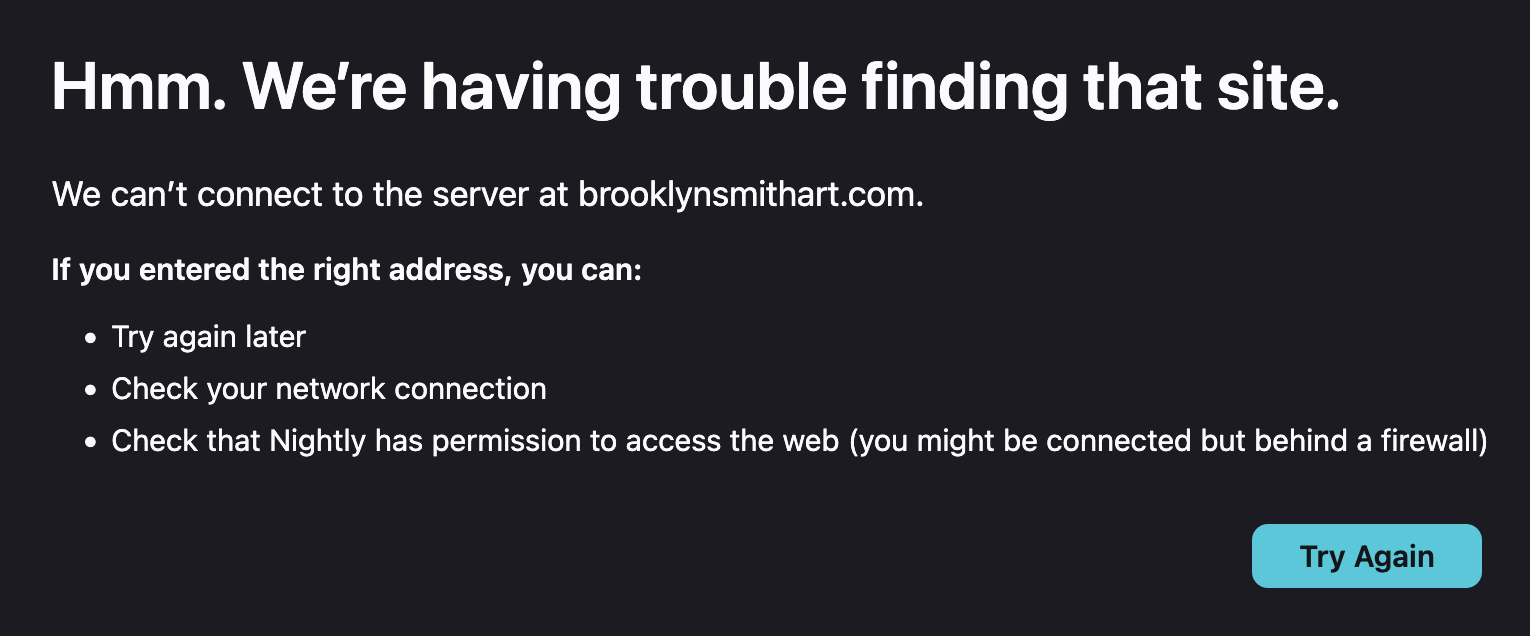
To complement
Firefox release notes https://www.firefox.com/en-US/releases
Firefox Release Calendar https://whattrainisitnow.com/calendar