


Windows 10 reached EOS (end of support) on October 14, 2025. If you are on Windows 10, see this article.

Search Support

Avoid support scams. We will never ask you to call or text a phone number or share personal information. Please report suspicious activity using the “Report Abuse” option.

Learn More
Solved

Firefox custom homepage recently changed. How do I go back?

cedarpools replied
cedarpools

I remember not too long ago, I could copy/paste blocks of links, in the format of link1|link2|link3|etc, to save current tabs as my homepage if I needed to close firefox and not loose my tabs. But now, I have to manually add and remove each link individually (see screenshot). And it only shows the site domain, not information specific to the actual page I want to keep so I don't know if I'm deleting something that's not needed or important. I usually have 50+ pages that need to managed: saved, removed, reordered, etc. I used to be able to set up one browser window exactly how I want it and click button to save current tabs as home screen. It was so easy.

Is there any way I can revert back to the old way of saving homepages? Or any other suggestions to have tabs reliably reload? I need a solution to be guaranteed to work to not lose important work, using current tabs as homepage accomplished this. This is one of the major reasons I used firefox.
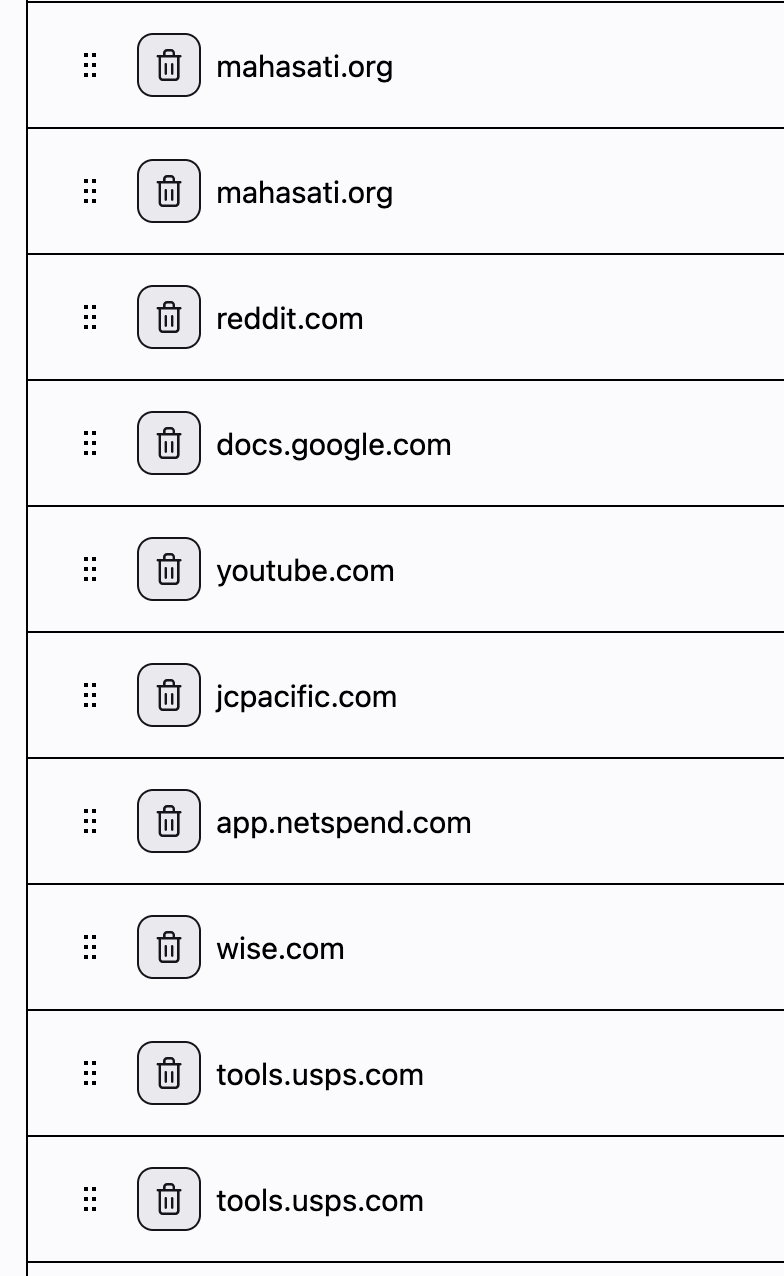
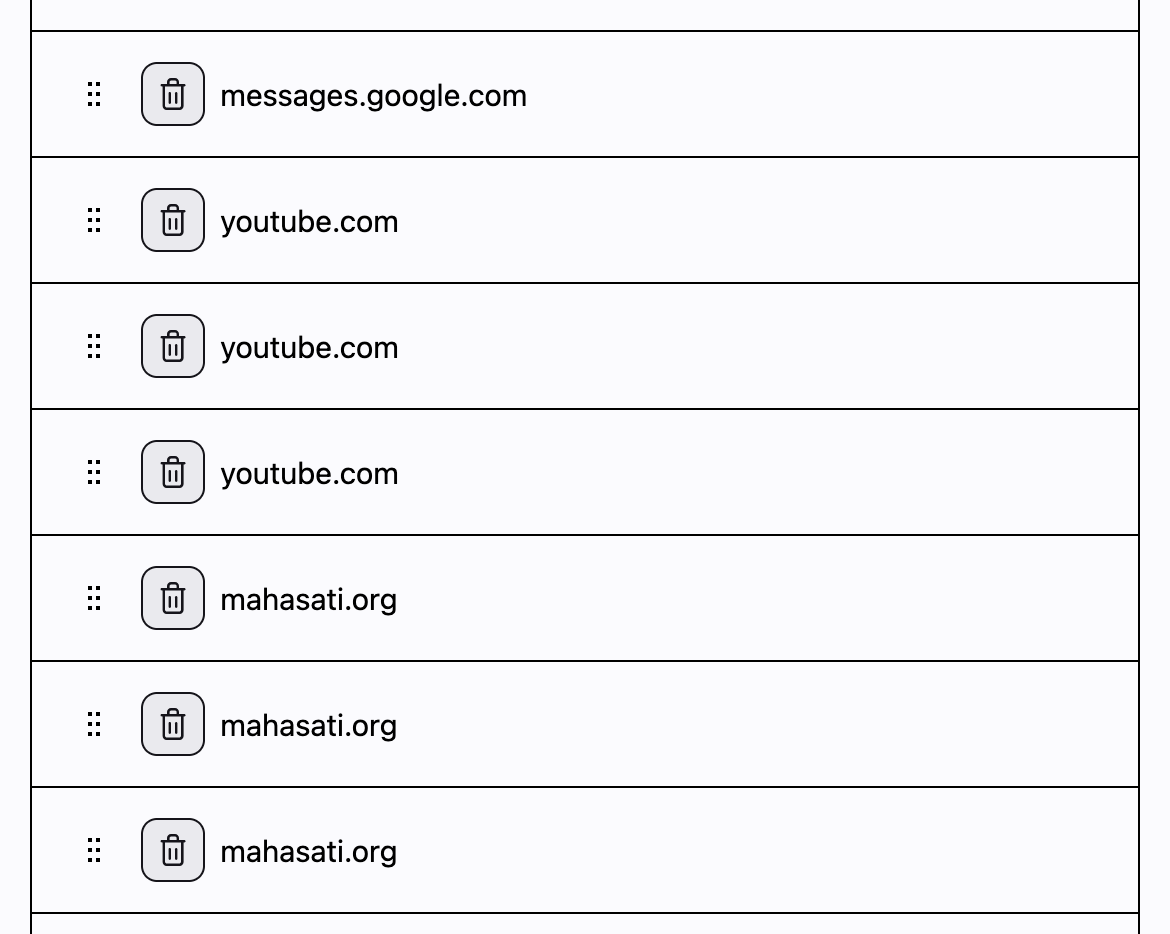
I remember not too long ago, I could copy/paste blocks of links, in the format of link1|link2|link3|etc, to save current tabs as my homepage if I needed to close firefox and not loose my tabs. But now, I have to manually add and remove each link individually (see screenshot). And it only shows the site domain, not information specific to the actual page I want to keep so I don't know if I'm deleting something that's not needed or important. I usually have 50+ pages that need to managed: saved, removed, reordered, etc. I used to be able to set up one browser window exactly how I want it and click button to save current tabs as home screen. It was so easy. Is there any way I can revert back to the old way of saving homepages? Or any other suggestions to have tabs reliably reload? I need a solution to be guaranteed to work to not lose important work, using current tabs as homepage accomplished this. This is one of the major reasons I used firefox.
Nseta ihuenyo ndị agbakwunyere

All Replies (2)

Asịsa Ahọpụtara

To save current tabs, there's a button in the custom pane to use all your currently open ones as the list for homepage.

Thanks, not sure why I missed that. Maybe too much coffee. Thank you for your help.

Jụọ ajụjụ

You must log in to your account to reply to posts. Please start a new question, if you do not have an account yet.