


Open
Automatic font sizing issues

Ticking "automatic font sizing" checkbox under "accessibility" often breaks websites.
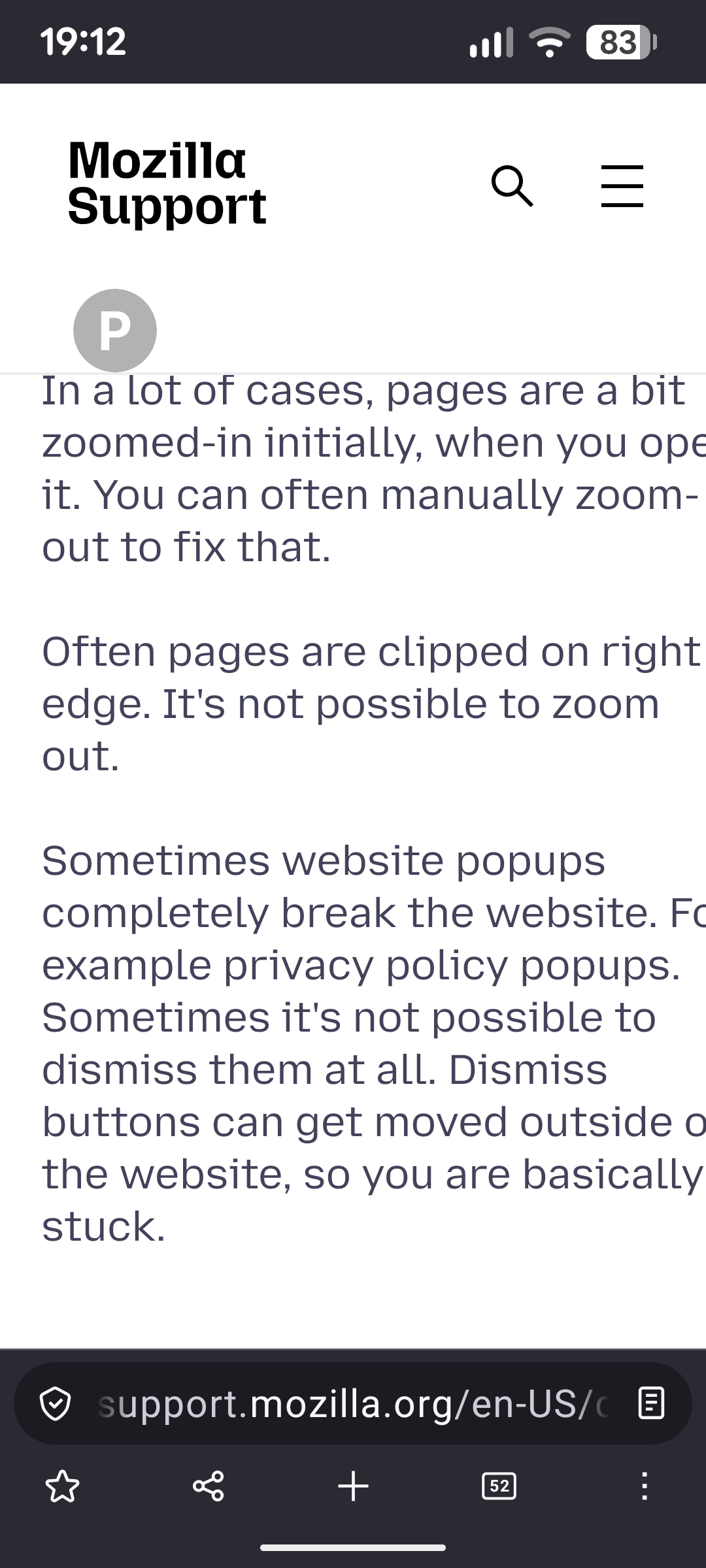
In a lot of cases, pages are a bit zoomed-in initially, when you open it. You can often manually zoom-out to fix that.
Often pages are clipped on right edge. It's not possible to zoom out.
Sometimes website popups completely break the website. For example privacy policy popups. Sometimes it's not possible to dismiss them at all. Dismiss buttons can get moved outside of the website, so you are basically stuck.
Ticking "automatic font sizing" checkbox under "accessibility" often breaks websites.
In a lot of cases, pages are a bit zoomed-in initially, when you open it. You can often manually zoom-out to fix that.
Often pages are clipped on right edge. It's not possible to zoom out.
Sometimes website popups completely break the website. For example privacy policy popups. Sometimes it's not possible to dismiss them at all. Dismiss buttons can get moved outside of the website, so you are basically stuck.
Semua Balasan (1)
Even this website here is a bit broken. The page does not fit screen width and zoom-out is not possible. But I can scroll left-right in this case.
Diperbarui oleh Peter pada