


Firefox crash

firefox app crashes while trying to sync all tabs from 1 phone to another
Semua Balasan (5)
Hi
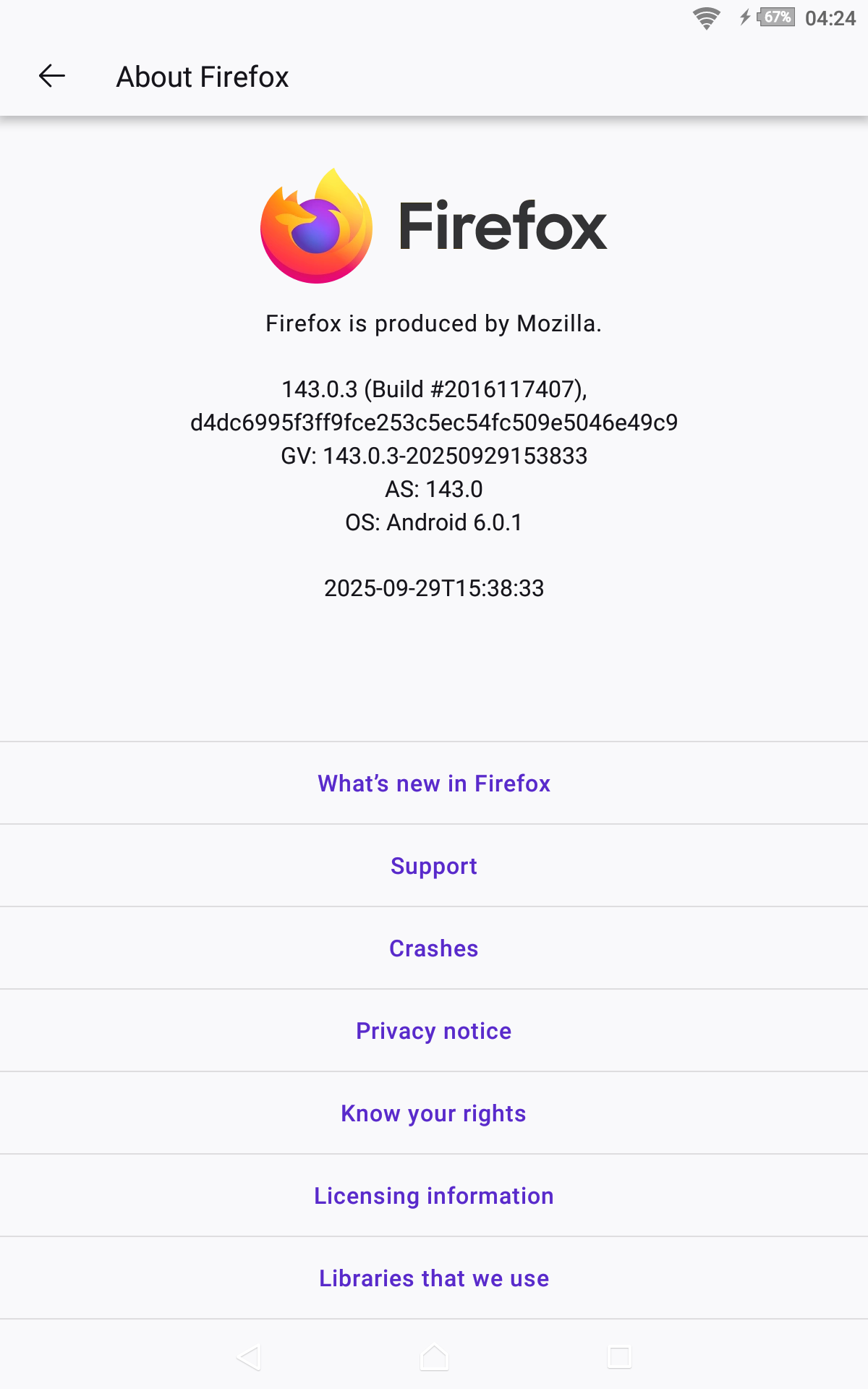
I am sorry to hear that Firefox for Android is crashing. I hope that we can help resolve this for you. Before following the steps below, make sure that you have updated both your Android device and Firefox for Android to the latest versions available.
As a first step, close down many of the tabs that you have open to as few as possible. Does this help reduce the incidence of a crash?
If this does not resolve the issue, open the Android Settings app, select Apps then find Firefox in the list. In the section titled Storage and Cache, select the option to clear the cache (do not clear data!). Does this help?
Following that, our developers will need to look into this in more detail with some logs from inside your copy of Firefox for Android. Type about:crashes in the address bar which will display information about recent crashes. If you select the most recent Socorro link, a crash report will open in a new tab. If you could copy and paste the address of the page that opens into a reply to this thread, we will be able to look into this further for you.
I hope that this helps.
There are many tabs to transfer, I am looking for a bulk transfer, it should be optimized even for that. I am looking for an offline transfer, not to open all the tabs at once, not sure why it can't handle it. Second, there is no progress, not even a single tabs get transferred before it crashes, also, i click the sync button, it stops like it was already done but nothing in tabs is showing
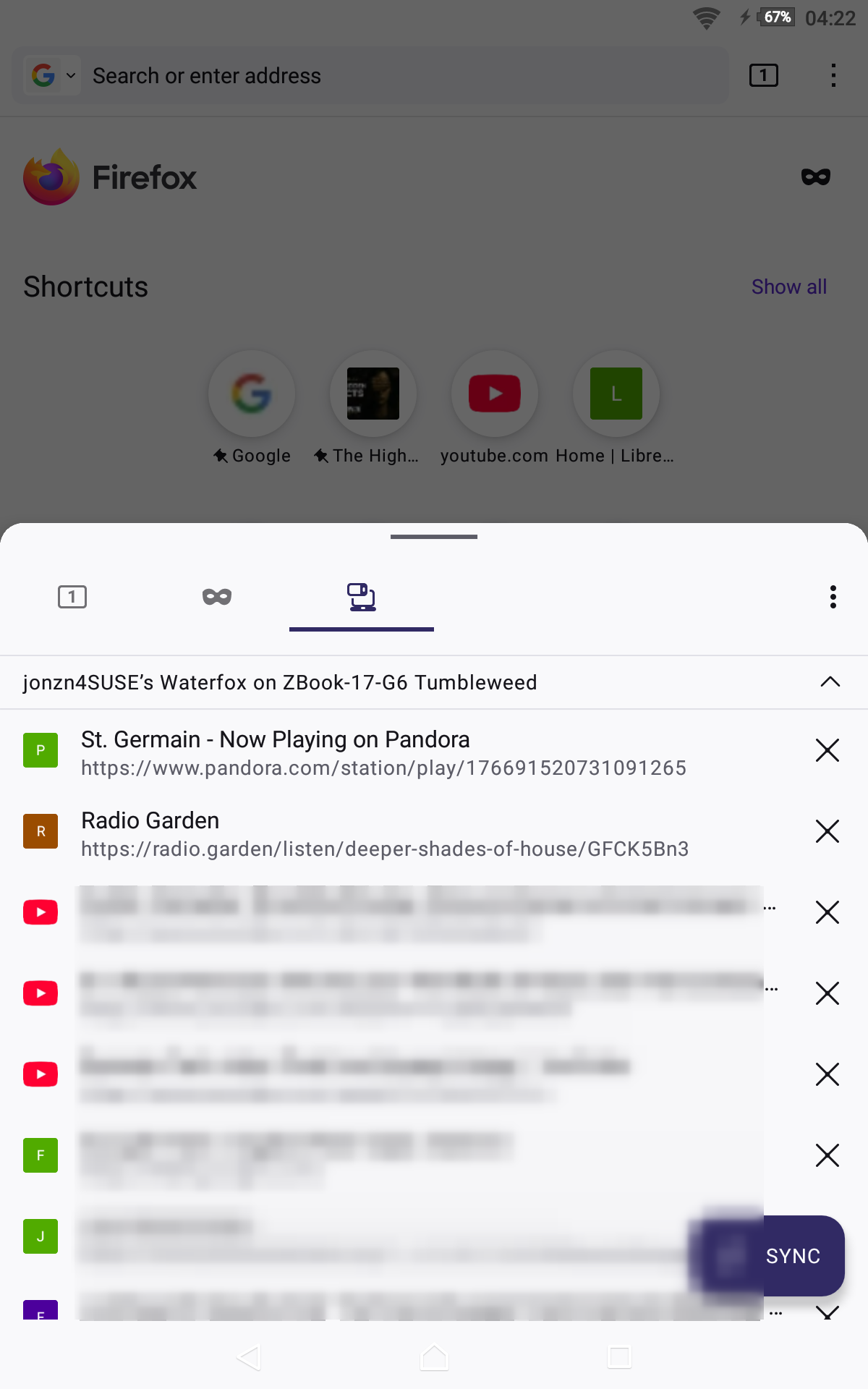
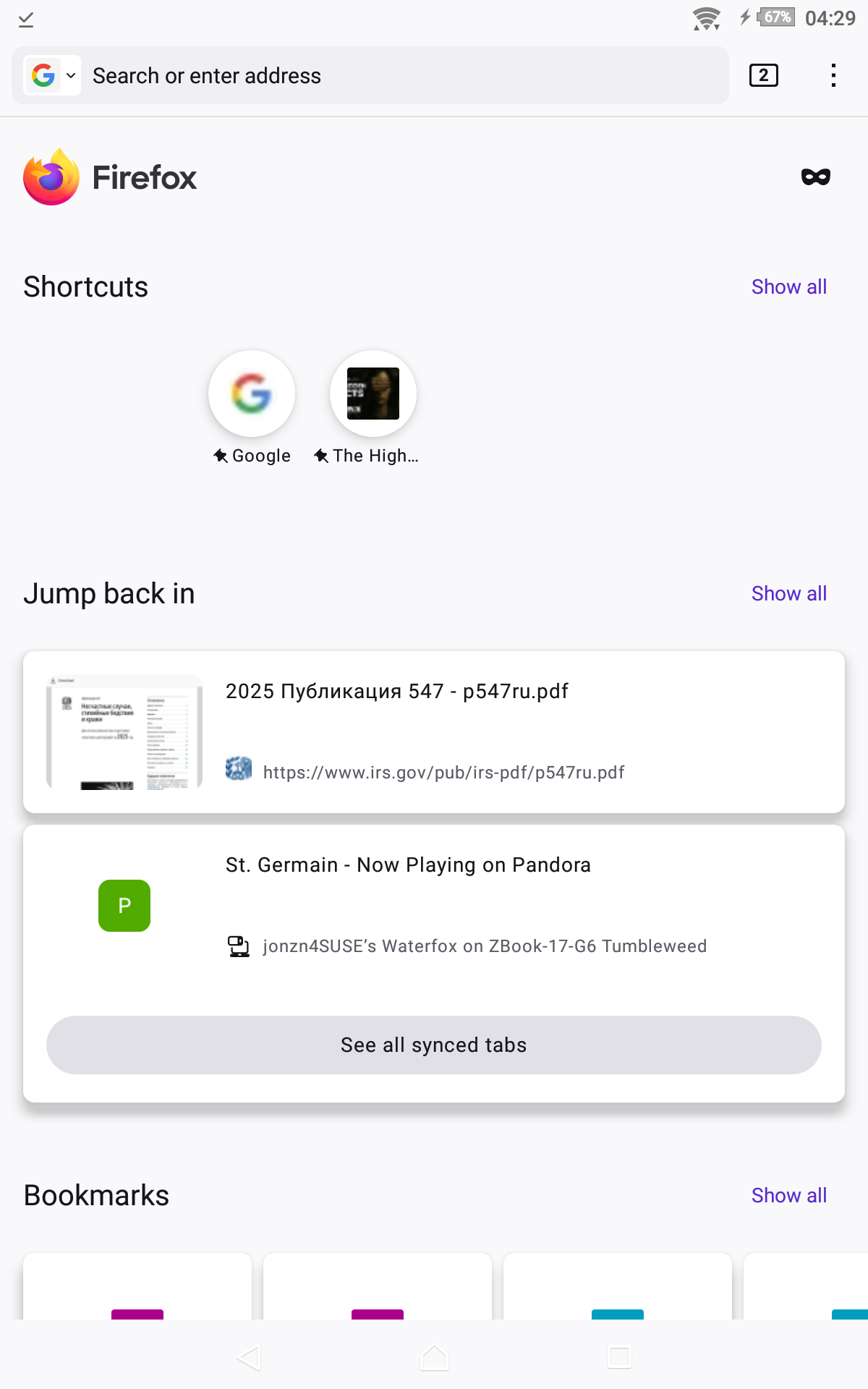
Tabs are not transferred. You are able to see tabs from one device on while on another. see screenshots from my tablet running android 6
Sync Firefox data https://support.mozilla.org/en-US/kb/sync
What can I do with Sync in Firefox?
Unlock seamless browsing across multiple Firefox instances with Sync, a feature that ensures your bookmarks, logins and passwords, addresses, payment methods, add-ons and browser settings are consistent and accessible across all your devices. Moreover, Sync enables each Firefox to show which tabs are open on your other devices, allowing for effortless navigation and access.
I want to transfer all the active tabs, otherwise it's a useless feature. I am am only looking for the first option.