


Why is it that when I download a pdf, it still has a bar across the top that I can't get rid of asking me to download the file? very annoying error that wastes screen space.

The android version of firefox has a problem the displays a bar asking to download an open pdf whether the pdf is already downloaded or not. There's no option to turn off this bar that ends up blocking a lot of screen space. Maybe I'm missing something. Thanks for looking into this.
Semua Balasan (4)
Sure here is an example: one pdf opened from a website, then downloaded and opened. I can keep opening the downloaded pdf, but it still asks to download again. It basically keeps saving a copy every time I click download, even if the file is saved locally. My question is why is this not able to be removed once a file is downloaded?
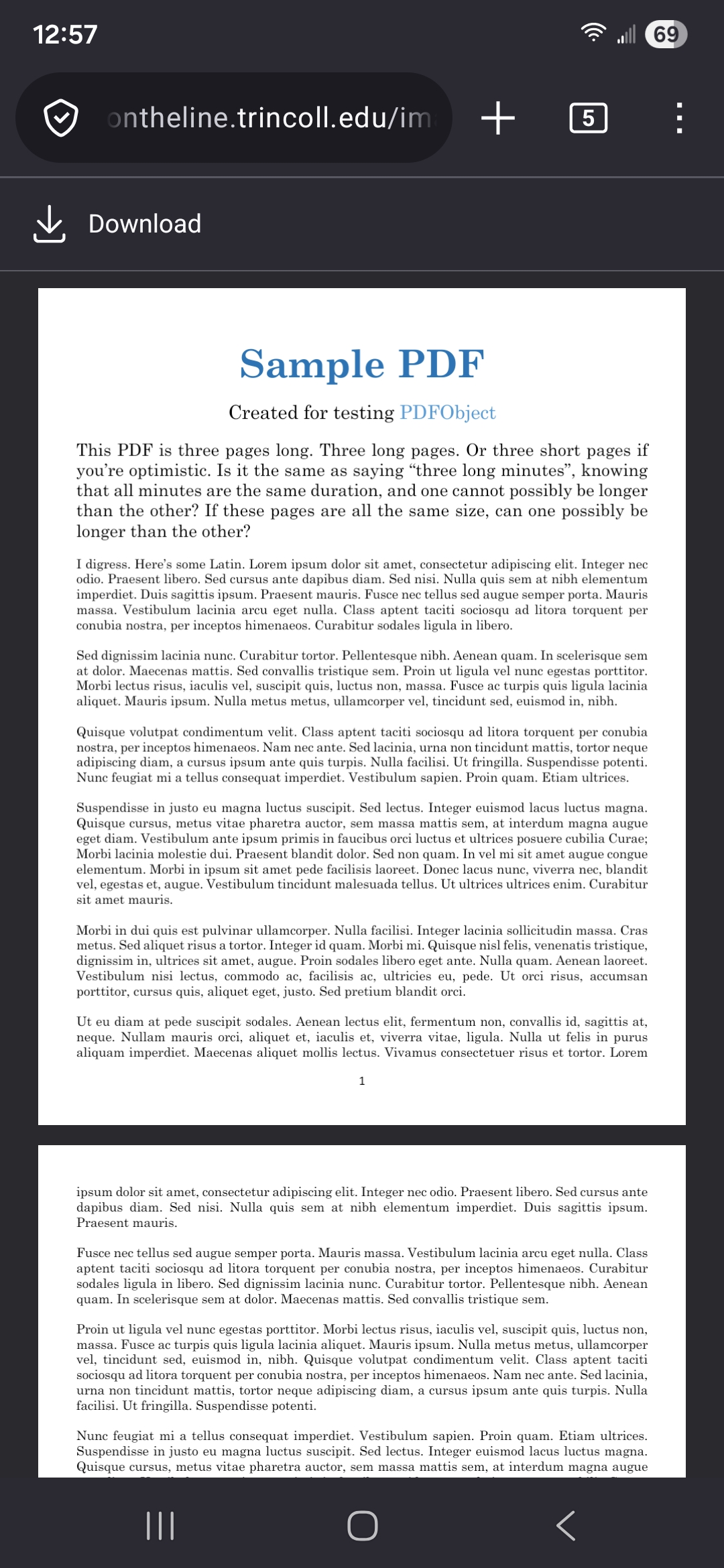
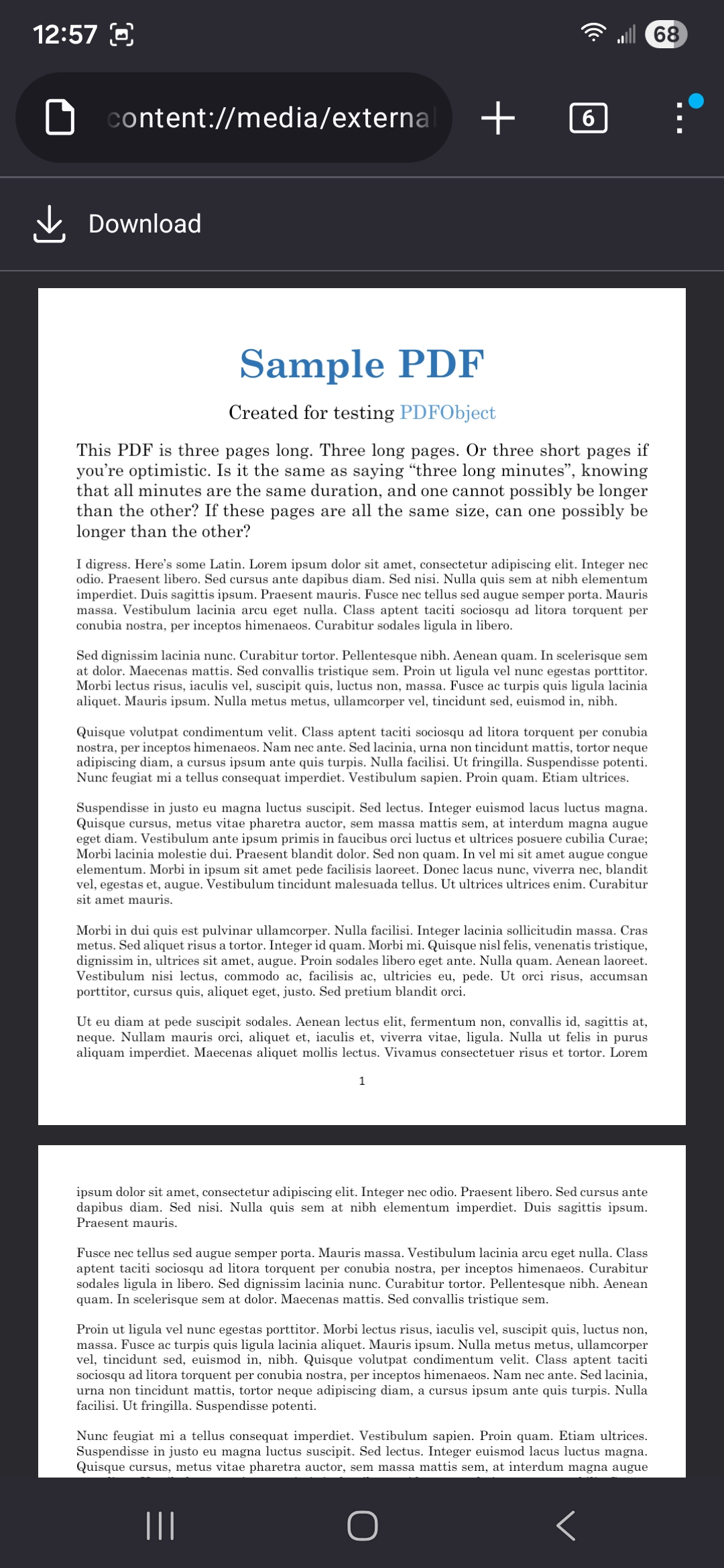
I didn't notice it, perhaps because I have the address bar on the bottom. You could report it as a feature request on github.
Yea, it does appear less noticeable when the address bar is on the bottom, but it is still there. Thanks for checking this out, I guess I'll post about it on github.