


"Send tab to device" has moved - where is it?
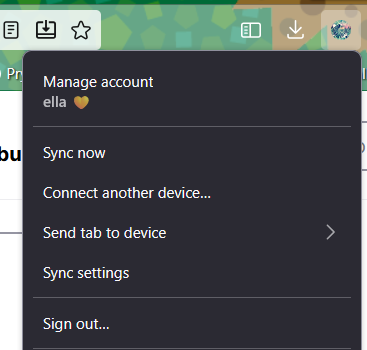
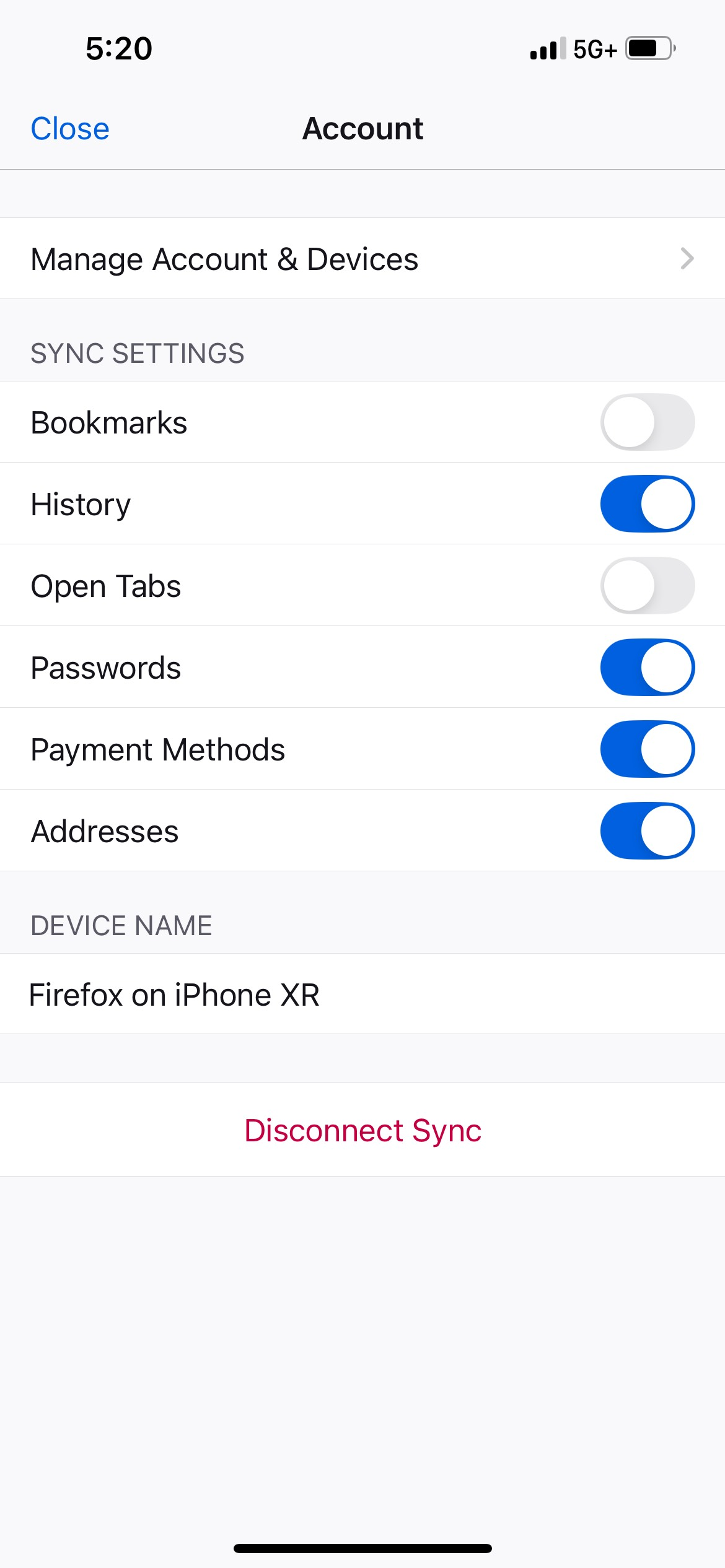
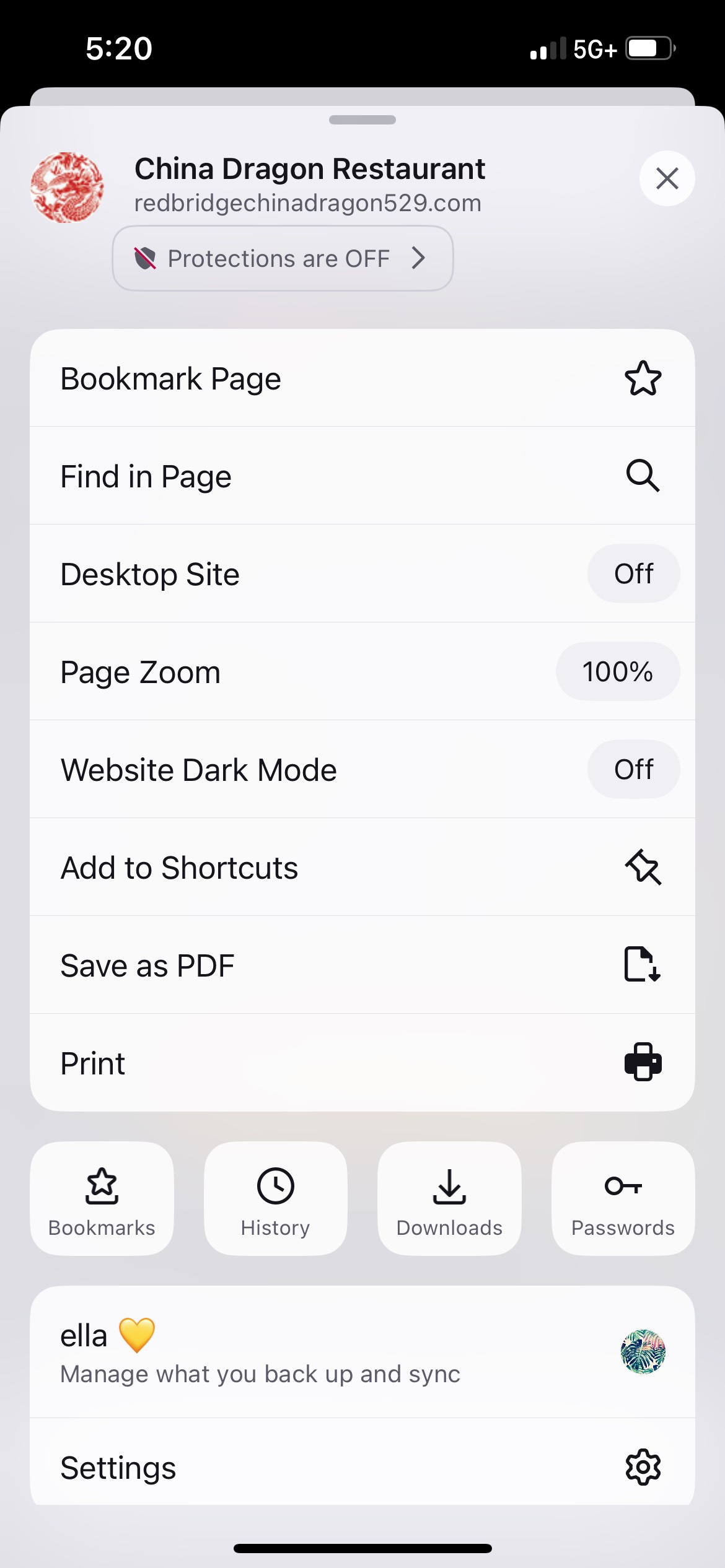
I use Firefox on my laptop and phone because there is an easy way to send tabs back and forth. On my desktop, I can still click my profile picture and see a dropdown that says "Send tab to device..." However, recently, UI updates on Firefox for iOS has resulted in the hamburger menu that used to contain that same button has changed. When I click the menu button in the app, I cannot find the "Send tab to device..." button anywhere. Thanks in advance.
Semua Balasan (3)
Hi Ella,
Good catch! I noticed that there are a few users who've been looking for the same functionality in this thread. I'll make sure to bring this up to our team.
Thanks again for reporting this issue.
Hi Ella,
As it turns out, fter the recent UI redesign, you can find the option to share the webpage from the address bar. For more information, please check out Send a tab from Firefox for iOS to another device.

I found the "Send tab to device" feature again after the update, but I preferred the old interface. It used to be accessible with one click/tap on iOS; now it's *four* (Main Menu > More > Share > Send Tab to Device). This is one of my favorite features of Firefox for iOS; it works great, and is super useful. Please don't bury it so deep in the UI!