

Utas ini telah diarsipkan.
Silakan membuat pertanyaan baru jika Anda membutuhkan bantuan.

Terselesaikan
Diarsipkan
Install custom add-on

Hello,
I am trying to install an add-on on my (android) firefox beta by following this blog https://blog.mozilla.org/addons/2022/12/15/new-extensions-available-now-on-firefox-for-android-nightly/ I have submitted my add-on,it has been approved and i downloaded the xpi file. I have created a collection (https://support.mozilla.org/en-US/kb/how-use-collections-addonsmozillaorg) How do i add the xpi file on my collection?
Thanks
Hello,
I am trying to install an add-on on my (android) firefox beta by following this blog https://blog.mozilla.org/addons/2022/12/15/new-extensions-available-now-on-firefox-for-android-nightly/
I have submitted my add-on,it has been approved and i downloaded the xpi file.
I have created a collection (https://support.mozilla.org/en-US/kb/how-use-collections-addonsmozillaorg)
How do i add the xpi file on my collection?
Thanks
Solusi Terpilih
Not that one. Click Edit product page", then "View product page".
Semua Balasan (3)
There should be "Add to Collection" section on the addon's page.
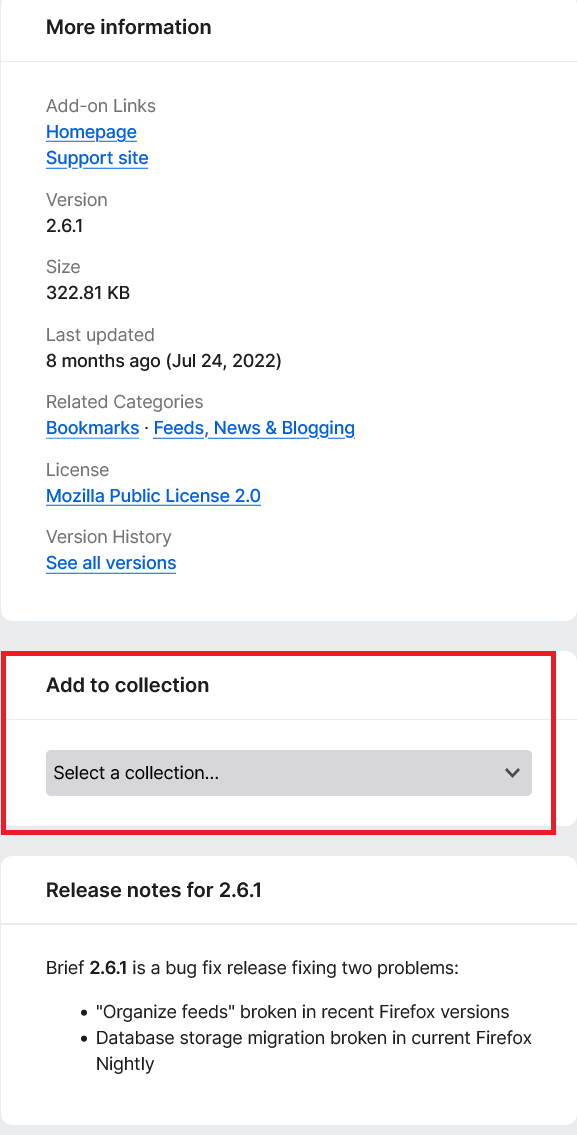
This is the addon page, where do i find this option?
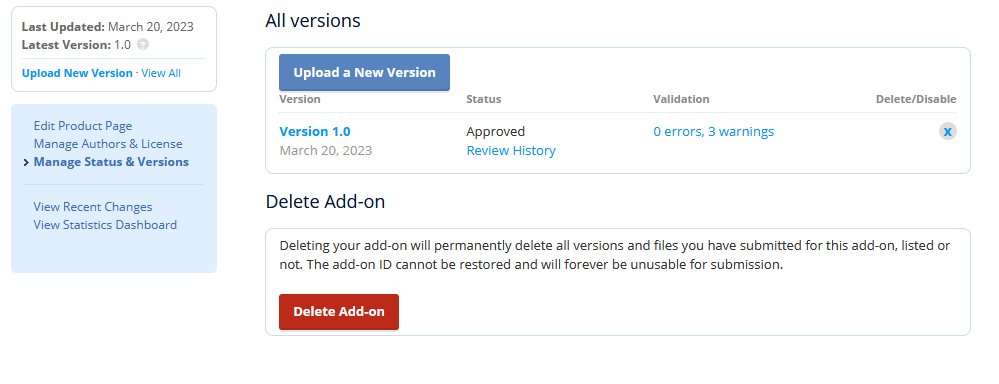
Solusi Terpilih
Not that one. Click Edit product page", then "View product page".