Windows 10 reached EOS (end of support) on October 14, 2025. If you are on Windows 10, see this article.

Cari Bantuan

Avoid support scams. We will never ask you to call or text a phone number or share personal information. Please report suspicious activity using the “Report Abuse” option.

Pelajari Lebih Lanjut

Adding google calendar

  • 1 balas
  • 0 memiliki masalah ini
  • 18 kunjungan
  • Balasan terakhir oleh christ1

Hi all,

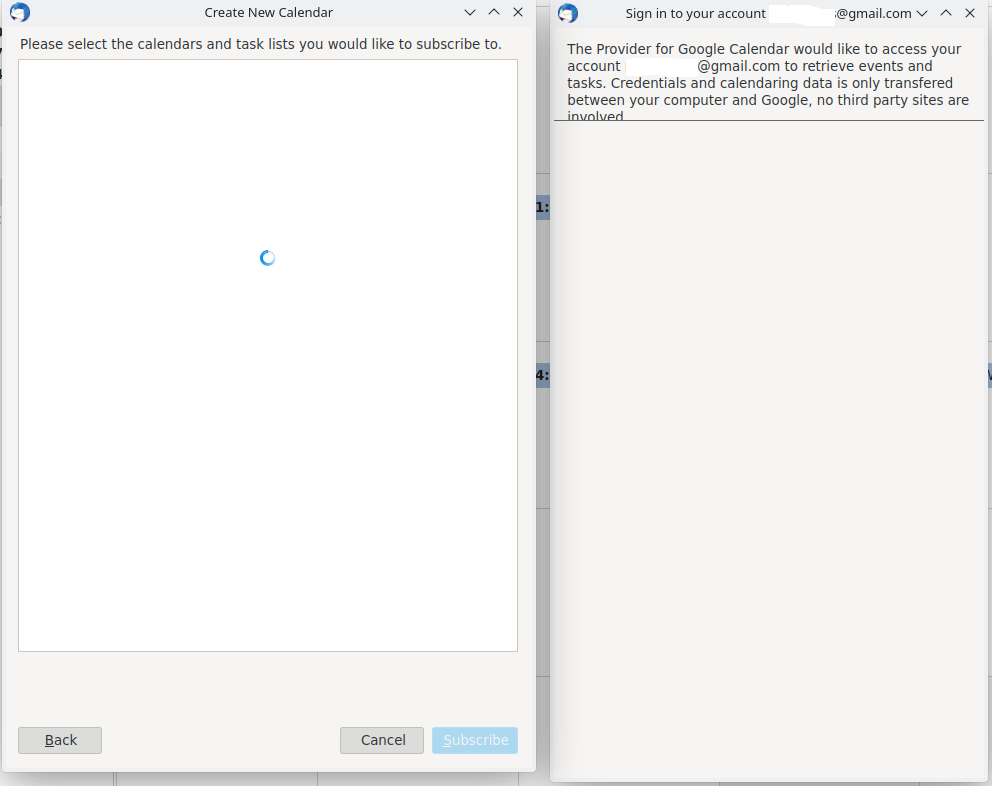
When I try to add google calendar, it doesn't request for authentication after i put the e-mail address.

Environment: - OS: Fedora 37 - Thunderbird: 102.4.1 (64-bit)

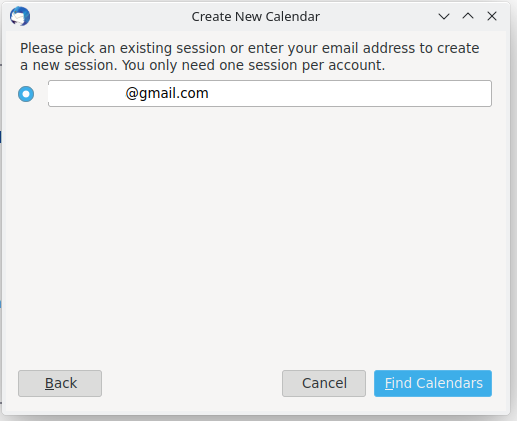
Steps to reproduce: 1. File, New Calendar and then select Google Calendar (image GoogleCalendar_Integration1.png). 2. After entering e-mail (image GoogleCalendar_Integration2.png) 3. It seems like it is asking for username and password but it is not showing (image GoogleCalendar_Integration3.png).

What am I doing wrong? -- Regards, Mauro Chan Son Suleimane
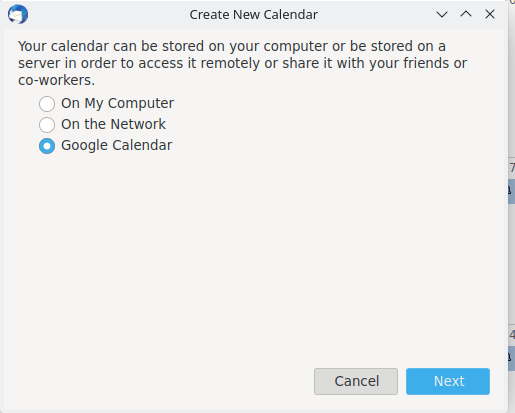
Hi all, When I try to add google calendar, it doesn't request for authentication after i put the e-mail address. Environment: - OS: Fedora 37 - Thunderbird: 102.4.1 (64-bit) Steps to reproduce: 1. File, New Calendar and then select Google Calendar (image GoogleCalendar_Integration1.png). 2. After entering e-mail (image GoogleCalendar_Integration2.png) 3. It seems like it is asking for username and password but it is not showing (image GoogleCalendar_Integration3.png). What am I doing wrong? -- Regards, Mauro Chan Son Suleimane
Lampiran tangkapan layar

Semua Balasan (1)

Are you running the latest version of the Provider add-on?

Instead of using the add-on, you can try the built-in CalDAV option: File/New/Calendar... On the Network...enter the gmail address (location is autodetected)... enter the account password in the OAuth window to allow access.