

Utas ini telah diarsipkan.
Silakan membuat pertanyaan baru jika Anda membutuhkan bantuan.

Terselesaikan
Diarsipkan
printing problems

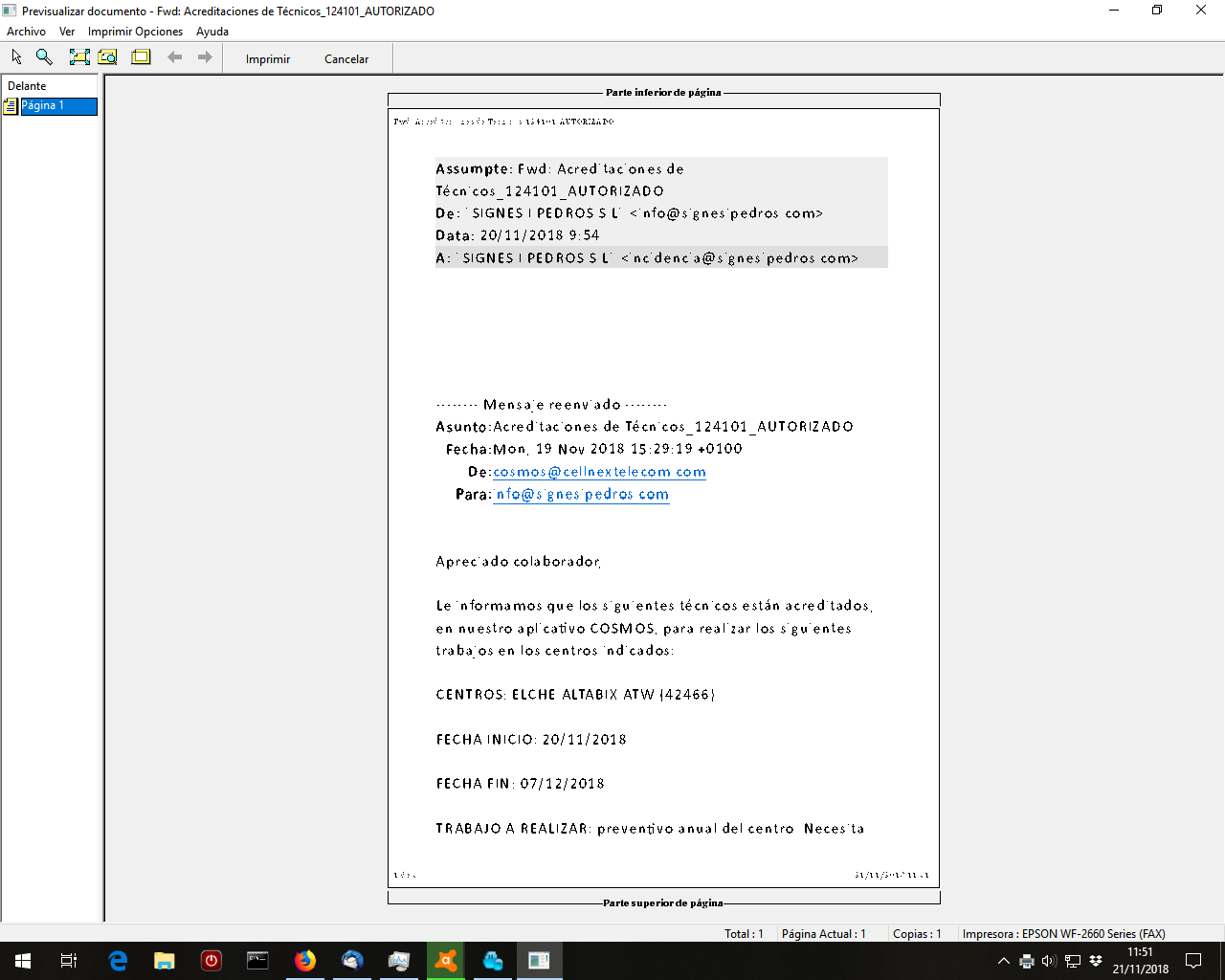
Hello. I cant now print in correct letter size with email client. I think the problem began with version 63. Now i have reinstalled old 52.9.1 version but still the pages appear big... also i have updated printer drivers. but it seems is a issue in thunderbird. I can print pdf documents easily.
Hello. I cant now print in correct letter size with email client. I think the problem began with version 63. Now i have reinstalled old 52.9.1 version but still the pages appear big... also i have updated printer drivers. but it seems is a issue in thunderbird. I can print pdf documents easily.
Semua Balasan (2)
Solusi Terpilih
Select email Menu icon > Print > Print Preview This will display how the printed email will look. At the top: 'Scale' has option of % Decrease the % to decreate the font size. Then click on 'Print'
really thanks! from spain