Windows 10 reached EOS (end of support) on October 14, 2025. If you are on Windows 10, see this article.

Támogatás keresése

Kerülje el a támogatási csalásokat. Sosem kérjük arra, hogy hívjon fel egy telefonszámot vagy osszon meg személyes információkat. Jelentse a gyanús tevékenységeket a „Visszaélés bejelentése” lehetőséggel.

További tudnivalók
A témacsoportot lezárták és archiválták. Tegyen fel új kérdést, ha segítségre van szüksége.
Archivált

Issues with camera access

SuMo Bot megválaszolva
Cryptic Pine

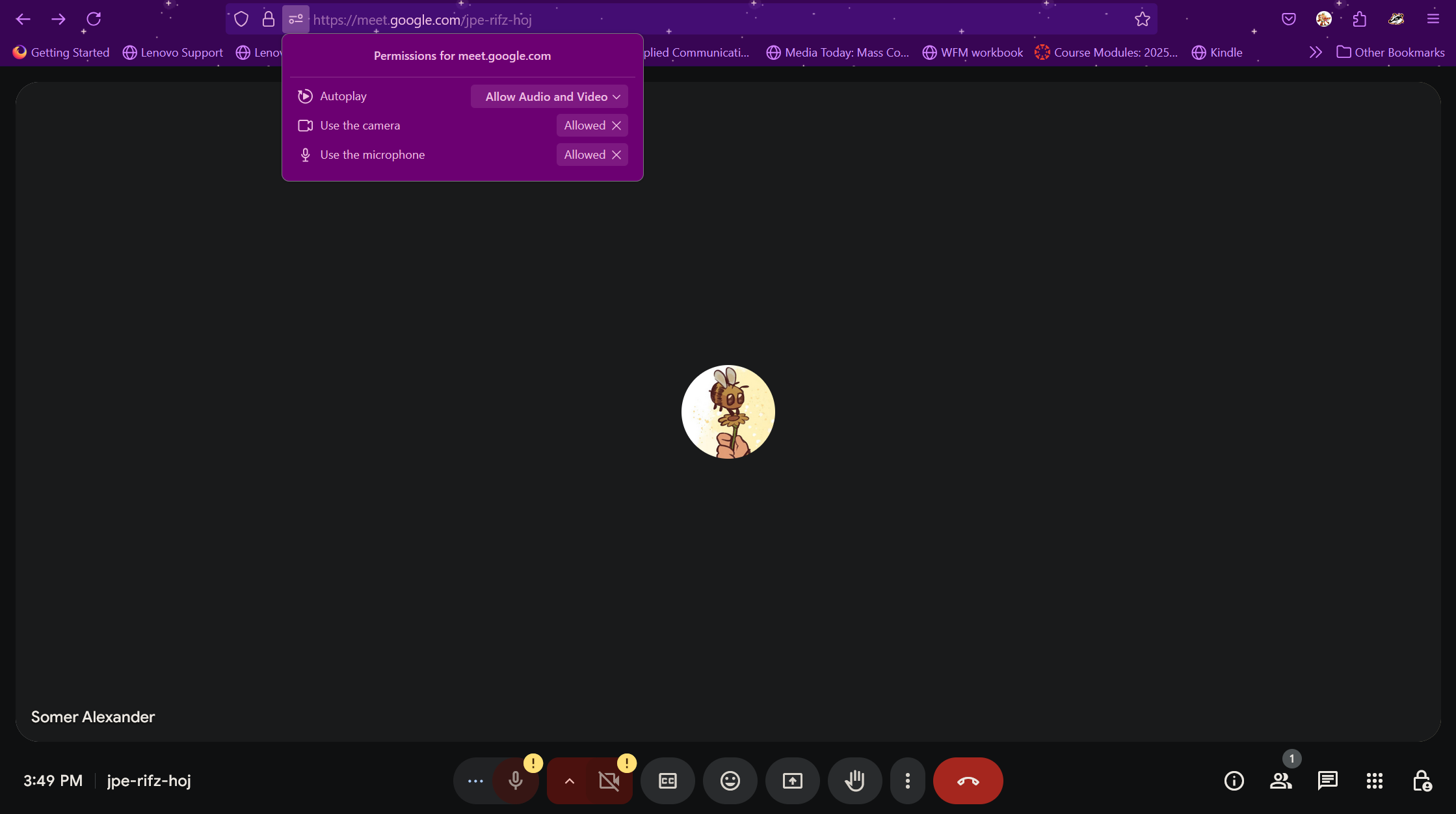
I have tried everything. I've gone into the permissions, I have it set that everything is allowed. I reset and forgot the sites multiple times, zoom and Google Meets, and when I reload still the same issue. It says I do not have a camera. The camera works for both Edge and the camera app on my laptop. I even checked my settings on my laptop, and Firefox has permission to access my camera. However, in the camera request history, it does not show that Firefox asked for access to my camera. It also says the last time it accessed my camera was last year, but I have been trying to get it to work this entire time. I am updated with Windows 11 and the latest update of Firefox. How do I fix this? Is it an issue with Firefox or Windows?
I have tried everything. I've gone into the permissions, I have it set that everything is allowed. I reset and forgot the sites multiple times, zoom and Google Meets, and when I reload still the same issue. It says I do not have a camera. The camera works for both Edge and the camera app on my laptop. I even checked my settings on my laptop, and Firefox has permission to access my camera. However, in the camera request history, it does not show that Firefox asked for access to my camera. It also says the last time it accessed my camera was last year, but I have been trying to get it to work this entire time. I am updated with Windows 11 and the latest update of Firefox. How do I fix this? Is it an issue with Firefox or Windows?
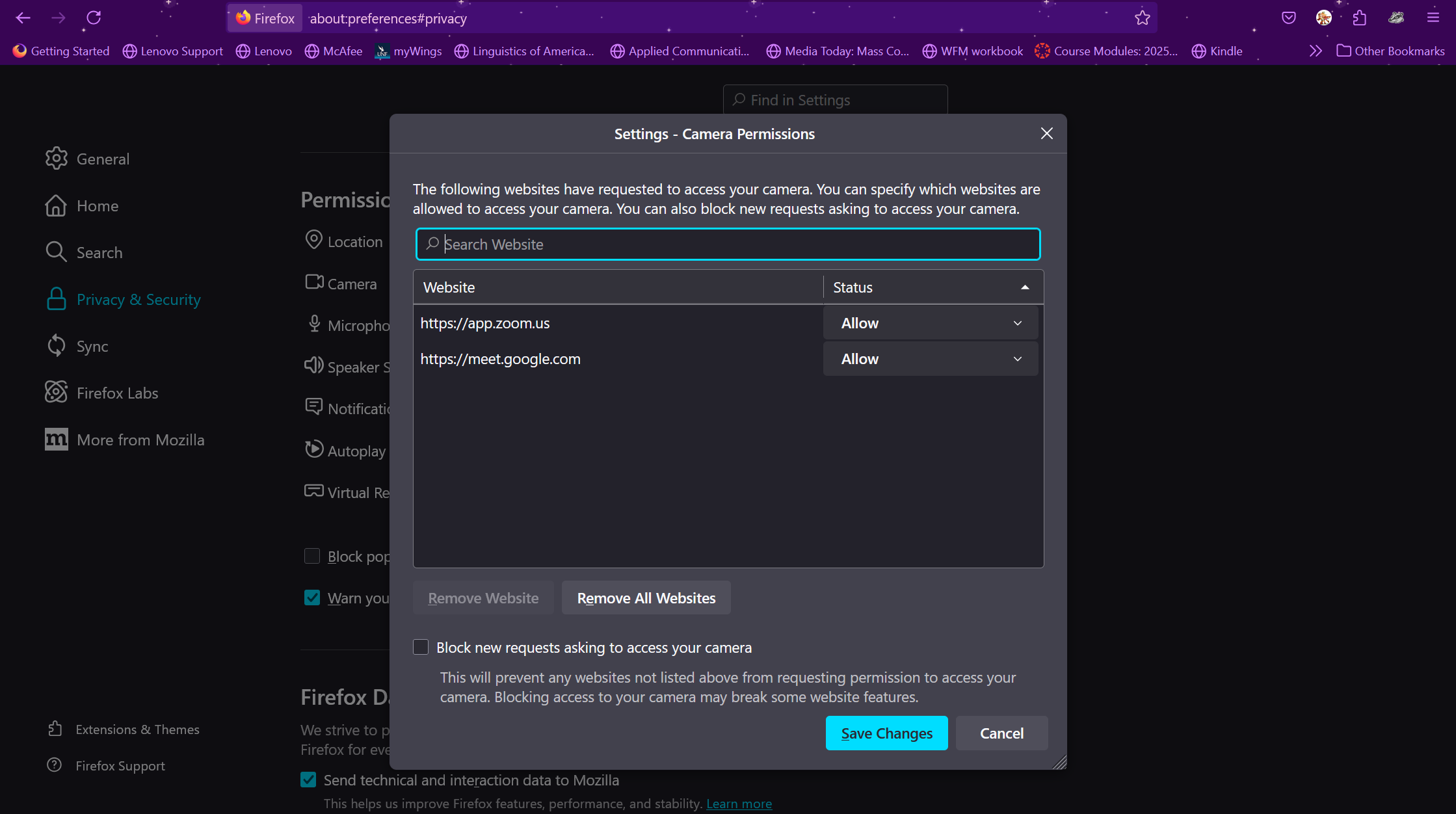
Csatolt képernyőmentések

Összes válasz (1)

Windows home or pro and what security software are you running besides MS Defender? Try the same steps you mentioned above under a different user account on the computer.

You can try to clear all items for a single site. https://support.mozilla.org/en-US/kb/remove-websites-address-bar-suggestions

You can also Refresh Firefox. https://support.mozilla.org/en-US/kb/refresh-firefox-reset-add-ons-and-settings

Here is what I see on both sites. see screenshots