


web cam image

Web cam image on web page stopped working after last update. Using win 11. Tried refresh, worked last time but not this time, checked permission security settings. Can get the camera image on a tablet but not laptop. (lenovo) Anything I might have missed?
Összes válasz (4)

Test it here. https://webcamtests.com/ Laptop, Desktop, or DIY? Make and model and cam make and model.
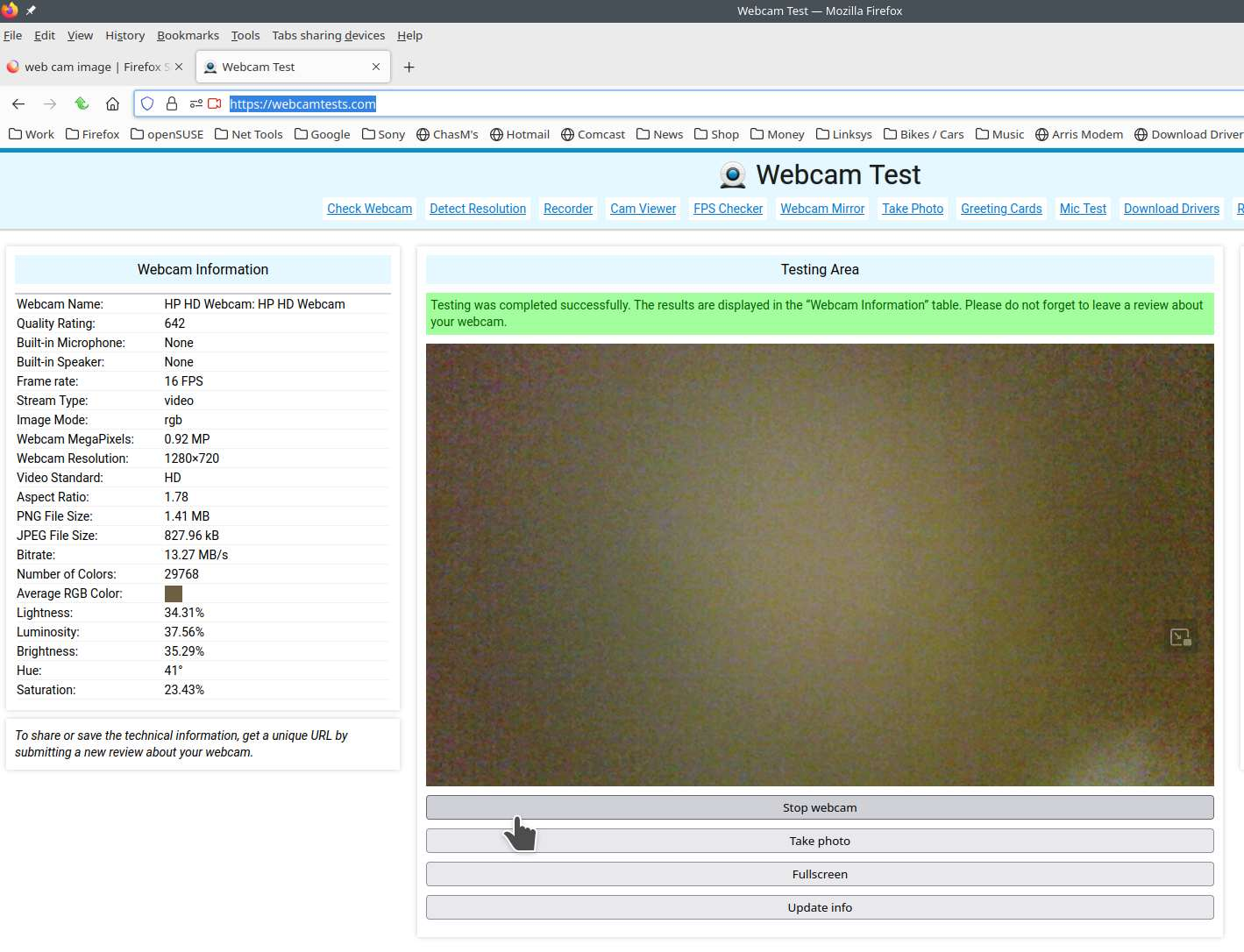
Thanks for the reply. I may not have explained my issue correctly. My own security cams run fine. It is a webpage I visit that does not now show their cam views. I checked my tablets, one is a Z-138 model, android 13 and running the same firefox version that is on my Lenovo laptop ideal pad 3151M. The tablets show the web cams, but for some reason the Lenovo will no longer show the images. I am assuming it has something to do with firefox update on the Lenovo....maybe. It simply shows "camera image" with no pictures but their webcams are up and running. My cell also has no problem showing the cam images.
You can check the Web Console for media related messages.