


Windows 10 reached EOS (end of support) on October 14, 2025. If you are on Windows 10, see this article.

Pomoc přepytać

Hladajće so wobšudstwa pomocy. Njenamołwimy was ženje, telefonowe čisło zawołać, SMS pósłać abo wosobinske informacije přeradźić. Prošu zdźělće podhladnu aktiwitu z pomocu nastajenja „Znjewužiwanje zdźělić“.

Dalše informacije

Unable to log into Google account after latest update

  • 3 wotmołwy
  • 0 ma tutón problem
  • 108 napohladow
  • Poslednja wotmołwa wot altquixote
  • Rozrisany

While I am able to log into my Google account in Chrome, I am unable to do so in Firefox after the latest update. Whenever I try, I am redirected to the attached support page, which asks me to delete cookies and cache contents. Deleting those does not help.

Please help!
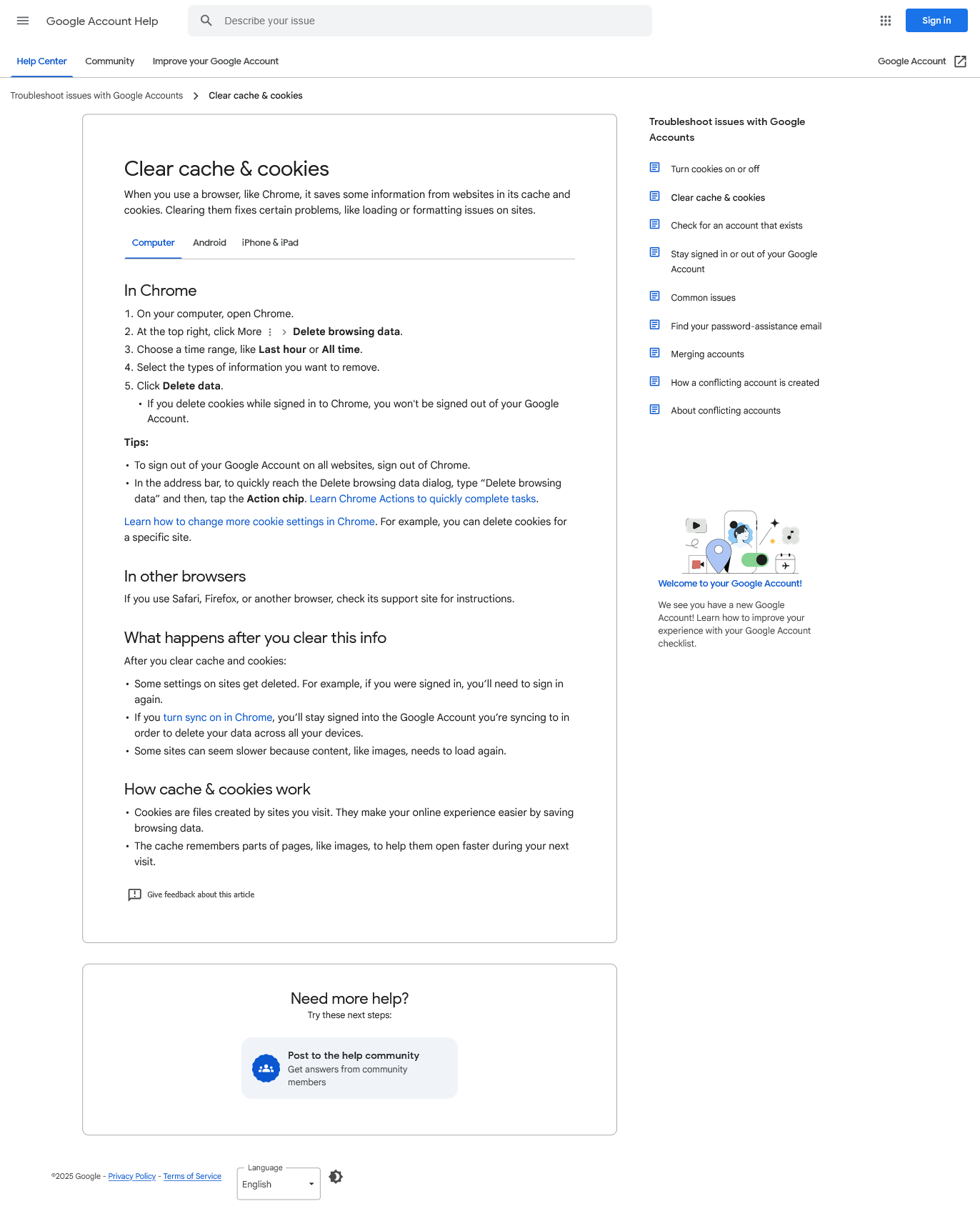
While I am able to log into my Google account in Chrome, I am unable to do so in Firefox after the latest update. Whenever I try, I am redirected to the attached support page, which asks me to delete cookies and cache contents. Deleting those does not help. Please help!
Připowěsnjene fota wobrazowki

Wubrane rozrisanje

Hello, Denys! The problem went away after the latest Windows update, which was accompanied by a Firefox update. I did not need to go through those steps.

Thanks again!

Tutu wotmołwu w konteksće čitać 👍 0

Wšě wotmołwy (3)

Hello,

  1. Please check if you have Enhanced Tracking Protection (ETP) enabled. You can do that by clicking the shield Fx89ShieldIcon icon at the left of the address bar.
    • If ETP is enabled, try disabling it. Does the problem persist?
  2. If the problem is not fixed, try clearing Firefox cache. Does it help?
  3. If it does not help, try also clearing cookies and data for the website you experience troubles with (warning: you will be logged out on this website). Does it help?
  4. If it also does not help, try running Firefox in Troubleshoot Mode. Does the problem persist?

Thank you! I shall try these and get back with the result.

Wubrane rozrisanje

Hello, Denys! The problem went away after the latest Windows update, which was accompanied by a Firefox update. I did not need to go through those steps.

Thanks again!