


Open
my refresh button is missing

my refresh button is missing. how do I get back?
my refresh button is missing. how do I get back?
All Replies (2)
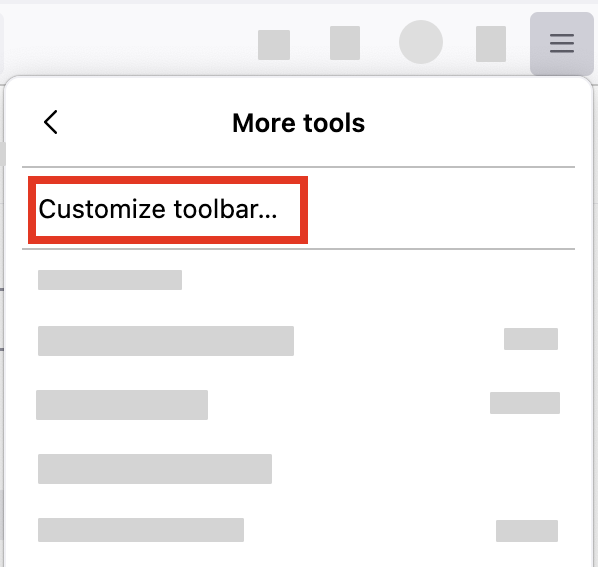
- Click the menu button
 in the top-right corner, click More tools, and choose the Customize toolbar… option.
- A special tab will open that allows you to drag and drop items, including Refresh, in or out of the toolbar and the overflow menu.
- Don't click the Remove from toolbar the next time.
More information on the Customize https://support.mozilla.org/en-US/kb/customize-firefox-controls-buttons-and-toolbars