Open
so can i use you going forward for my searches

bold text How do I check that my site is secure and there are no false proxies on my browser
'''bold text'''
How do I check that my site is secure and there are no false proxies on my
browser
All Replies (3)
Apps have grayed out permissions to download unsecured apps and data with all permissions allowed. I am unable to block these apps and the whole device is set like this now. My device is being controlled by a outside enterprise not authorized to use or connect to my account. It istime to get them removed or Google and Samsung is going to be held responsible. Including Microsoft. I warned you before about the hackers and you did nothing.
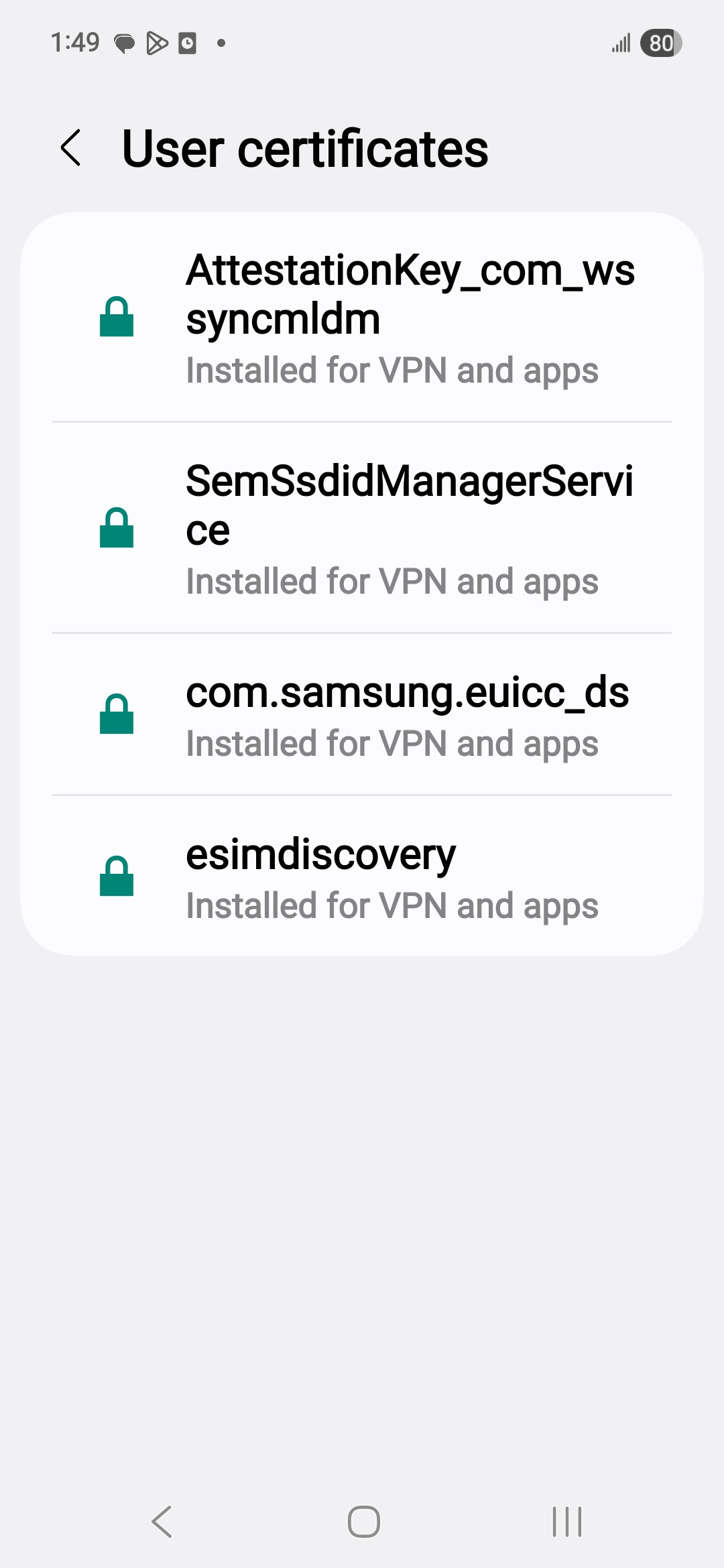
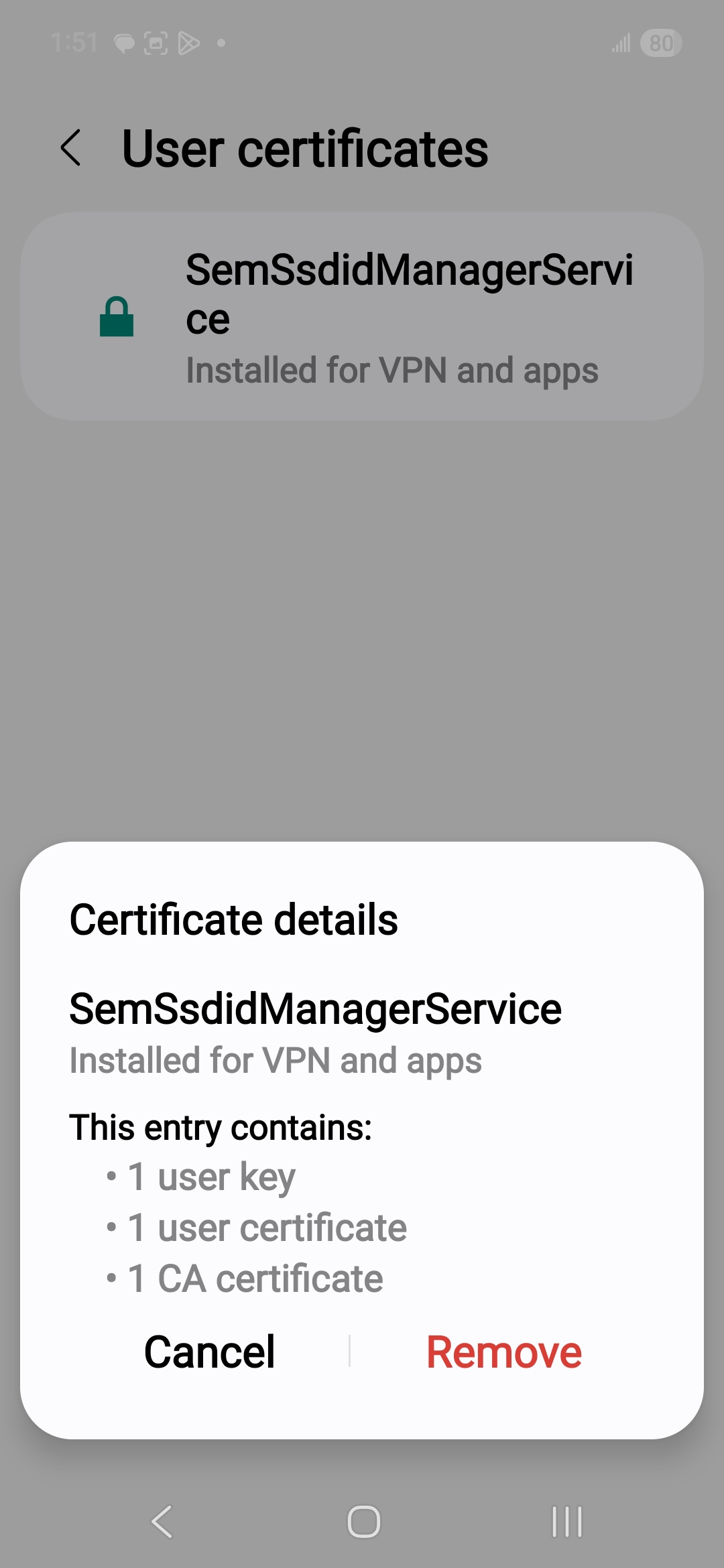
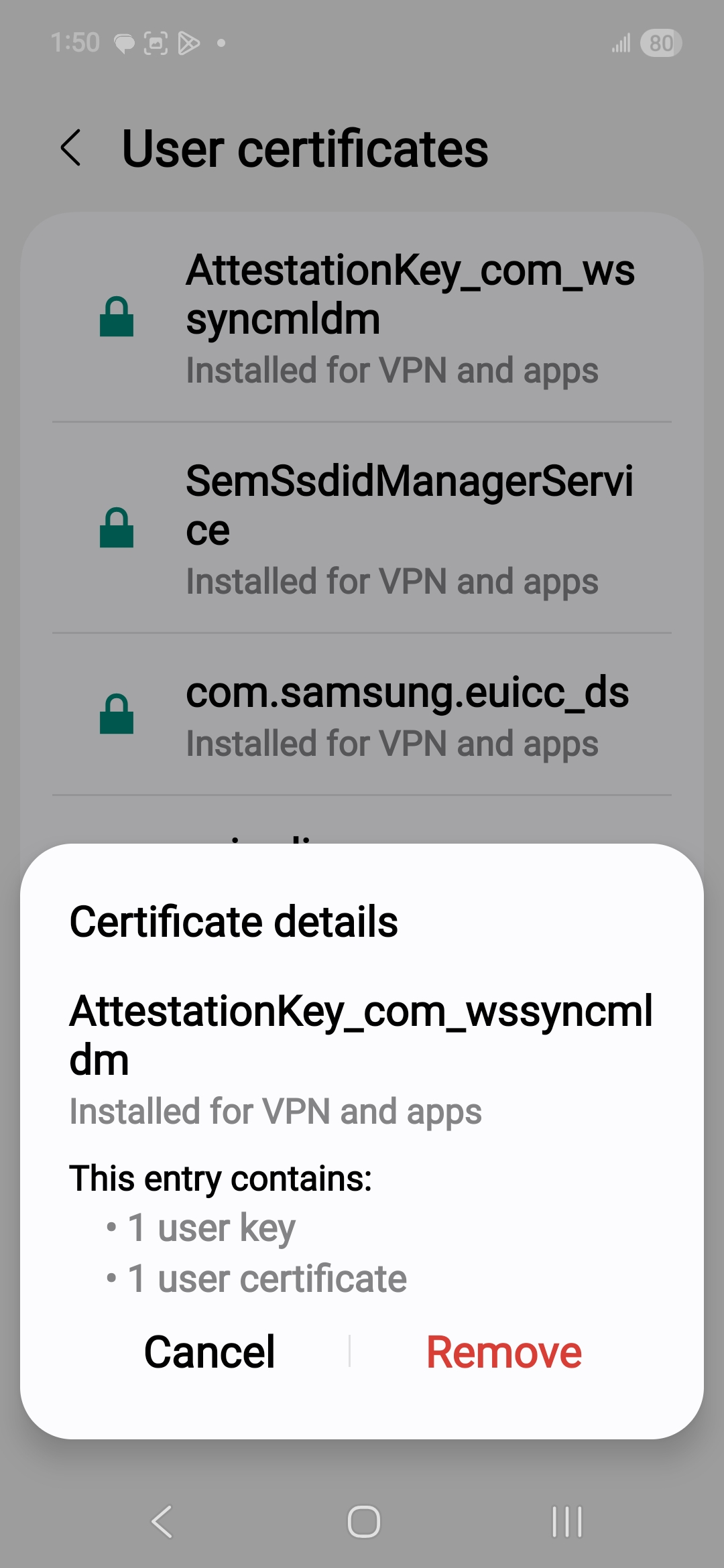
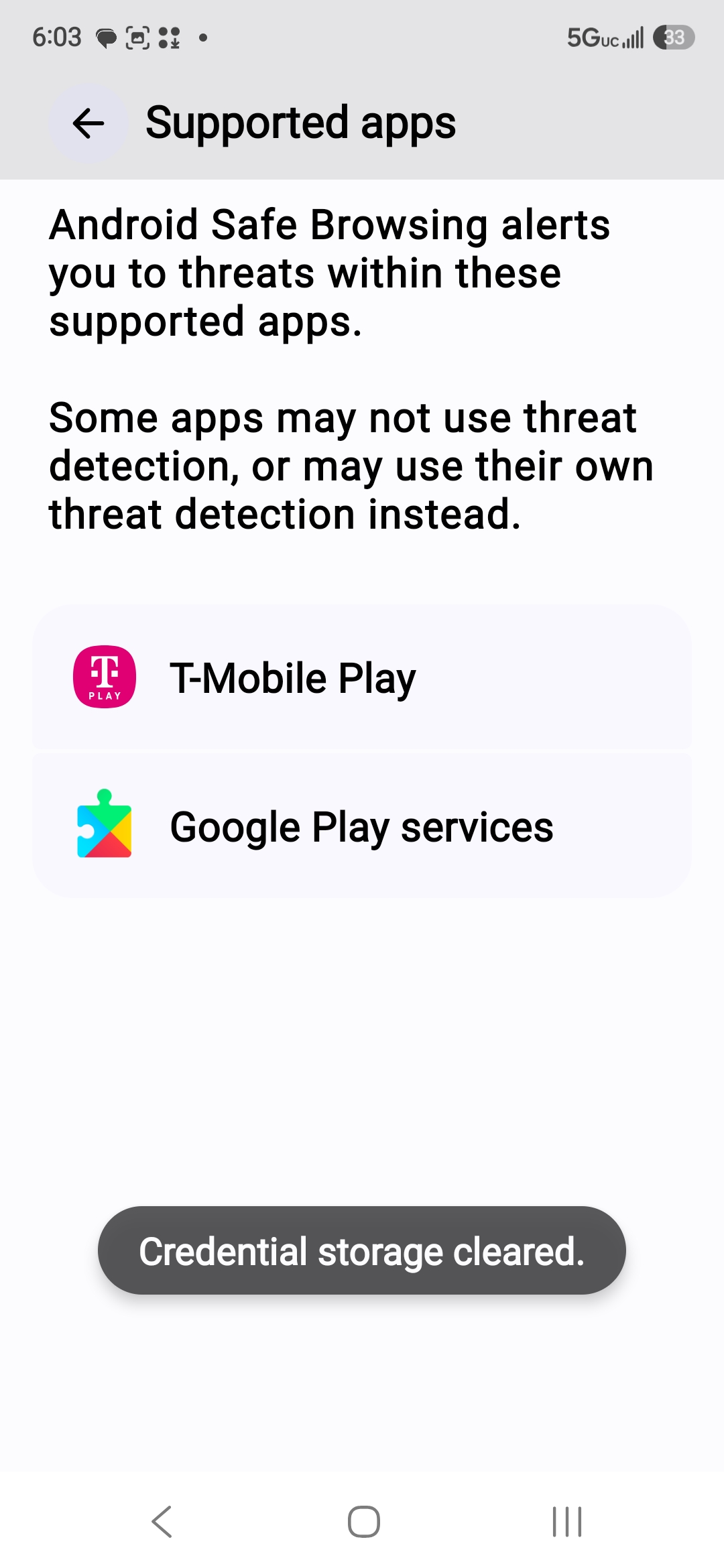
'''bold text'''
- URL IS NOT SECURE - FALSE PROXIES IN USE
- HTTPS- DOES NOTWORK
- GOOGLE PLAY STORE IS NOT CERTIFIED
- CERTIFICATES ARE NOT REAL OR RELIABLE
- DEVICE IS RUNNING ON ALL SDK MODIFICATIONS
- ANY CURRENT DOWNLOADS ARE NOT CERTIFIED
- HACKERS ARE BREAKING IN VIA SIM CARD AND WIFI CONNECTIONS
- CHANGE PASSWORDS AND CODES DAILY
- I HAVE GONE THROUGH 18 DEVICES AND THEY KEEP REINFECTING EVERY DEVICE
INCLUDING 2 COMPUTERS
- MAKING FALSE CHARGES ON ALL OF MY GOOGLE ACCOUNTS THAT I HAVE NOT APPROVED
THEN HIDE THE CHARGES FROM ME SO I NEVER SEE THEM
- I NEED HELP