


Firefox VPN not turning on

Hello Everyone,
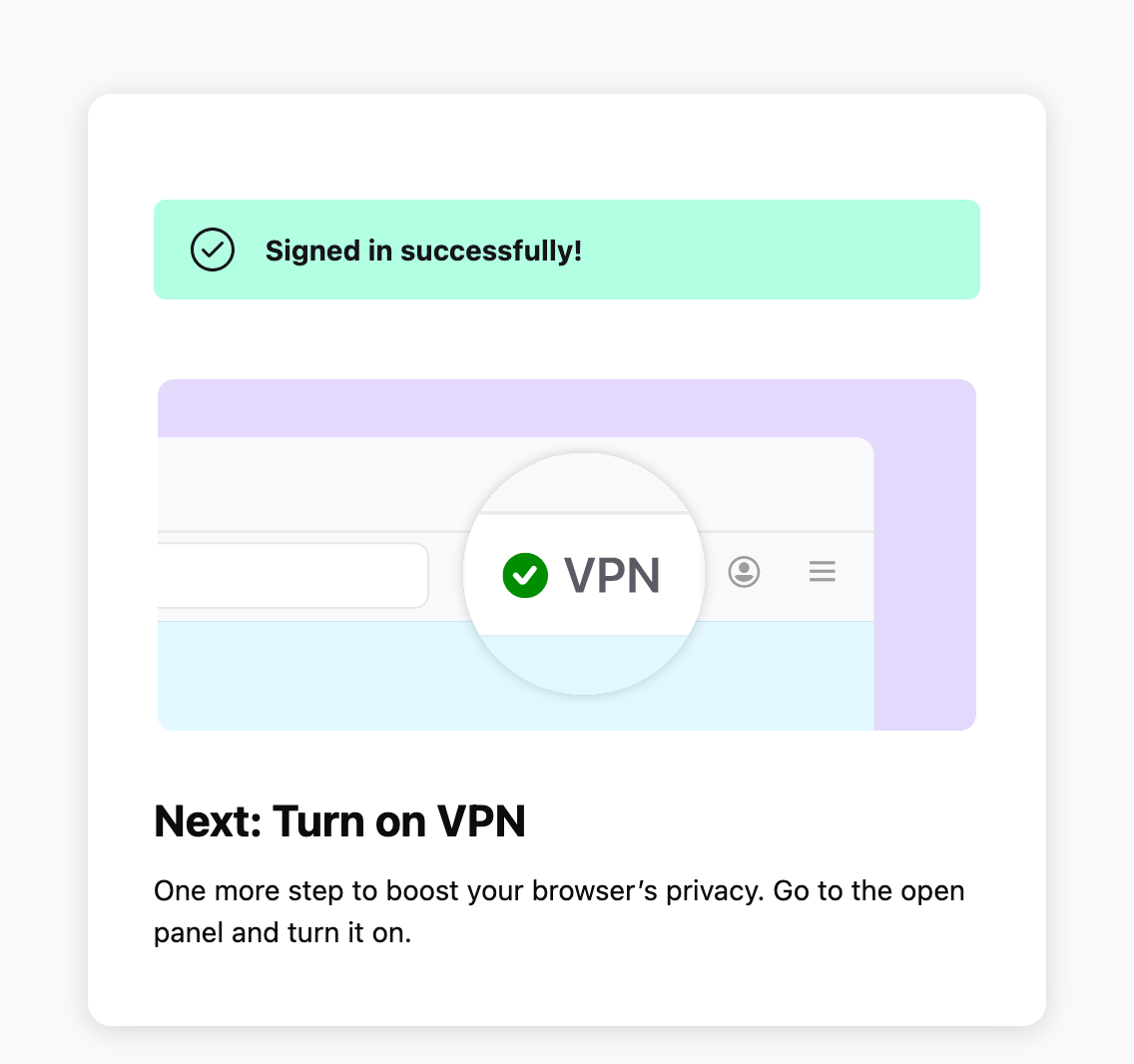
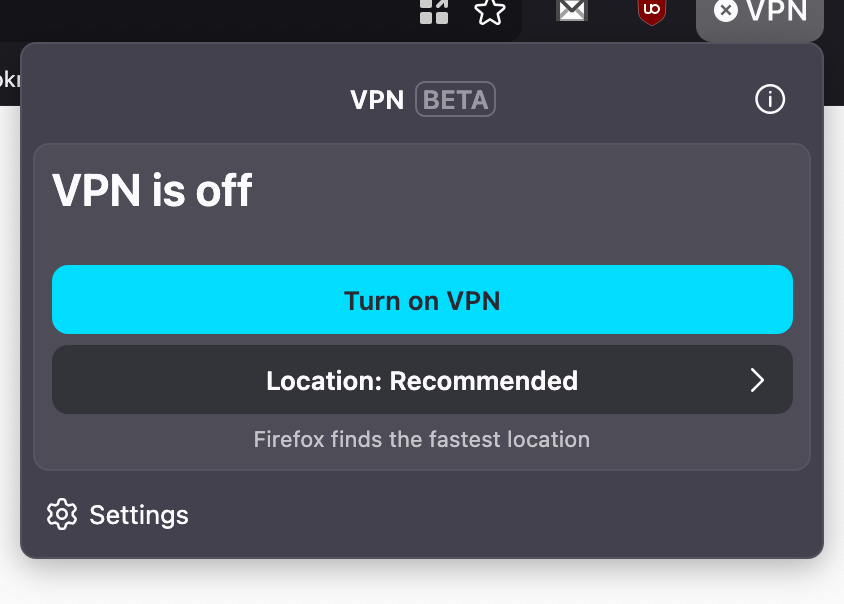
I now do have the VPN button on my toolbar but when I click on "Turn On VPN" nothing happens. I am logged in in my Firefox profile through the VPN settings under Privacy and Security.
I am on Mac OS 15.7.7, Firefox 151.0.1.
Why am I not able to turn on the VPN?
Thank you.
चयनित समाधान
Hi Alice, I have just found the reason why i could not turn on the VPN. I use NEXT DNS as dns and when I turned them off on my machine I am able to turn the VPN on... is this normal? thanks
All Replies (9)

The built-in VPN may be unavailable if Enterprise policies are blocking it. You can check this by going to about:policies in Firefox.
Signing out of your Mozilla account and signing back in may also help. Before signing out, make sure you know your password and that Sync is enabled so you don’t risk losing or overwriting browser data.
For more information, see the Use built-in VPN in Firefox article. If you wish, you can post your feedback about the Firefox built-in VPN to the Mozilla Connect thread.
Unfortunately, none of the above helped :( Is it possible that the VPN has been rolled out for me yet? I added the button on my toolbar going into about:config and changing the value of browser.ipProtection.enabled from False to True.
Yes, it's possible that the built-in VPN hasn't been rolled out to you yet but if you changed the value of browser.ipProtection.enabled from False to True, that should have enabled it. Something else you could try would be to enter about:studies in the Firefox address bar and check whether you may be part of the VPN - MVP Beta Holdback study that prevents you from using the built-in VPN.
If nothing works, remember that this is an experimental feature. You can file a bug report in the Firefox IP Protection component. You can use this link: https://bugzilla.mozilla.org/enter_bug.cgi?product=Firefox&component=IP%20Protection
You can also look through open bugs. For example, here is an open IP Protection bug for a macOS U.S. user I found: Bug 2040915 - Cannot activate VPN (User defect report)
Thanks for your help. The only study I am currently part of is: Long term holdback 2026 Growth Desktop/ Long-term holdback for 2025 H1 Growth experiments.
I will have a look at the bug you sent, thank you.
You're welcome. If you file your own bug report or comment in one, make sure to mention all details, including that you manually set the browser.ipProtection.enabled preference to "true" and that you're part of the Long term holdback 2026 Growth Desktop/ study. (You could first try opting out of that study, in case it helps, by clicking the [Remove] button in the about:studies page.)
चयनित समाधान
Hi Alice, I have just found the reason why i could not turn on the VPN. I use NEXT DNS as dns and when I turned them off on my machine I am able to turn the VPN on... is this normal? thanks
fforiginaluser said
Hi Alice, I have just found the reason why i could not turn on the VPN. I use NEXT DNS as dns and when I turned them off on my machine I am able to turn the VPN on... is this normal? thanks
Did you change your Firefox DNS over HTTPS settings to use Increased Protection (described here: Configure DNS over HTTPS protection levels in Firefox) with NEXTDNS selected?
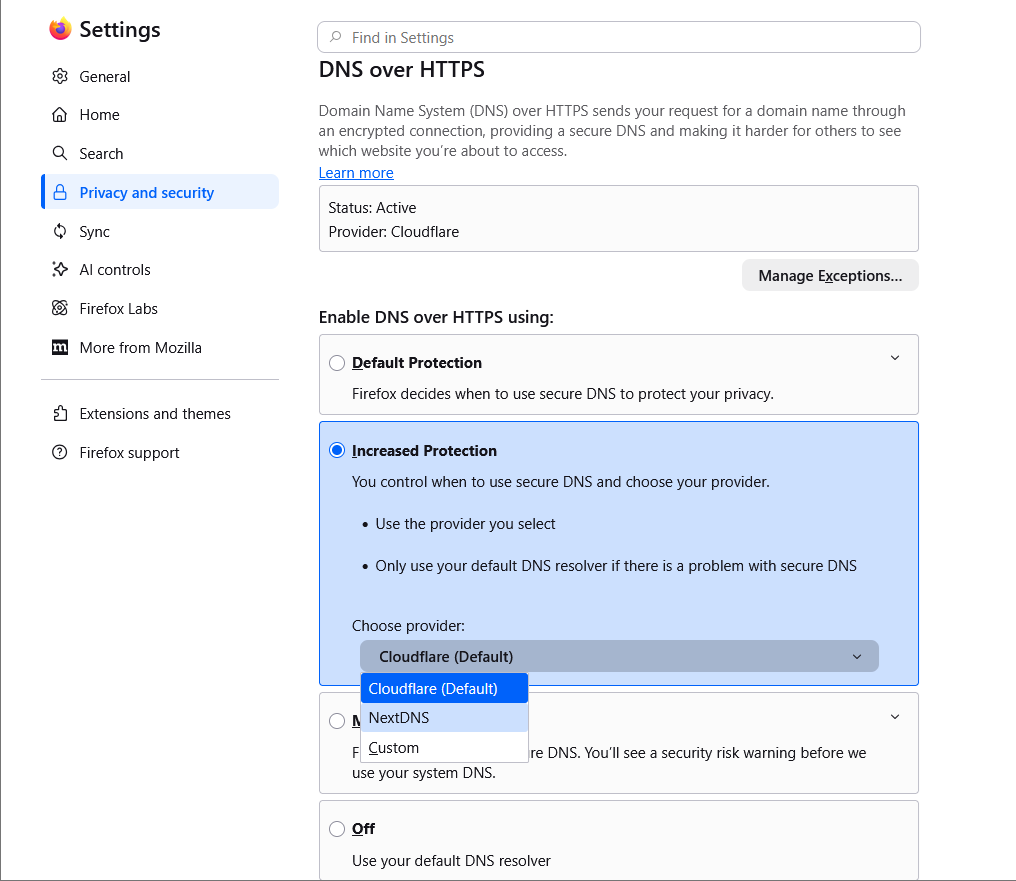
If so, did the problem go away when you switched the Increased Protection provider back to Cloudflare (Default) or did you go back to the "Default Protection" setting?
If you did something else to set NEXTDNS as your provider and then set it to something else, please explain.
I found How will DNS work when using the VPN extension? which applies to the Mozilla VPN. It says this: (quote)However, if Firefox is set to use DNS over HTTPS (DoH), the DNS resolver specified in Firefox will take priority over the resolver configured in the Mozilla VPN application.
You can file a bugzilla report under the Firefox IP Protection component if you want to report the issue in the Firefox built-in VPN feature. You can use this link: https://bugzilla.mozilla.org/enter_bug.cgi?product=Firefox&component=IP%20Protection
If you do file a bug report, please post a link to it here. It could help other users and we could add that information to the Knowledge Base.
Hi Alice, no, I have a NextDNS profile installed on my Mac Settings/Network/VPN & Filters. Hope this helps.
Thanks for the followup. I'll mark this question solved.