


Windows 10 reached EOS (end of support) on October 14, 2025. For more information, see this article.

Mozilla Support में खोजें

Avoid support scams. We will never ask you to call or text a phone number or share personal information. Please report suspicious activity using the “Report Abuse” option.

Learn More

Firefox won't open file:/// links

  • 1 प्रत्युत्तर दें
  • 0 यह समस्या है
  • के द्वारा अंतिम प्रतियुतर jonzn4SUSE

more options

I have a local file I wish to view in firefox without starting a HTTP server (it's only docs for a crate I'm building) however Firefox is unable to open the file despite the file existing and having correct permissions. The file was in a separate mount (disk) to where Ffox is installed so I copied to to /tmp/ to remove that as a variable but still no joy..

➜ ~ file /tmp/index.html /tmp/index.html: HTML document, Unicode text, UTF-8 text, with very long lines (3556) ➜ ~ ls -la /tmp/index.html -rwxr-xr-x 1 ben ben 4208 Dec 30 14:04 /tmp/index.html

Am I missing some new setting which allows local file browsing using the good old 'file:///' protocol?

Thanks, Ben

OS Info: PRETTY_NAME="Ubuntu 24.04.3 LTS" NAME="Ubuntu" VERSION="24.04.3 LTS (Noble Numbat)" VERSION_CODENAME=noble

F/Fox version: 146.0.1 (64-bit)
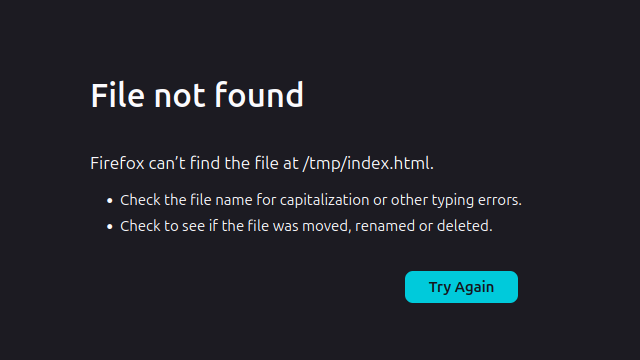
I have a local file I wish to view in firefox without starting a HTTP server (it's only docs for a crate I'm building) however Firefox is unable to open the file despite the file existing and having correct permissions. The file was in a separate mount (disk) to where Ffox is installed so I copied to to /tmp/ to remove that as a variable but still no joy.. ➜ ~ file /tmp/index.html /tmp/index.html: HTML document, Unicode text, UTF-8 text, with very long lines (3556) ➜ ~ ls -la /tmp/index.html -rwxr-xr-x 1 ben ben 4208 Dec 30 14:04 /tmp/index.html Am I missing some new setting which allows local file browsing using the good old 'file:///' protocol? Thanks, Ben OS Info: PRETTY_NAME="Ubuntu 24.04.3 LTS" NAME="Ubuntu" VERSION="24.04.3 LTS (Noble Numbat)" VERSION_CODENAME=noble F/Fox version: 146.0.1 (64-bit)
संलग्न स्क्रीनशॉट

All Replies (1)

more options

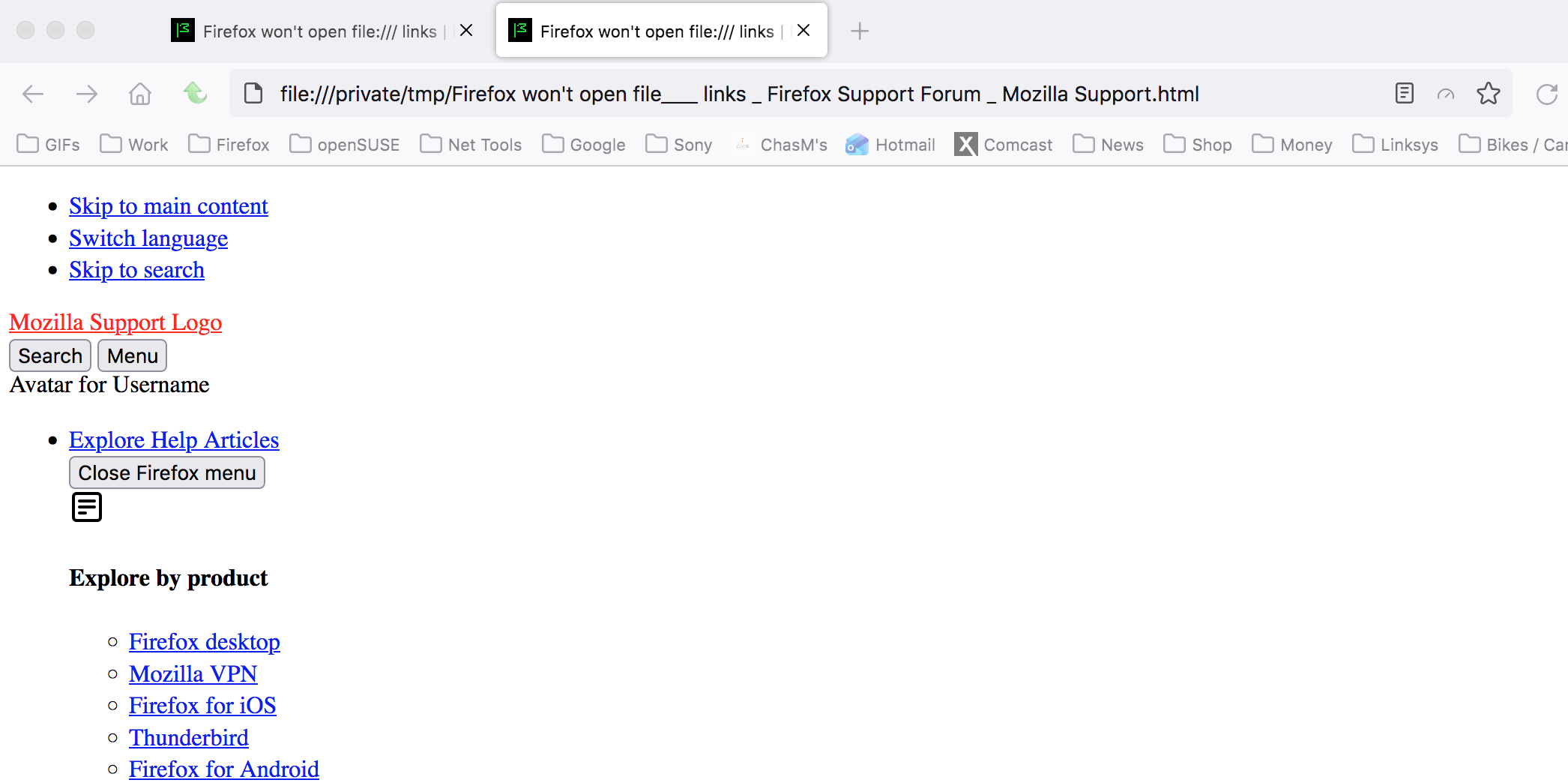
I save this page and moved it into the (on a mac) /private/tmp directory and was able to open the file. see screenshot Let me get on linux and repeat the steps and see what happens.
प्रश्न पूछें

You must log in to your account to reply to posts. Please start a new question, if you do not have an account yet.