


Windows 10 reached EOS (end of support) on October 14, 2025. If you are on Windows 10, see this article.

Mozilla Support में खोजें

Avoid support scams. We will never ask you to call or text a phone number or share personal information. Please report suspicious activity using the “Report Abuse” option.

Learn More

website doesn't load and only shows loading wheel

  • 2 प्रत्युत्तर
  • 2
  • 189 views
  • के द्वारा अंतिम प्रतियुतर FredMcD
  • अभिलेखित

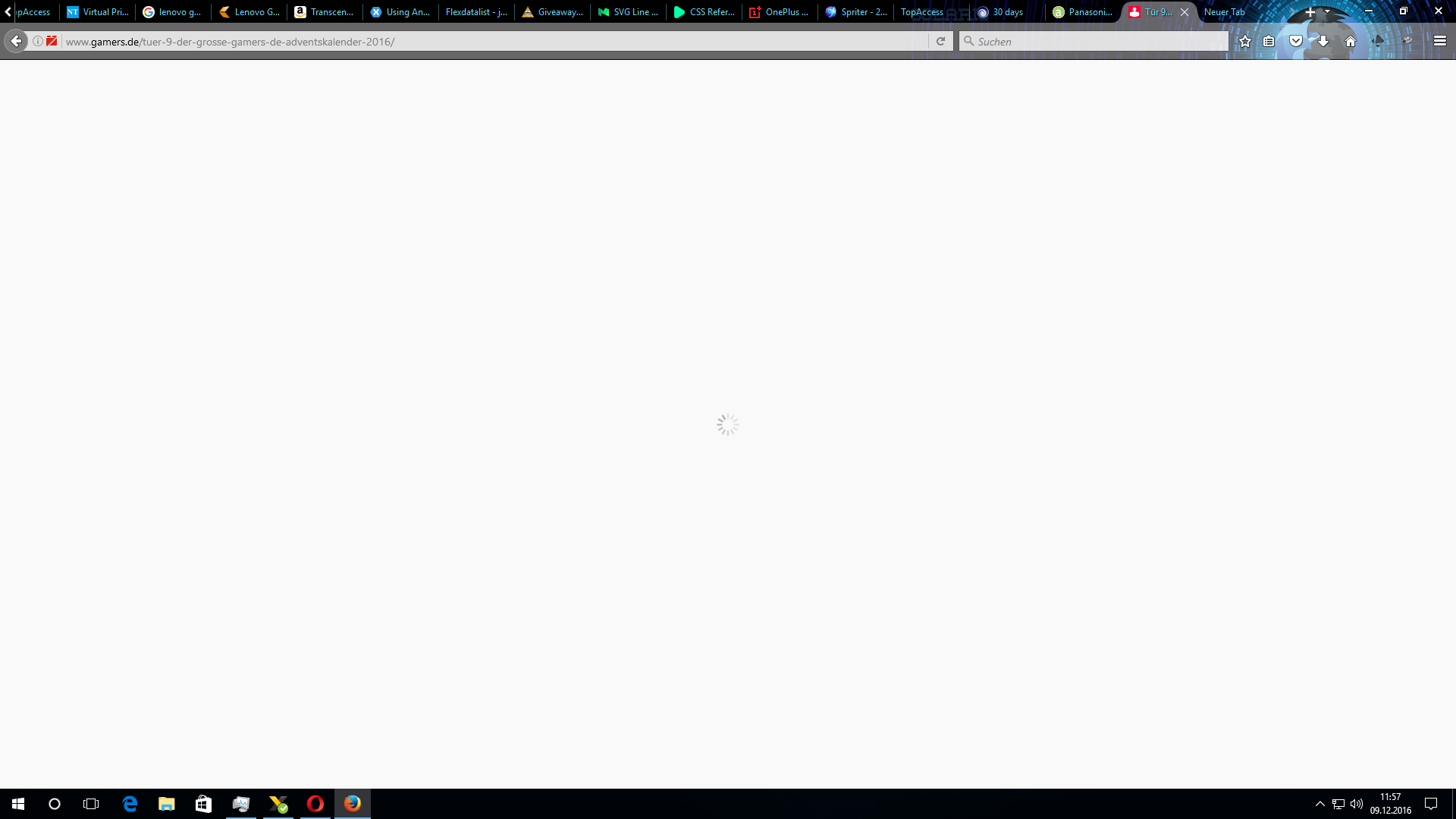
I've got a LOT of open tabs because of daily websites i use. today was the first time i experienced a problem with loaded tabs. After some time on the website (it doesn't matter which one) i'll change tabs and after i move back to the loaded tab, i only see a spinning loading icon and Firefox doesn't seem to react anymore... I can click everything, insert website adresses, but if i hit enter to reload, nothing happens. The same happens for ctrl + f5.

I've got a LOT of open tabs because of daily websites i use. today was the first time i experienced a problem with loaded tabs. After some time on the website (it doesn't matter which one) i'll change tabs and after i move back to the loaded tab, i only see a spinning loading icon and Firefox doesn't seem to react anymore... I can click everything, insert website adresses, but if i hit enter to reload, nothing happens. The same happens for ctrl + f5.

All Replies (2)

Screenshot of the bug... every other tab shows the same
Let's try this first;

Location of the cache files; Windows: *C:\Users\<user>\AppData\Local\Mozilla\Firefox\Profiles\<profile>\ Mac: ~/Library/Caches/Firefox/Profiles/ Linux: ~/.cache/mozilla/firefox/

Close Firefox. Open your file browser to the above, and remove the folder.