


Navigation Bar and search bars does not function.

I have reset, re-installed, created a new profile, deleted preferences files within the profile folder, as well as the localstore.rdf file. i have booted up firefox in safe mode as well. nothing works. The navigation bar refuses to function.
כל התגובות (4)
Hello, try to delete the search.sqlite and search.json file in the Firefox Profile Folder, and check it again.
thank you
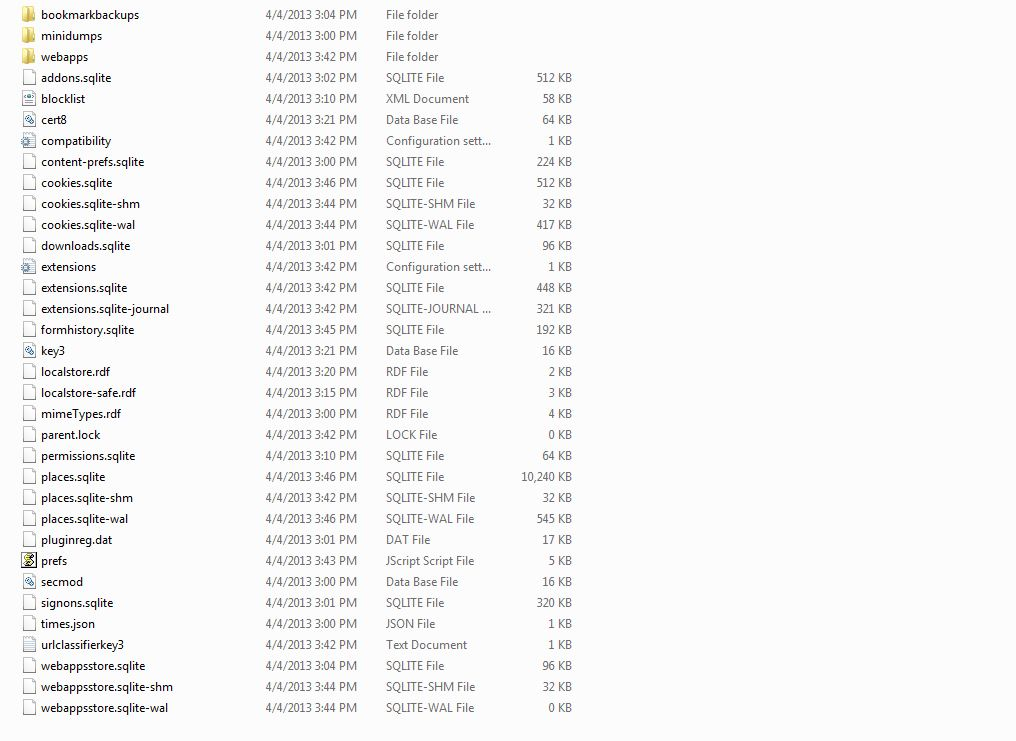
These files did not exist under my profile folder. I just did a clean install so there isn't much data there.
here is a screenshot
There appears to be a problem with Firefox 20 with UNC paths when using roaming profiles on network servers.
- [/questions/955140] why is the 20.0 address bar unresponsive?
This is currently investigated and tracked via this bug report.
- Bug 857672 - Address Bar not working (roaming profiles;UNC path support OS.File)
(please do not comment in bug reports: https://bugzilla.mozilla.org/page.cgi?id=etiquette.html)