


Sites garbled text no layout

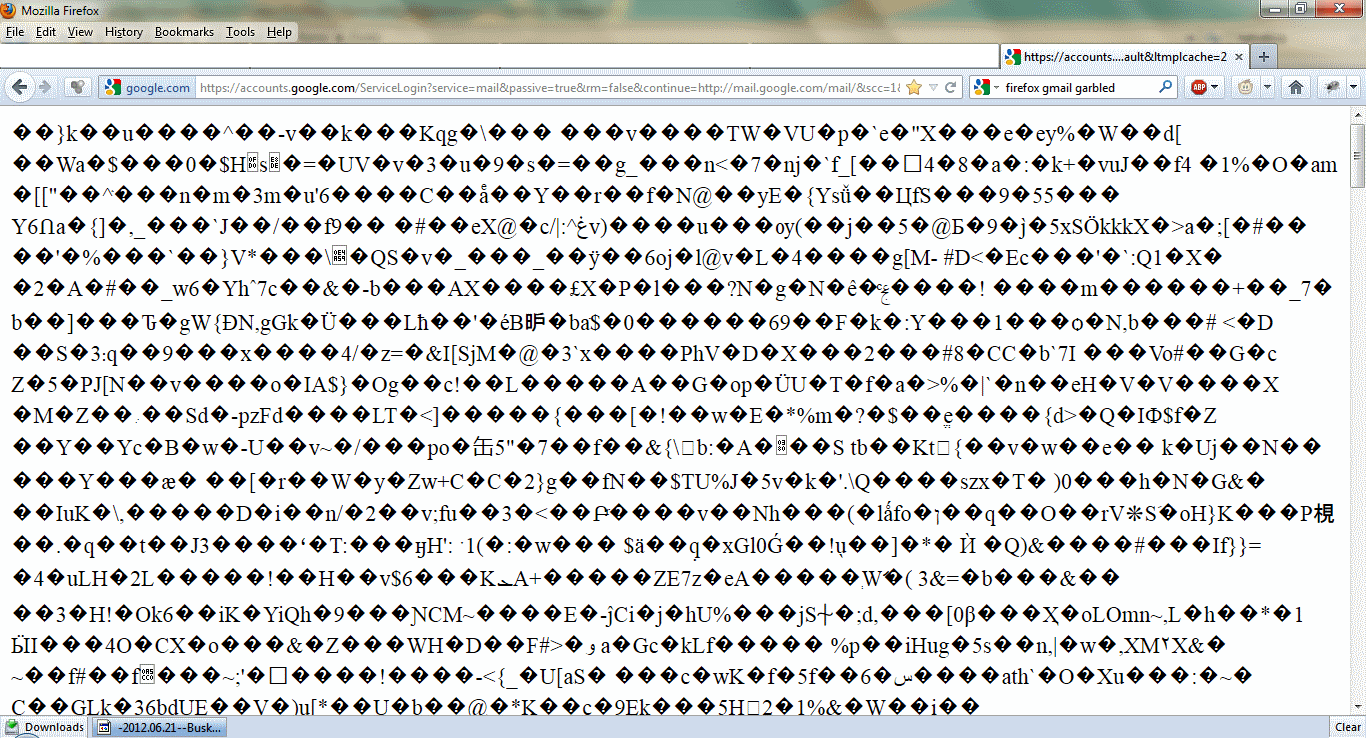
Some sites e g (gmail after login, twitter) completely not loading. Showing garbled characters. I thought this was the Helvetica problem but I checked my Fonts and couldn't find Helvetica there. Tried zooming in out the page but nothing changes. Tried forcing font to Times New Roman, still not working. Checked page style Tried different encodings such as UTF 16, Western, was on 8 default but doesn't do anything Tried Firefox on safe mode, still looks the same
כל התגובות (3)
Attached sample scrshot
hello babablue, please enter about:config into the location bar, search for the preference named network.http.accept-encoding & right click and reset that to its default value. this should make gmail & twitter load normally again...
Thank you. That worked. I've never changed it before but it seems to have been changed to "true".