Auto update not working properly

I have Firefox 3.6.8 and there's an update available for version 3.6.9. Firefox told me so two days ago. But I did not run the update as I was just in the middle of surfing the net. Today I decided to run the auto update and as usual chose 'HELP' > 'CHECK FOR UPDATES'. But Firefox told me there aren't any updates available. Why? I double-checked once more the version number, and it's still 3.6.8. Is there any way to tell Firefox: "You're wrong. There is an update. Here it is. Now download it, ffs."?
כל התגובות (3)
Try the procedures in the http://kb.mozillazine.org/Software_Update article.
Hopefully the first recommendation of downloading Firefox 3.6.9 and installing it on top of your current version should solve your problem.
I had the same issue with FireFox 3.6.6 on Mac OS X 10.6.4 - no updates available. Downloaded 3.6.8 (skipped 3.6.7) and tried again (with and without firewall enabled just in case) - no updates available. Had to manually download 3.6.9.
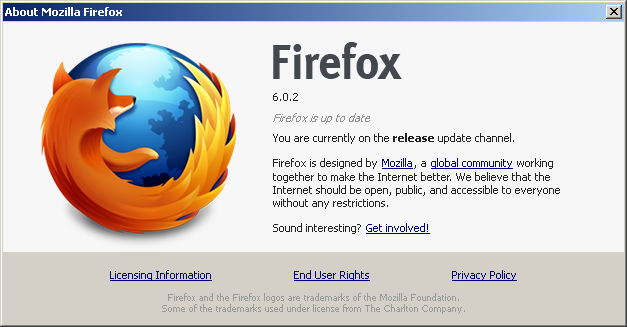
I am facing same issue while updating FF 6.0.2 to FF7
This is happening on my office lan, I checked ff update on multiple machines with Windows & Linux installed.
Have checked with multiple isp without firewall.
Dhaval From India