


Instagram Reels

I have a problem: when I open any Instagram reels link like from google , facebook , forum , etc https://www.instagram.com/reels/****/ the browser freezes. After a bit, a “stop” message shows up. When I click it, it opens a blank page like the one in the screenshots, and the tab completely freezes — I can’t go back, forward, or even close it. Even if I close the browser, it keeps running in the background. There are no extensions enabled (I’m using troubleshoot mode). windows 10 64
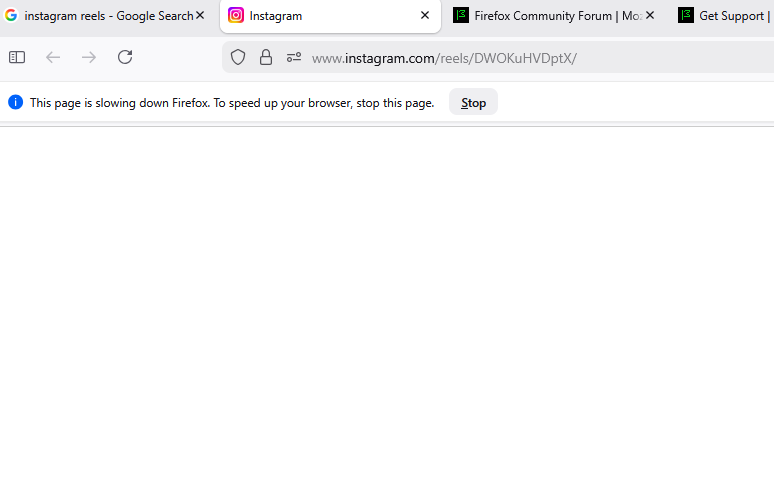
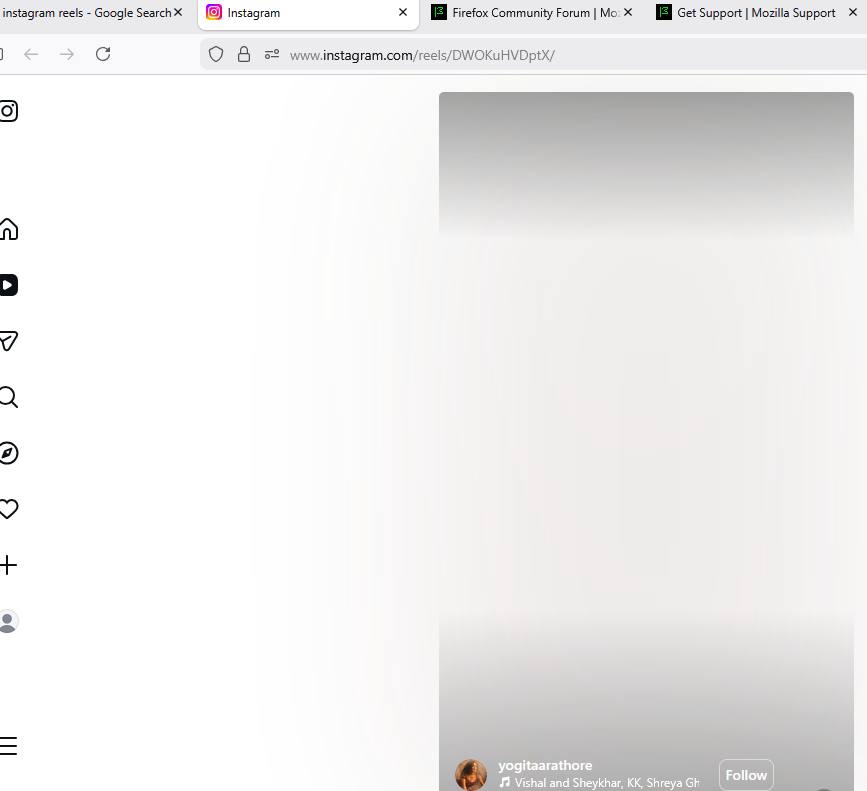
כל התגובות (3)
Works for me. see screenshot Are you running security software besides MS Defender? Windows home or pro?
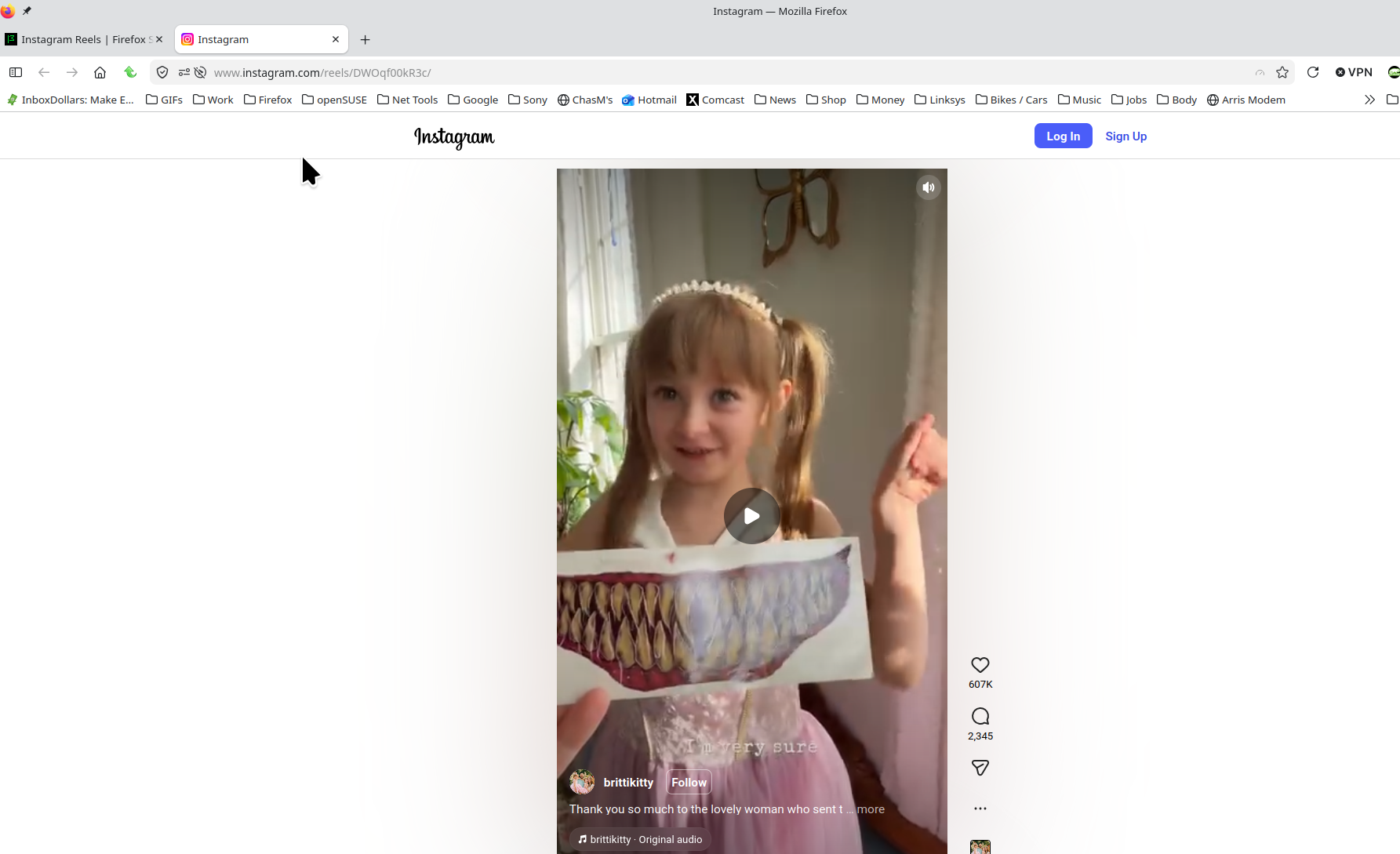
השתנתה ב־ על־ידי jonzn4SUSE
jonzn4SUSE said
Works for me. see screenshot Are you running security software besides MS Defender? Windows home or pro?
thanks windows 10 pro only kaspersly , also chrome edge works fine
You can boot windows into safe mode with networking and test. You should have Windows Sandbox enabled for testing. https://www.howtogeek.com/399290/how-to-use-windows-10s-new-sandbox-to-safely-test-apps/
Make and model computer if not DIY?