


Tabs lost - including pinned ones

I just opened Firefox on my Win 11 pc, and find all my tabs have gone. The setting to reopen last session is active, as before. I think FF updated itself earlier today. I also had occasion to look at it briefly on my synchronised android phone. I would like to: - get my tabs back - find a way to stop this haappening (it's not the first time).
Any advice much appreciated, thanks. Richard
פתרון נבחר
If no further questions, mark it as resolved and have a nice day.
Read this answer in context 👍 0כל התגובות (10)
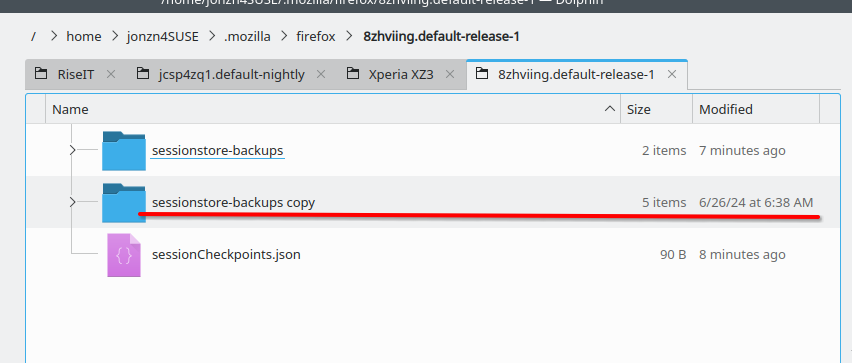
Session restore has been an issue for Firefox for many years. Which is why I make backup of the sessionstore-backups folder. see old screenshot Should also verify what you have firefox doing when you close the browser. I have the clear browser history unchecked. see screenshot
See if this helps. https://support.mozilla.org/en-US/questions/1557927#answer-1790790
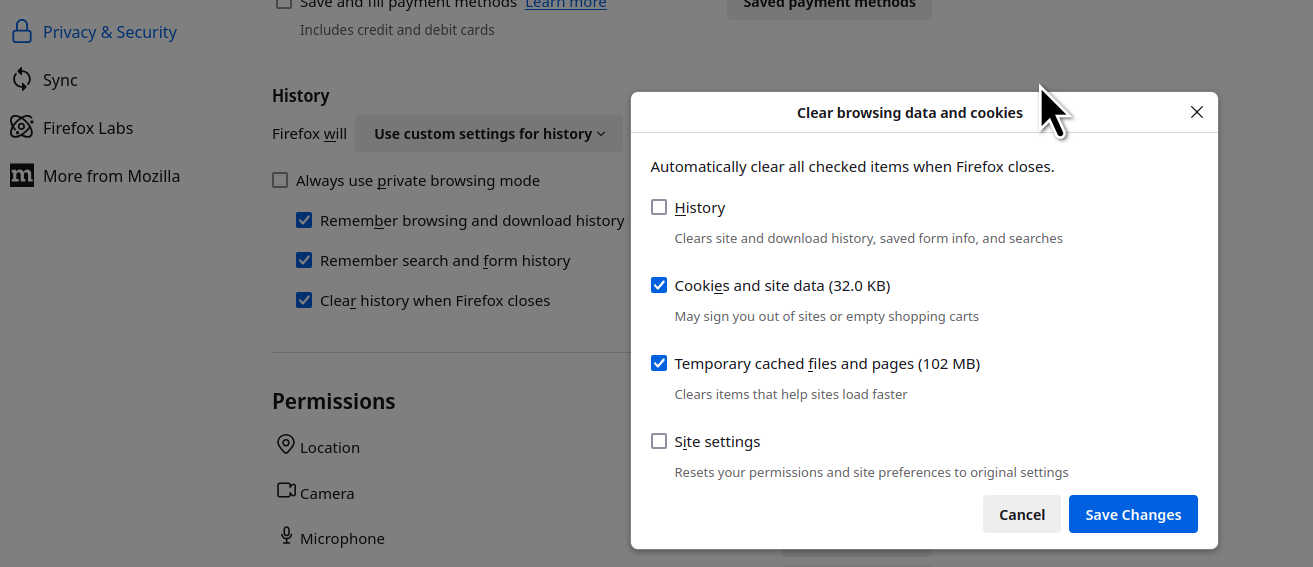
Hi, and thanks. But this seems not to be the solution. Yes, the clear history box IS unchecked. And Startup: Open previous windows and tabs is checked. But still, FF is losing all my tabs every time I close it. I will have a go at making the backup you suggest, but this problem still needs fixing. It seems to have started after an update - I wonder if this is affecting anyone else.
PS I have set it to Ask before closing multiple tabs - and now it won't let me close FF without closing the tabs !!
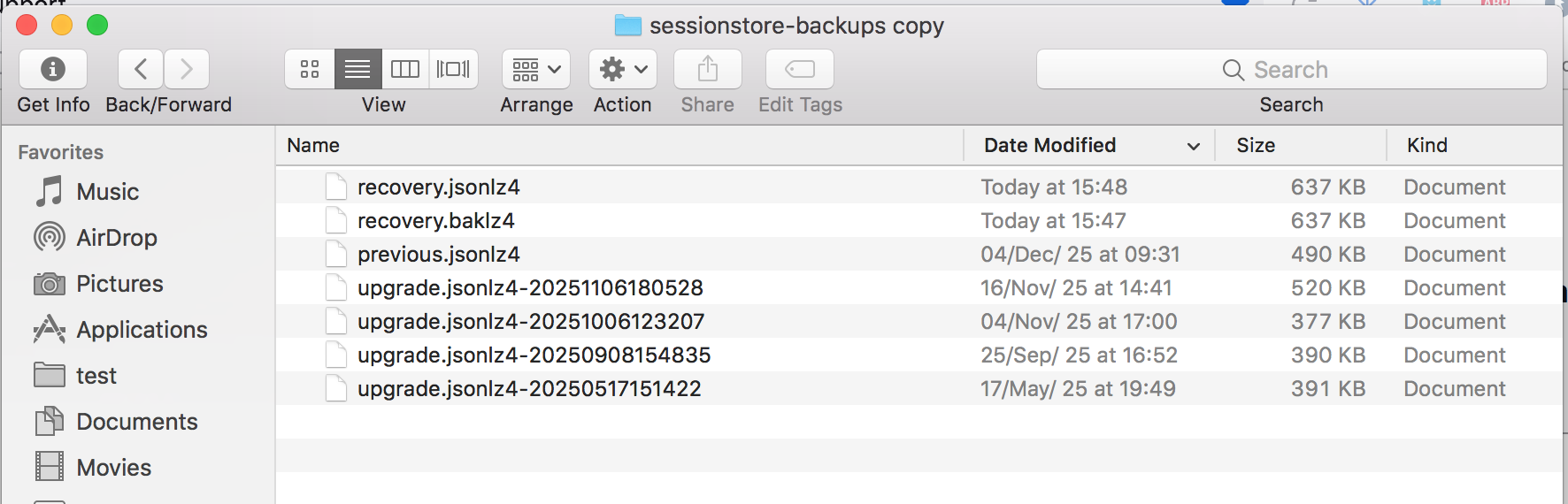
Post a screenshot of the files in the folder sessionstore-backups in your profile folder in the detailed. see my screenshot
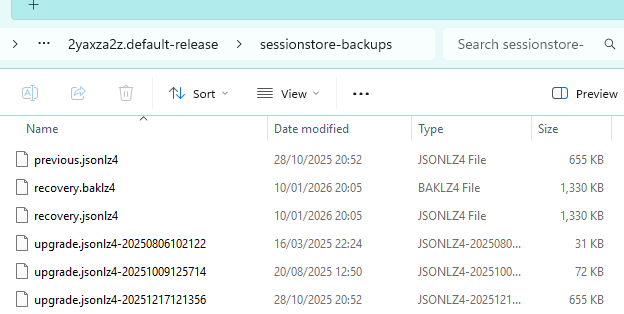
Looking at the files from Jan 10th, with Firefox closed, you will see a file called sessionstore.jsonlz4 in your profile folder. This is your current session that I guess is not the one you want. Just rename it to something like old_sessionstore.jsonlz4_old. Then from your sessionstore-backups folder make a copy of one of the files from the 10th in your screenshot. Then rename that file sessionstore.jsonlz4 and the move it into your profile folder. Then open Firefox and it should be the session from the 10th. MAY THE SCHWARTZ BE WITH YOU! ;-))
No joy, I'm afraid. I did what you suggested and now when I open FF I just get a new tab.
Do you know if there is a way to undo the update to revert back to the previous version?
Here you can find the version you want, download it, and install. https://ftp.mozilla.org/pub/firefox/releases/
Thanks again for your help. I felt bewildered by the list of releases - not knowing which was best, nor how to install it. So, in the end, I just uninstalled FF and reinstalled it from the GetFirefox website. It seems fine now, so I am just left with the task of putting everything back the way I like it.
פתרון נבחר
If no further questions, mark it as resolved and have a nice day.