


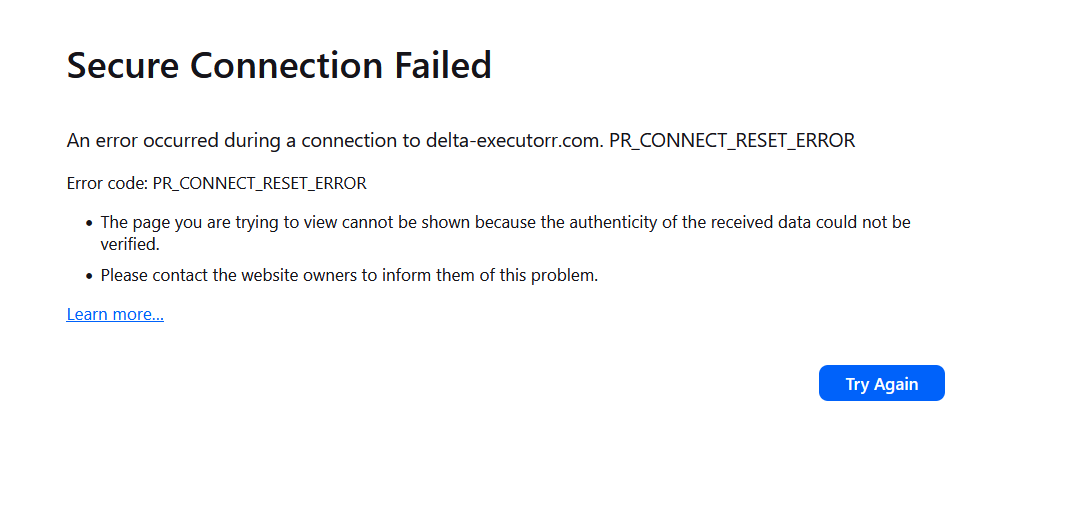
Secure Connection Failed An error occurred during a connection to delta-executorr.com PR_CONNECT_RESET_ERROR

I am trying to access certain HTTPS website and some of them show PR_CONNECT_RESET_ERROR in Firefox. This error is not present in Edge or Chrome. Any ideas on what could be the problem?
An error occurred during a connection to delta-executorr.com. PR_CONNECT_RESET_ERROR
Error code: PR_CONNECT_RESET_ERROR The page you are trying to view cannot be shown because the authenticity of the received data could not be verified. Please contact the website owners to inform them of this problem.
Here's what I've tried (none of these works):
   DNS over HTTPS turned off
   Uninstall all add-ons
   Reinstall Firefox
   Create new profile and set it as default
   Delete/rename certs.db in the Firefox profiles folder.
I'm tired fixing errors which become more complex and solutions are written for people who have the time an knowledge to waste fixing these constant issues in FIREFOX, Time to change browser.
I don't know if this is relevant but one of the website that does not work is https://delta-executorr.com/
כל התגובות (2)
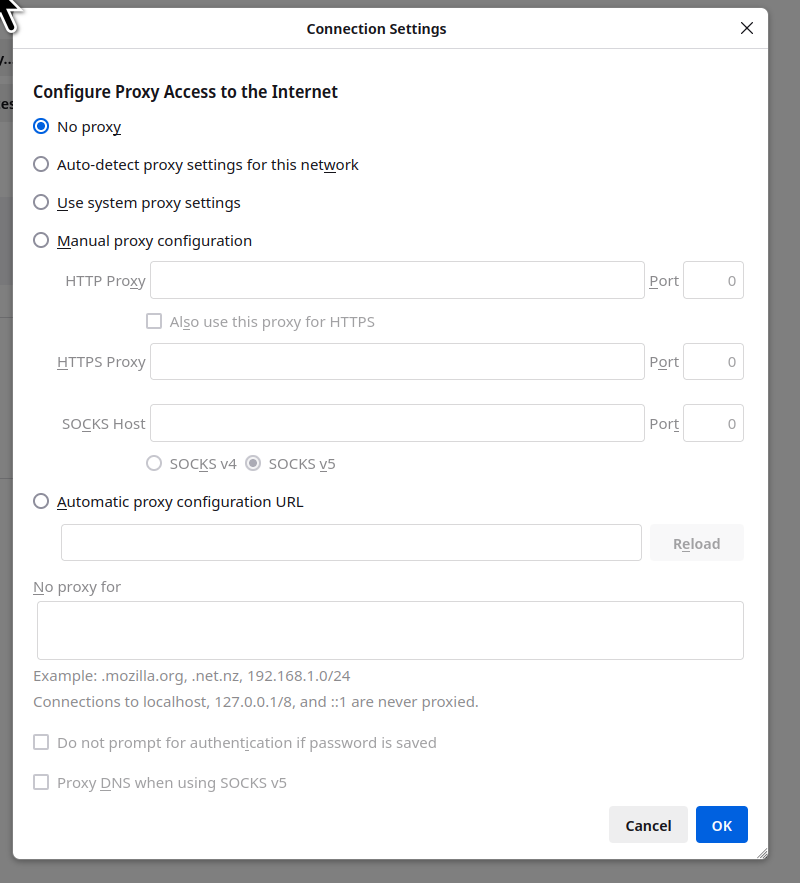
What security software are you running besides MS Defender? Windows home or pro? You can also boot windows to safe mode with networking and test. Do you have proxy on? see screenshot
השתנתה ב־ על־ידי jonzn4SUSE
FYI AI Overview The PR_CONNECT_RESET_ERROR in Firefox means the browser's attempt to connect to a server was abruptly terminated, often due to security software (antivirus/firewall), incorrect proxy/network settings, VPN interference, or browser cache issues. To fix it, try disabling security software temporarily, clearing the browser cache, resetting network settings, checking proxy settings, or disabling VPN/add-ons.