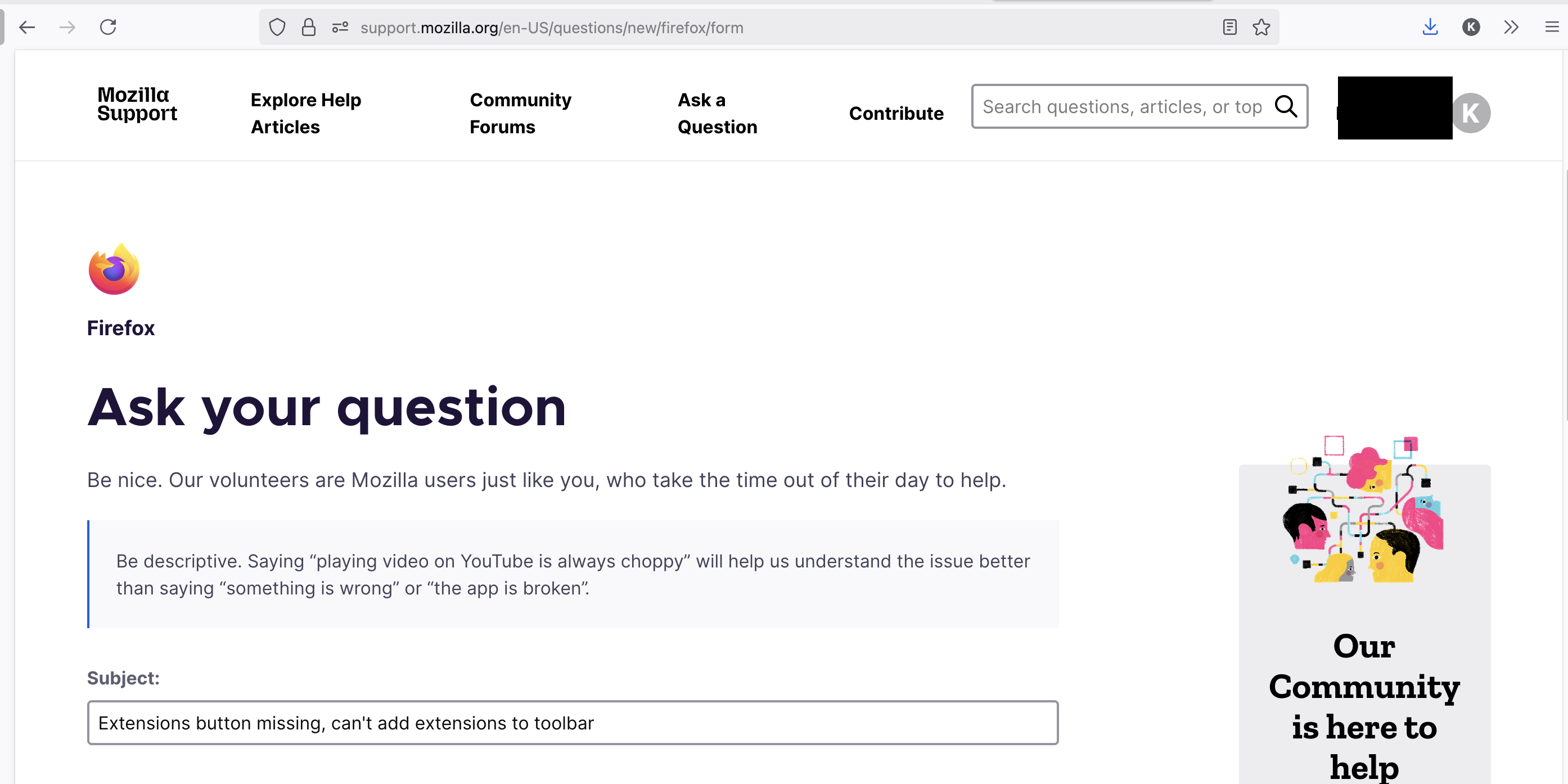
Extensions button missing, can't add extensions to toolbar

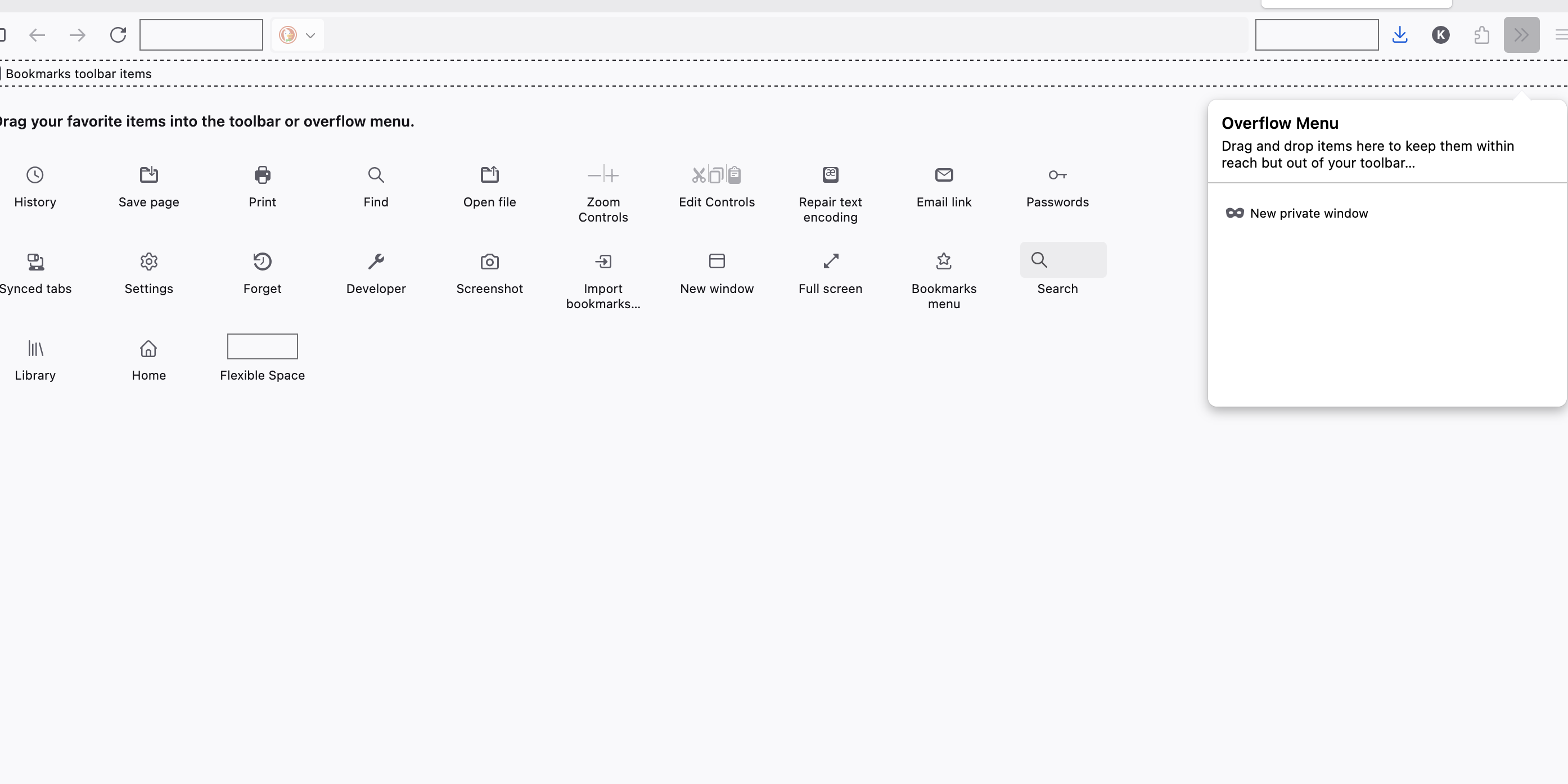
I'm having trouble getting my extensions to show up in the toolbar. Every help article has you start with the puzzle piece icon for extensions, but this is missing from my toolbar. I've tried right clicking to 'customize toolbar' and I am able to drag a extensions icon around, but it's grayed out and doesn't appear when I apply the new settings. This is making my browser virtually unusable since I can't access my password manager, etc.
In short, the extensions icon is missing from my toolbar and no menu options I've found will restore it. Please help!
I'm having trouble getting my extensions to show up in the toolbar. Every help article has you start with the puzzle piece icon for extensions, but this is missing from my toolbar. I've tried right clicking to 'customize toolbar' and I am able to drag a extensions icon around, but it's grayed out and doesn't appear when I apply the new settings. This is making my browser virtually unusable since I can't access my password manager, etc.
In short, the extensions icon is missing from my toolbar and no menu options I've found will restore it. Please help!