


wallpaper on web browser

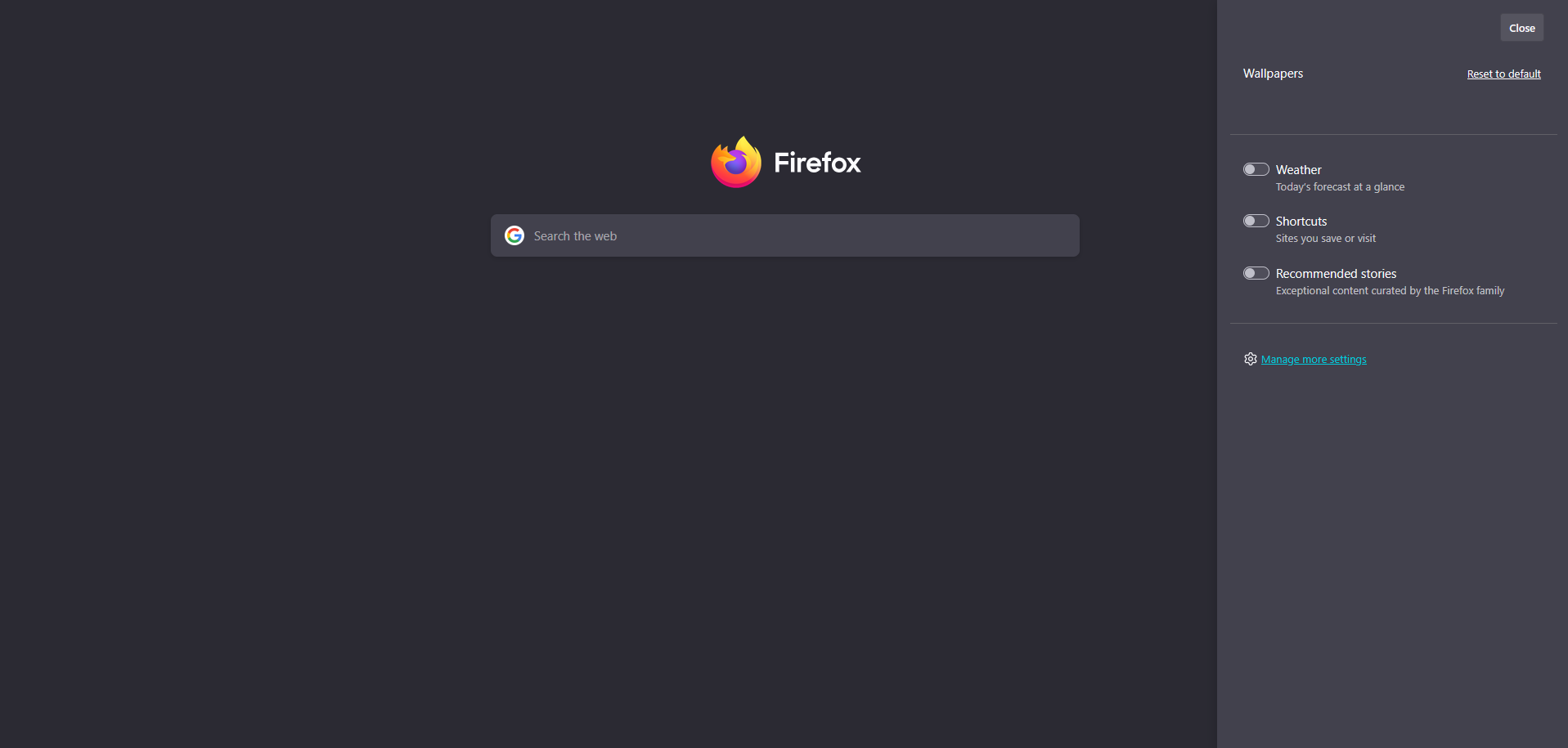
How do i change my wallpaper on home page? When i click the "gear" it doesn't give me the option to change or even apply a wallpaper.
How do i change my wallpaper on home page? When i click the "gear" it doesn't give me the option to change or even apply a wallpaper.
כל התגובות (1)
Hi there, to change the way your brower looks you need to throw a theme on.
- Visit https://addons.mozilla.org/firefox/themes/.
- Click on the theme you want to install.
- Click the Install theme button. Click Remove if you change your mind. Your changes will apply automatically.
See Use themes to change the look of Firefox or Built-in themes in Firefox - alternative to complete themes to learn more about themes.