


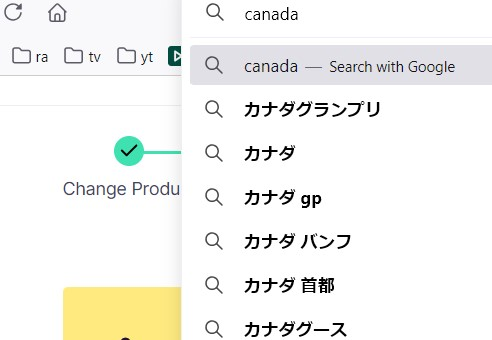
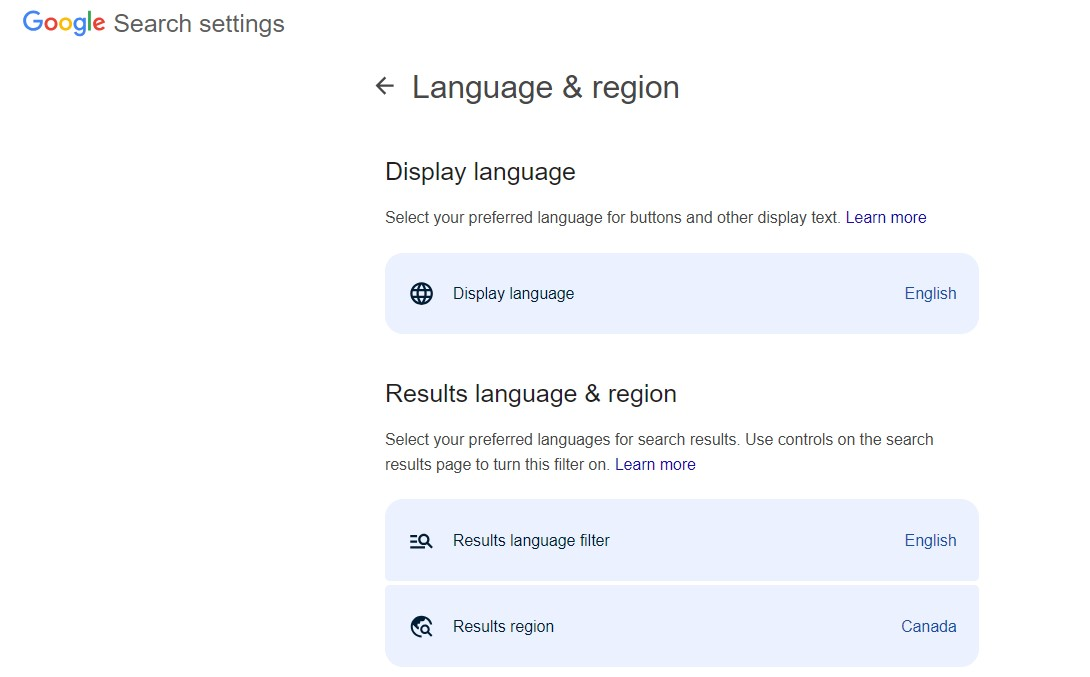
Google suggestion in Firefox's address bar keep showing Japanese suggestions even though I chose English and Canada as language and location with my google account.

Google suggestion in Firefox's address bar keep showing Japanese suggestions even though I chose English and Canada as language and location with my google account.
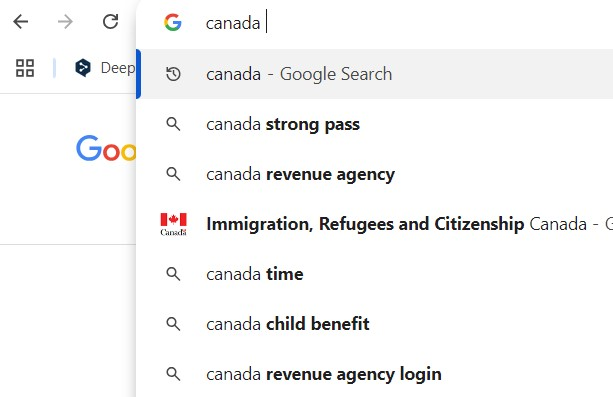
I use same google account with google chrome, but google chrome doesn't show Japanese suggestion.
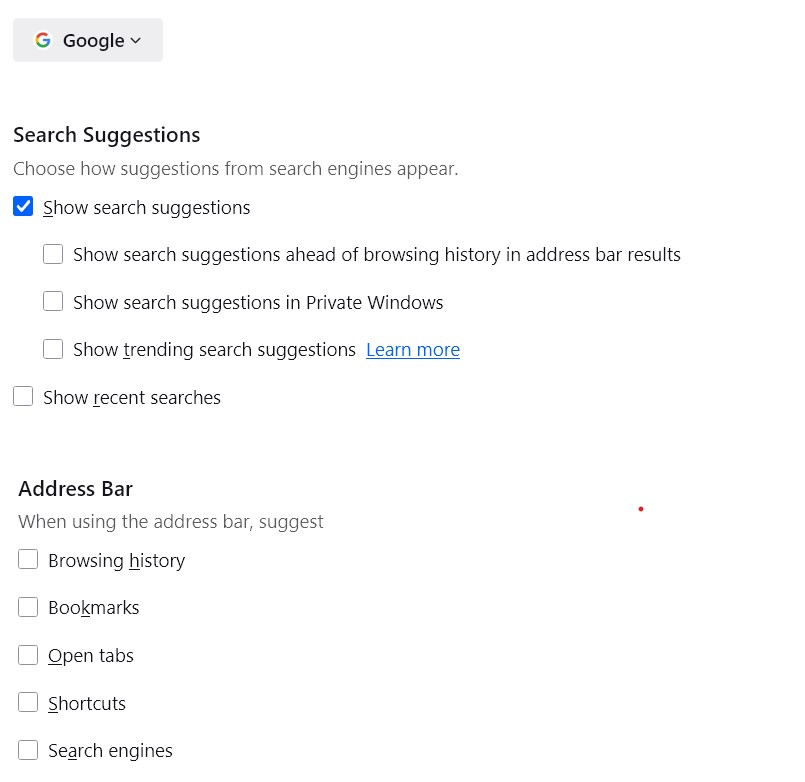
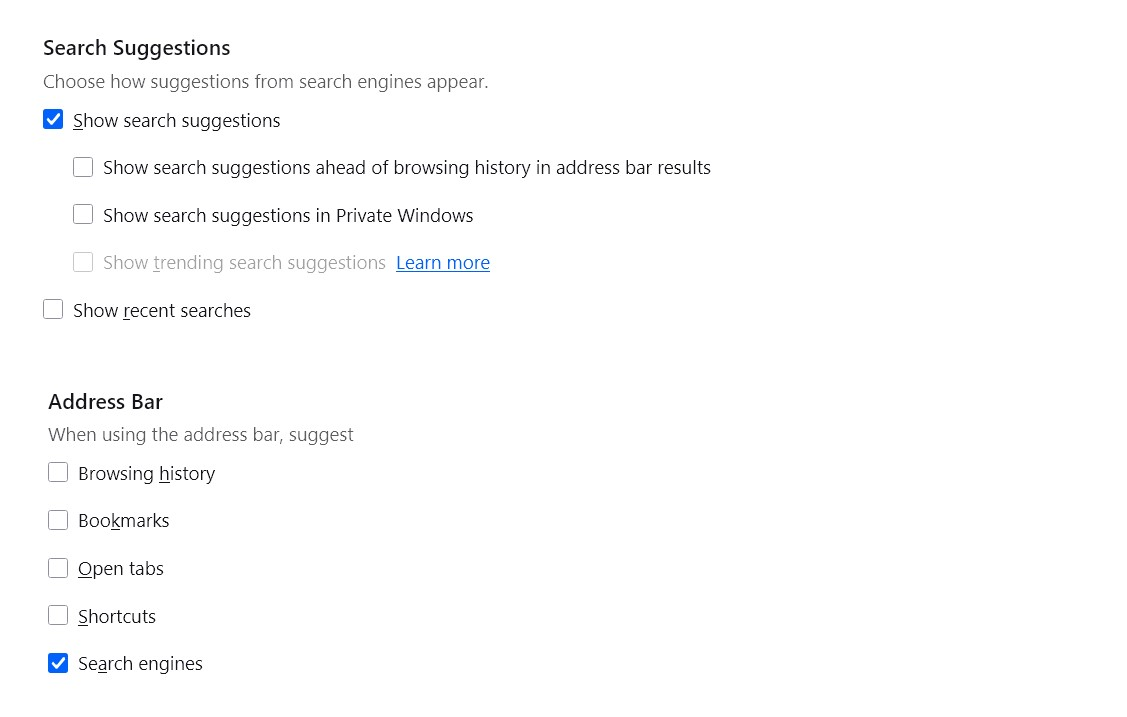
As for setting on Firefox, I unticked other than "show search suggestions".
How do I resolve it?
Thank you.
פתרון נבחר
Do you want to test another idea? This is a manually crafted search engine:
Read this answer in context 👍 1כל התגובות (11)
When Firefox requests real-time search engine suggestions as you type, it does not send your regular Google cookies. That is for privacy, but obviously has the downside that Google doesn't know your preferences, so it returns suggestions localized to your IP address. I don't know of a workaround for this using the built-in search engine URLs.
Do you want to test my Google Canada extension and see whether that helps? It sends the suggestion request to google.ca instead of google.com. https://addons.mozilla.org/firefox/addon/google-canada-google-ca-search/
Thank your for your help. I tried extension, but it doesn't work.
But I appreciate your help.
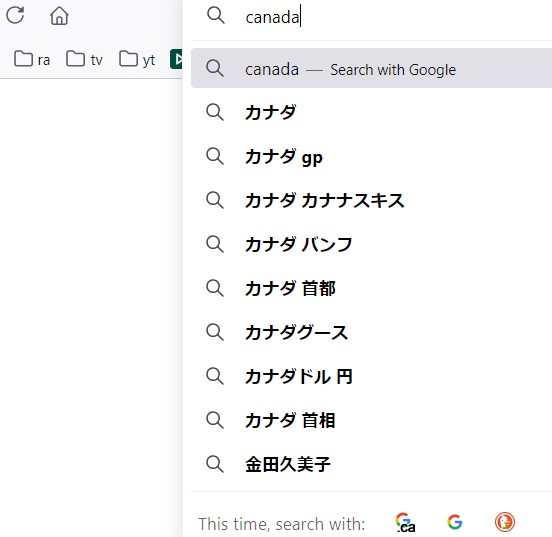
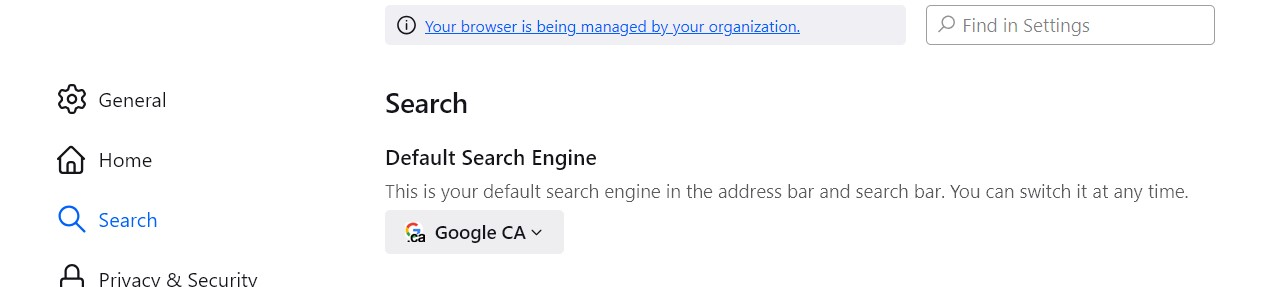
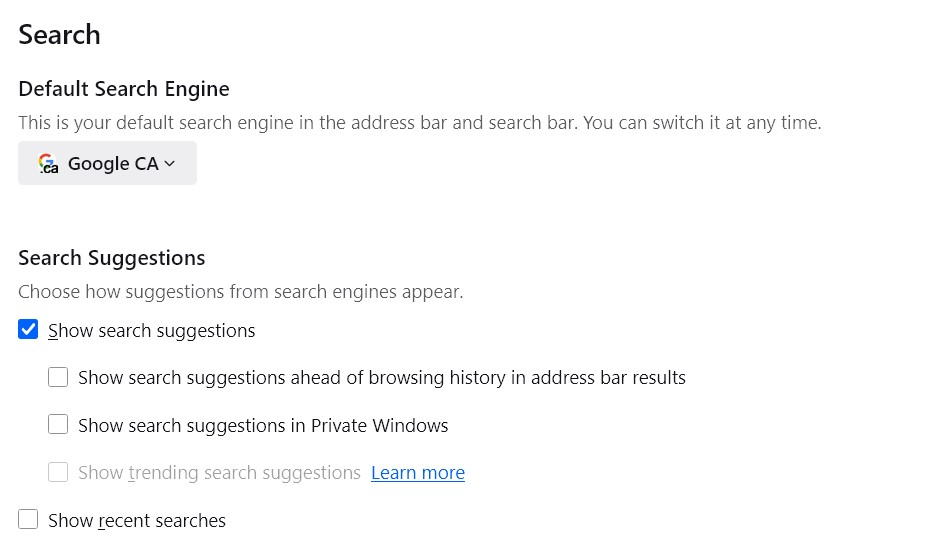
Could you check whether Google CA is your default search engine? Usually the drop-down will say "Search with Google CA" when it is.
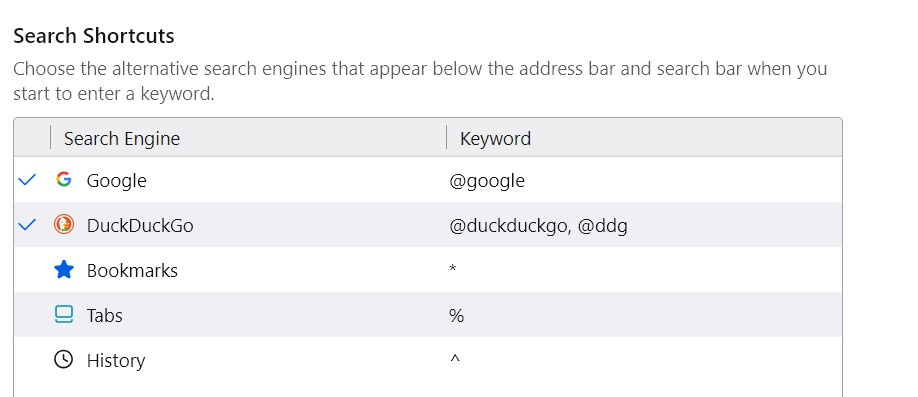
I took screenshots of my setting. I guess there is no mistake with my setting.
השתנתה ב־ על־ידי grn778
Sorry, that was my only idea.
It didn't work, but still nice approach.
פתרון נבחר
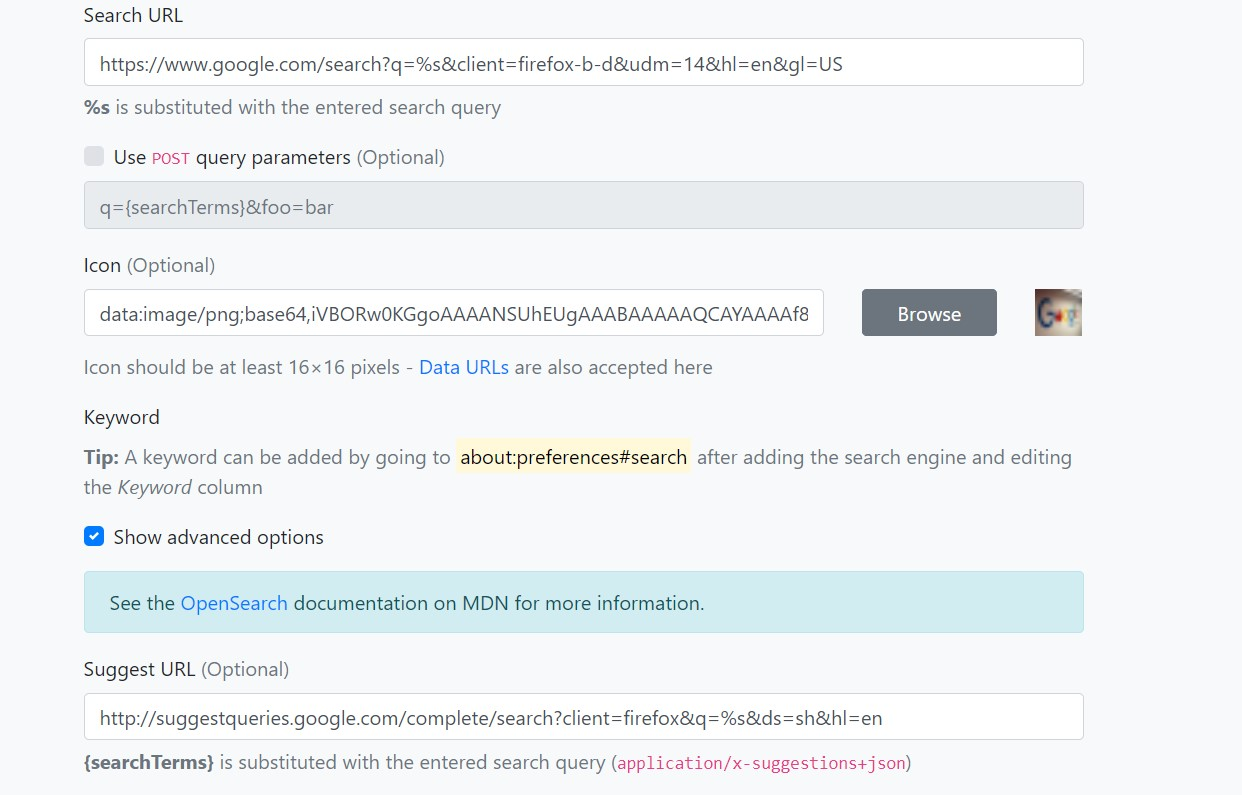
Do you want to test another idea? This is a manually crafted search engine:
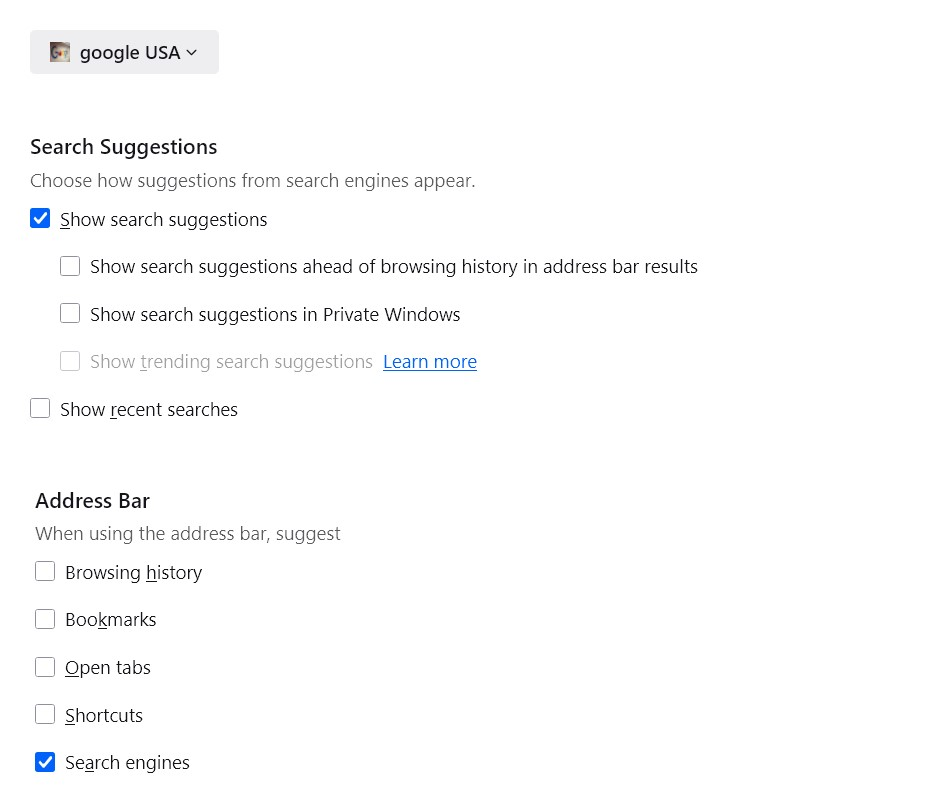
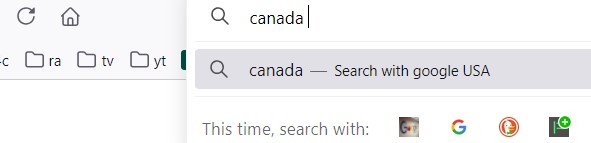
I added addon of Add custom search engine and did proper setting I guess, but it doesn't show any suggestion for some reasons.
I did like images I posted.
Thank you for notifying me.
(Edited) It seems my way was wrong, I'll try again later.
השתנתה ב־ על־ידי grn778
It works!
But AI overview doesn't show up instead.
I hope there is a way without turning off AI overview.
Anyway, it's a great progress.
Thank you!
Try removing "&udm=14" from the "Search URL".
I missed to read parameter. My bad.
I tried it and it works perfectly!
I appreciate your help!
Thank you!!!