


Unable to restore previous session following power outages & Firefox update

Hi,
My computer was on during the week-end and when I came back home I noticed we had a couple of power outages. Computer restarted automatically (Win 10 22h2) and when I launched Firefox, it started as brand new with all my addons gone and none of the previous session restored (I had 4 Firefox browsers opened with each 20+ tabs opened).
I have tried looking at C:\Users\MYUSER\AppData\Roaming\Mozilla\Firefox\Profiles but found nothing of interest. Where is everything and how can I restore everything I had ?
I even tried Troubleshooting mode and downgrading to a former version of Firefox (126.0.1 64 bits).
Thanks,
כל התגובות (2)
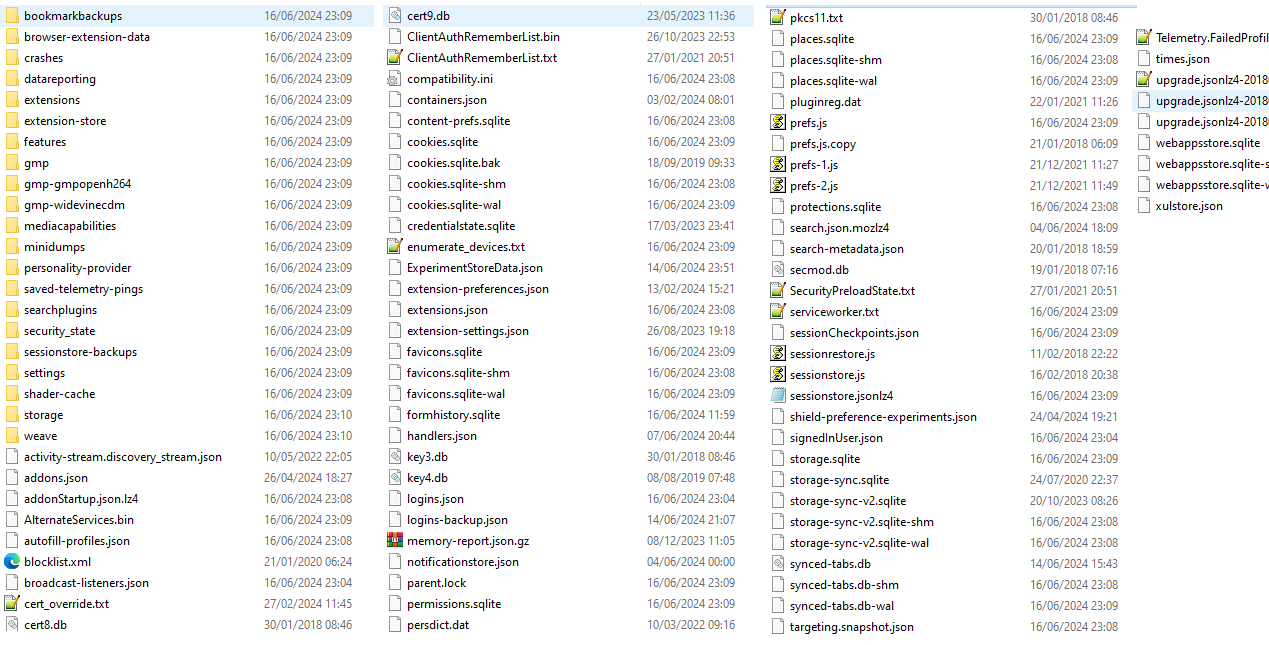
I found a 'backup' folder on my desktop that may have been created when Firefox got updated. Pretty sure everything is in there somewhere.
You can look at this tool to inspect a compressed jsonlz4 sessionstore file. This tool works locally, no uploading done.