


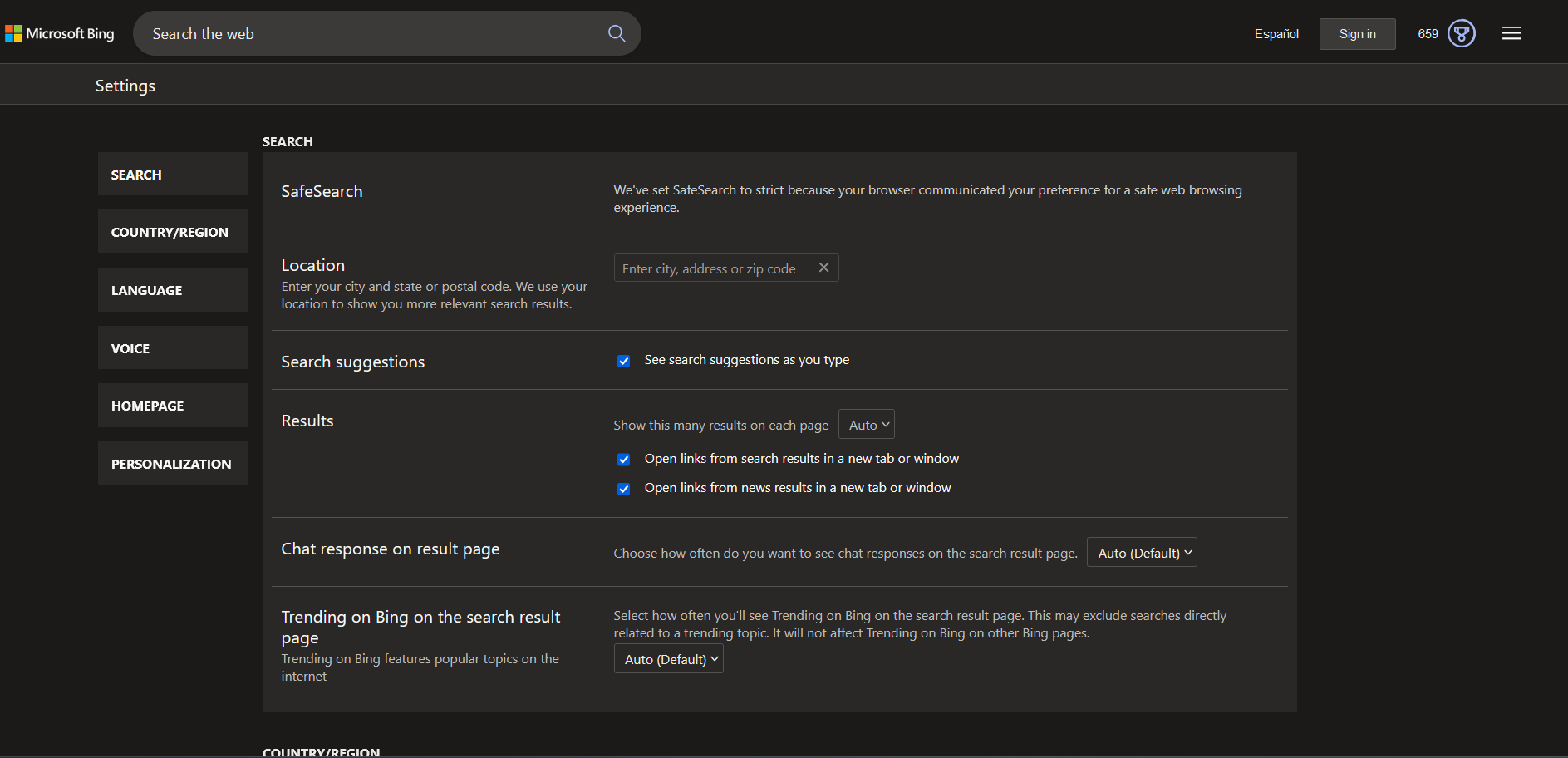
I can't turn off SafeSearch, set on Strict by default

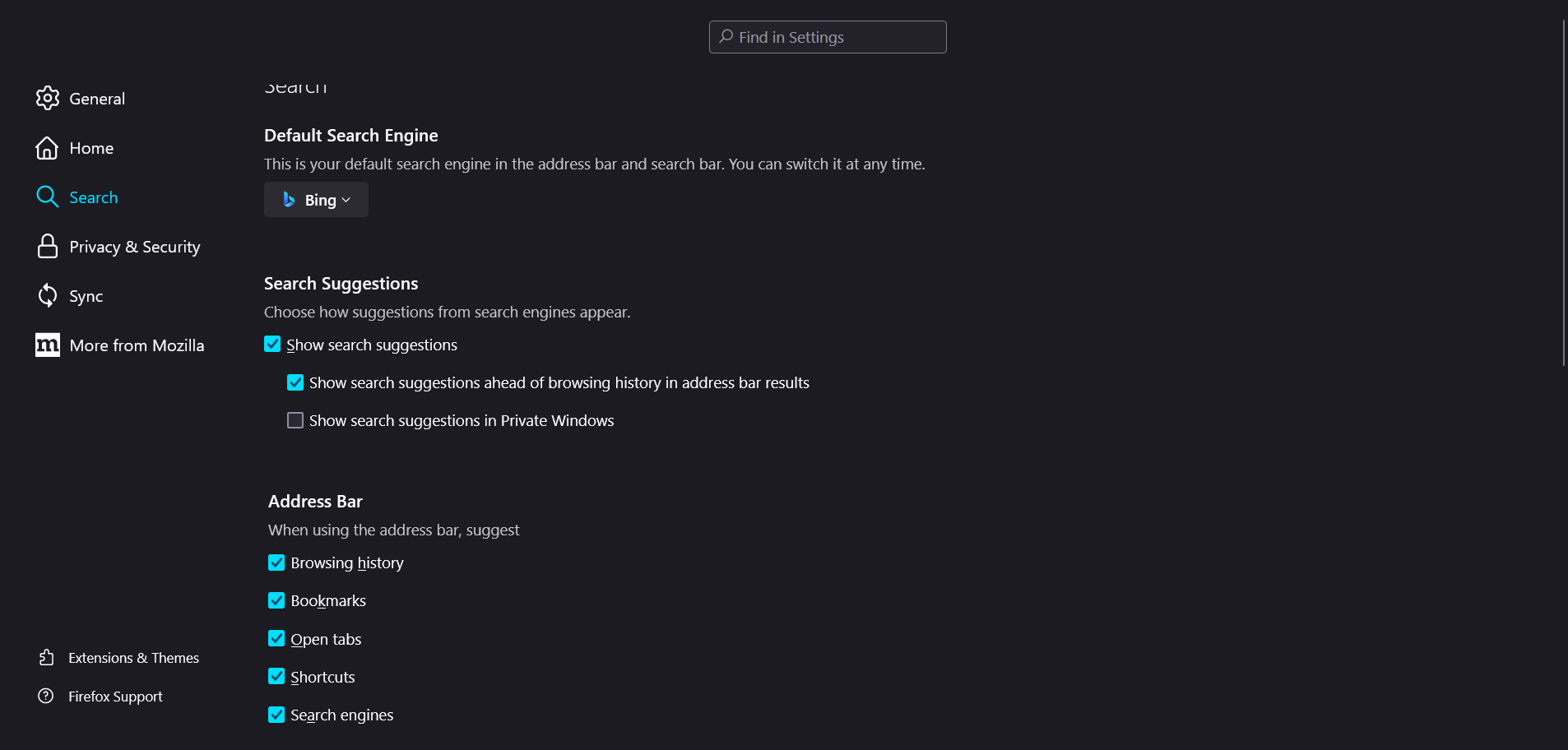
Bing says my browser is the one to set my SafeSearch on strict by default, but I can't find the option to turn it off. Is there even an option or is this a Bing issue?
פתרון נבחר
Hello, thank you for your answer. I tried with another browser and the problem persisted, so it wasn't a Firefox problem. Also, other search engines did show me explicit content. Apparently Windows itself was configured on strict search mode, even though it wasn't like that last week. I don't know what happened, but thank you anyways!
Read this answer in context 👍 0כל התגובות (2)
Your Microsoft account may have parental controls enabled which limits what browsers you can use, a parent account can remove this limitation or you can create a new account.
Start Firefox in Troubleshoot Mode to check if one of the extensions ("3-bar" menu button or Tools -> Add-ons -> Extensions) or if hardware acceleration or if userChrome.css/userContent.css is causing the problem.
- switch to the Default System theme: "3-bar" menu button or Tools -> Add-ons -> Themes
- do NOT click the "Refresh Firefox" button on the Troubleshoot Mode start window
פתרון נבחר
Hello, thank you for your answer. I tried with another browser and the problem persisted, so it wasn't a Firefox problem. Also, other search engines did show me explicit content. Apparently Windows itself was configured on strict search mode, even though it wasn't like that last week. I don't know what happened, but thank you anyways!