My bookmarks aren't syncing across devices, even though I'm signed onto Firefox on both

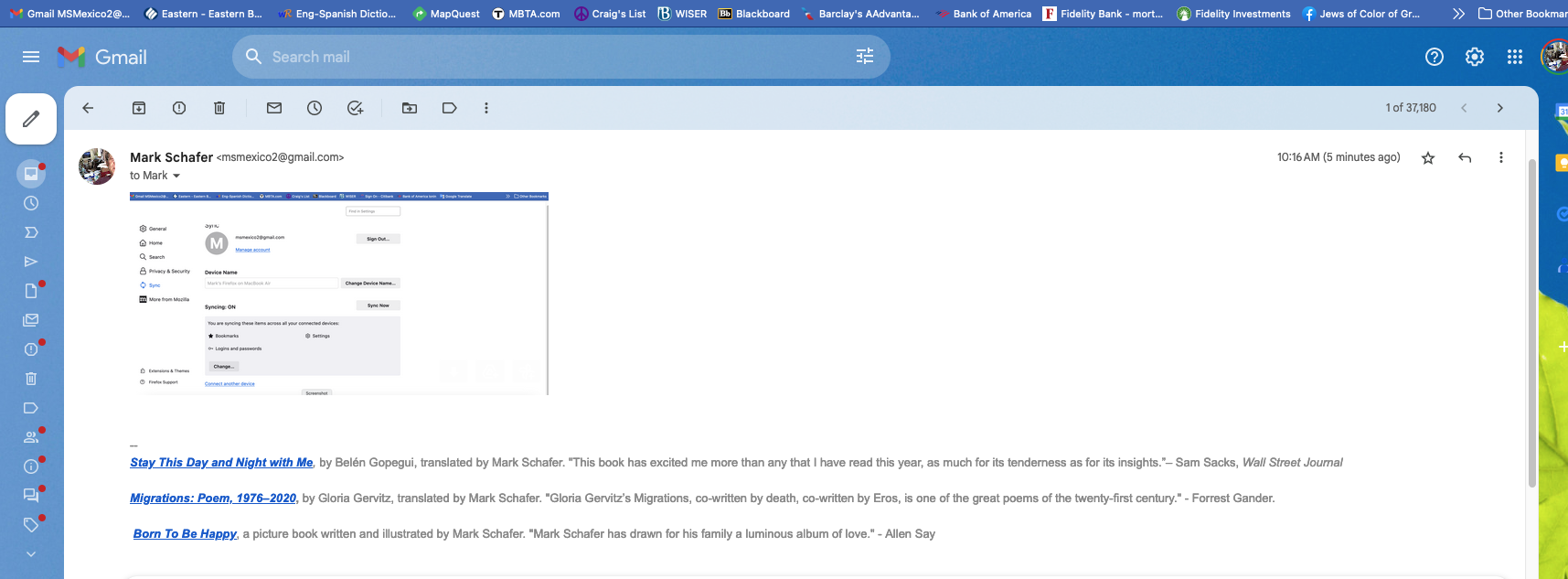
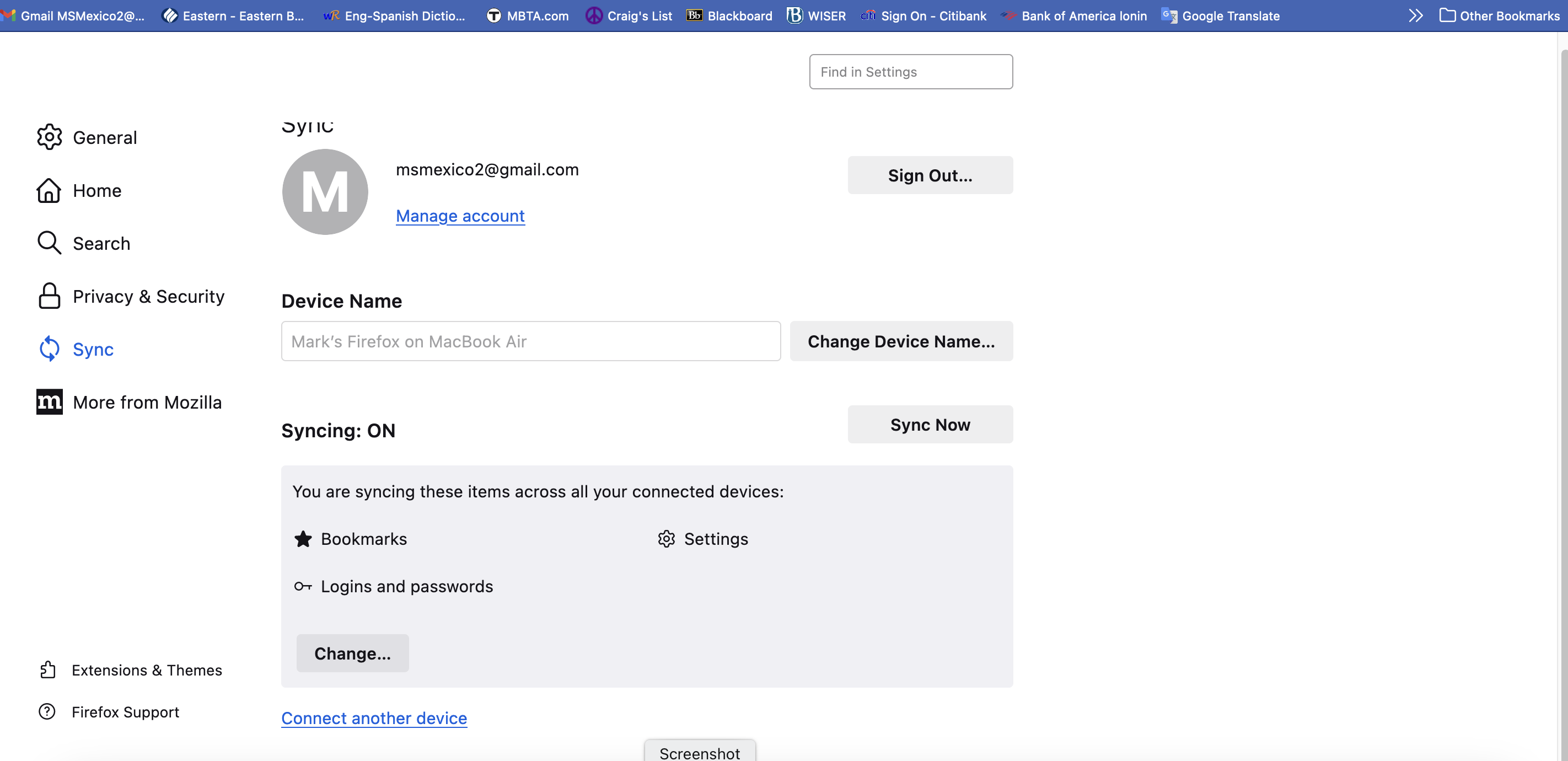
I have the latest version of Firefox installed on my iMac and my MacBook Air, and even though I'm signed into my same Firefox account on both, and have synced bookmarks on both, the bookmarks on my toolbar on each device are different.
How do I get the same Toolbar bookmarks on both devices?
I have the latest version of Firefox installed on my iMac and my MacBook Air, and even though I'm signed into my same Firefox account on both, and have synced bookmarks on both, the bookmarks on my toolbar on each device are different.
How do I get the same Toolbar bookmarks on both devices?
כל התגובות (2)
Do a test. Create a new folder on your bar and name it Sync_Test and see if the other device gets it. Then try putting bookmarks in the folder and see if they sync.
השתנתה ב־ על־ידי jonzn4SUSE
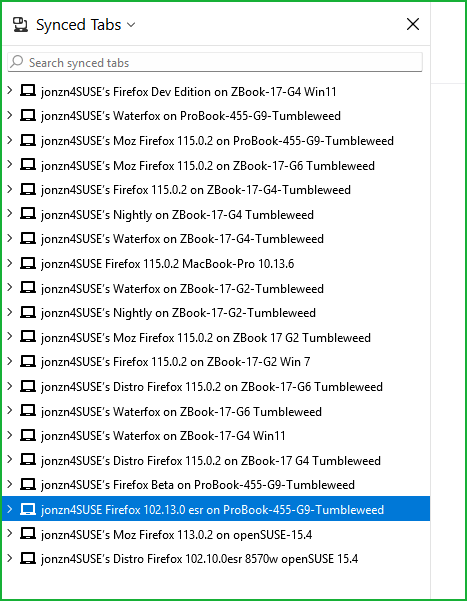
You can also install a different version of Firefox on one or both devices, sync it, and see what happens. see old screenshot https://www.mozilla.org/en-US/firefox/channel/desktop