


Firefox limiting pinned tabs to 3 tabs
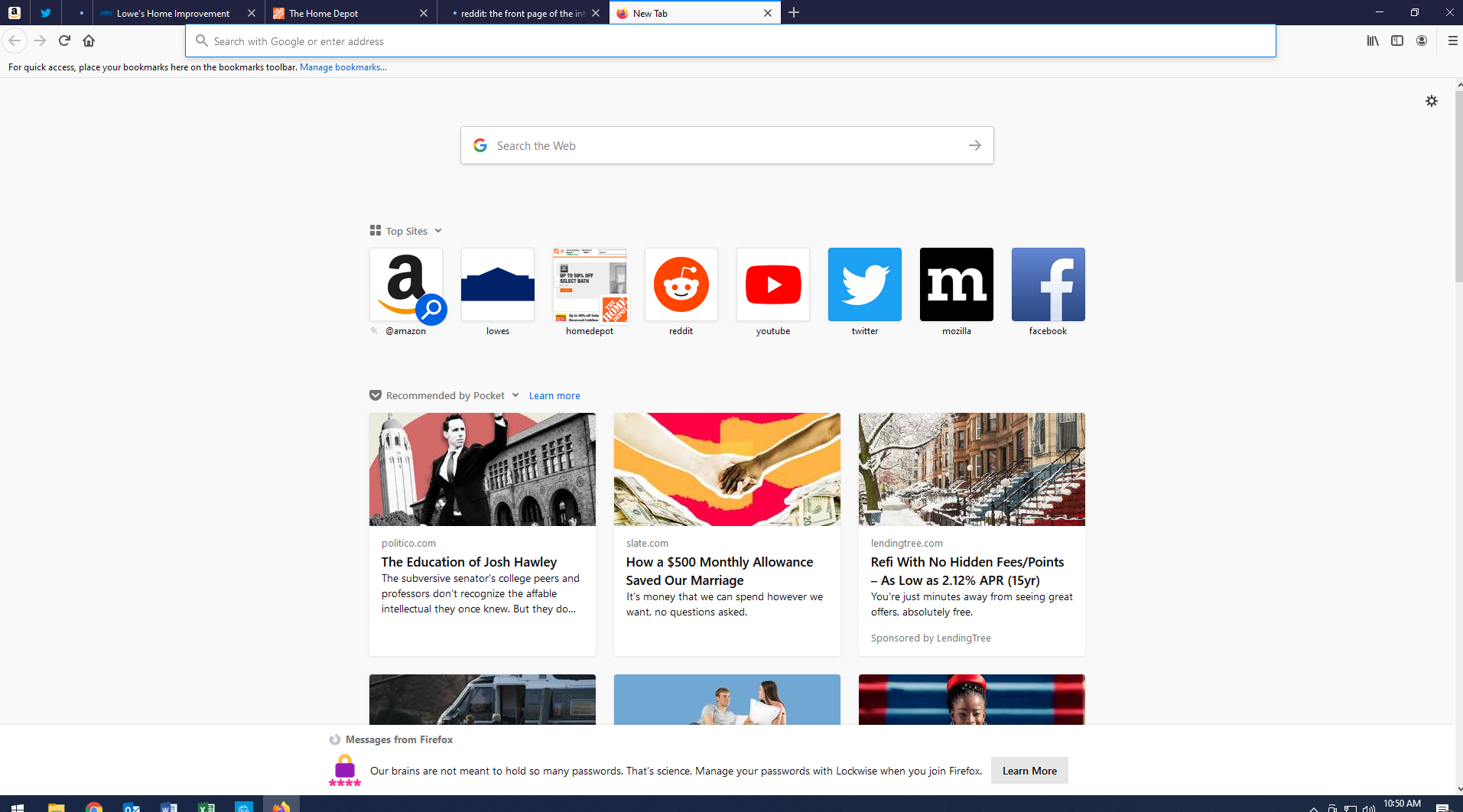
Anytime I have more than 3 pinned tabs when I reopen firefox it will unpin all tabs except for the first 3. I can repin them and everything works fine until I close and reopen firefox, then it will unpin all tabs except the first 3. I have tried uninstalling and reinstalling firefox and still have the same issue.
כל התגובות (4)
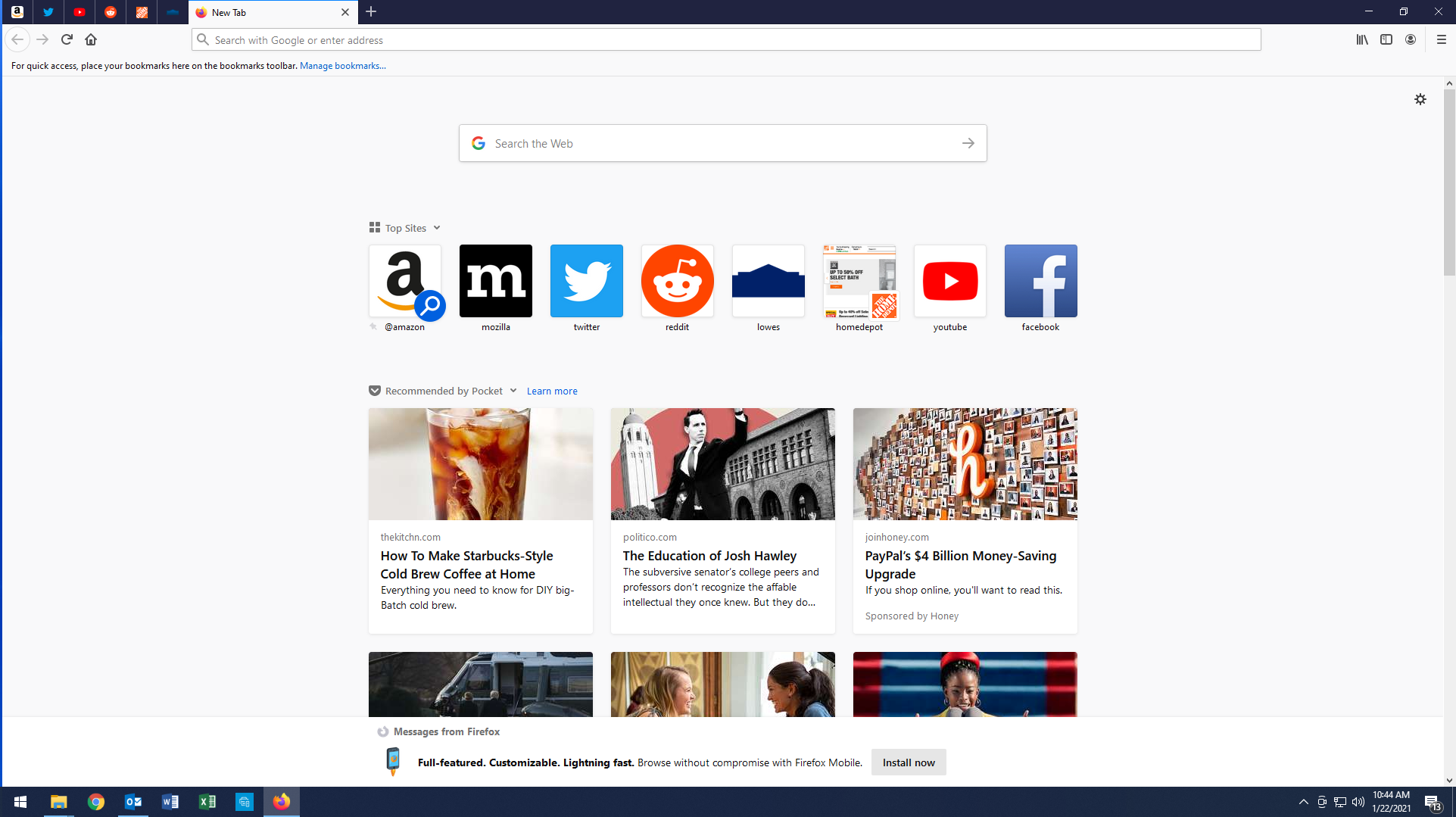
I have 9 pinned tabs. see screenshot What operating system? What version of Firefox?
Here are two screen shots, the second shows what happens when I open firefox with more than 3 pinned tabs set.
Windows 10, latest version of firefox
השתנתה ב־ על־ידי kcthomas
Start Firefox in Safe Mode to check if one of the extensions ("3-bar" menu button or Tools -> Add-ons -> Extensions) or if hardware acceleration or userChrome.css is causing the problem.
- switch to the DEFAULT theme: "3-bar" menu button or Tools -> Add-ons -> Themes
- do NOT click the "Refresh Firefox" button on the Safe Mode start window
- https://support.mozilla.org/en-US/kb/troubleshoot-firefox-issues-using-safe-mode
- https://support.mozilla.org/en-US/kb/troubleshoot-extensions-themes-to-fix-problems
You can check for problems with the sessionstore.jsonlz4 file in the Firefox profile folder that stores session data.
- delete sessionstore.jsonlz4 and sessionstore.js
When sessionstore.jsonlz4 is deleted you lose pinned-tabs and open tabs and you will have to recreate them, so if necessary make a note or bookmark them. sessionstore.jsonlz4 is only present in the Firefox profile folder when Firefox is closed.
You can use the button on the "Help -> Troubleshooting Information" (about:support) page to go to the current Firefox profile folder or use the about:profiles page.
- Help -> Troubleshooting Information -> Profile Folder/Directory:
Windows: Open Folder; Linux: Open Directory; Mac: Show in Finder - https://support.mozilla.org/en-US/kb/profiles-where-firefox-stores-user-data
......
השתנתה ב־ על־ידי jonzn4SUSE