


I can't login to my site due to FireFox protection.
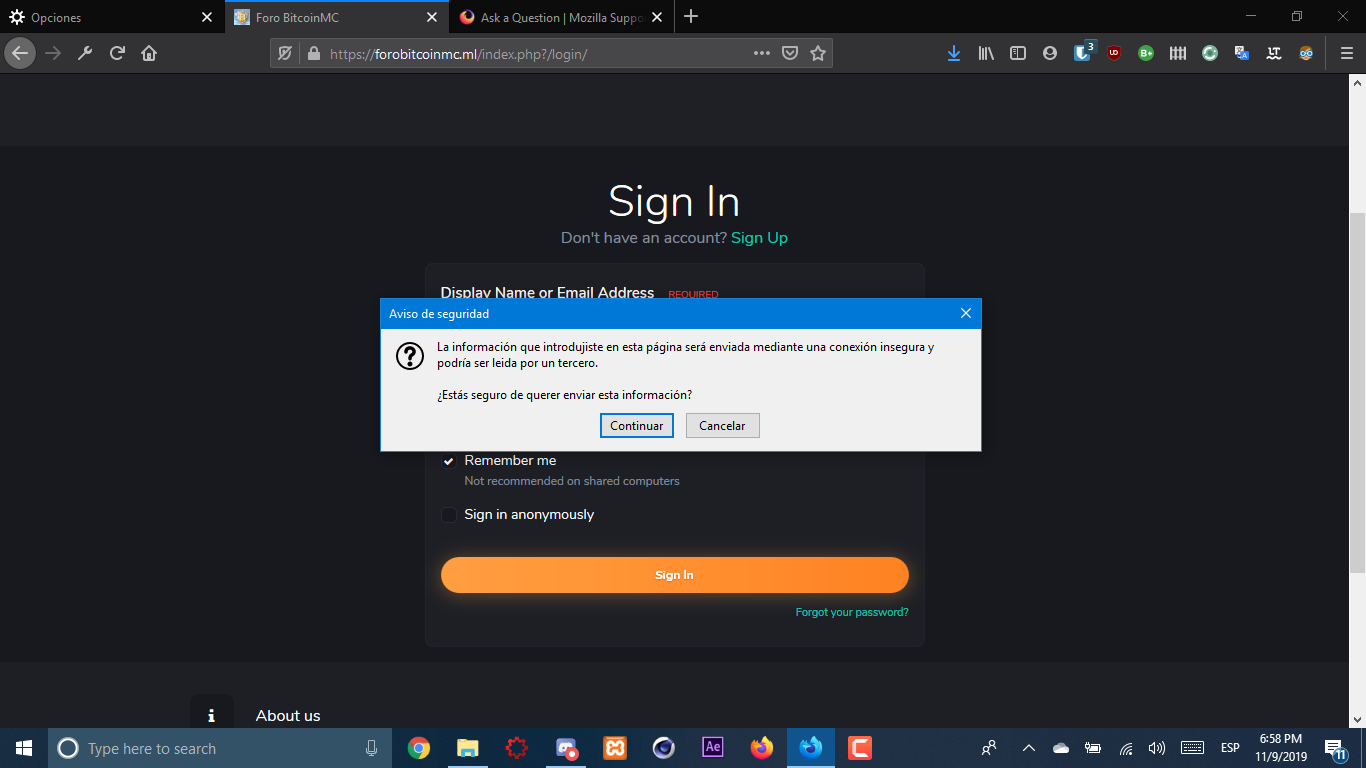
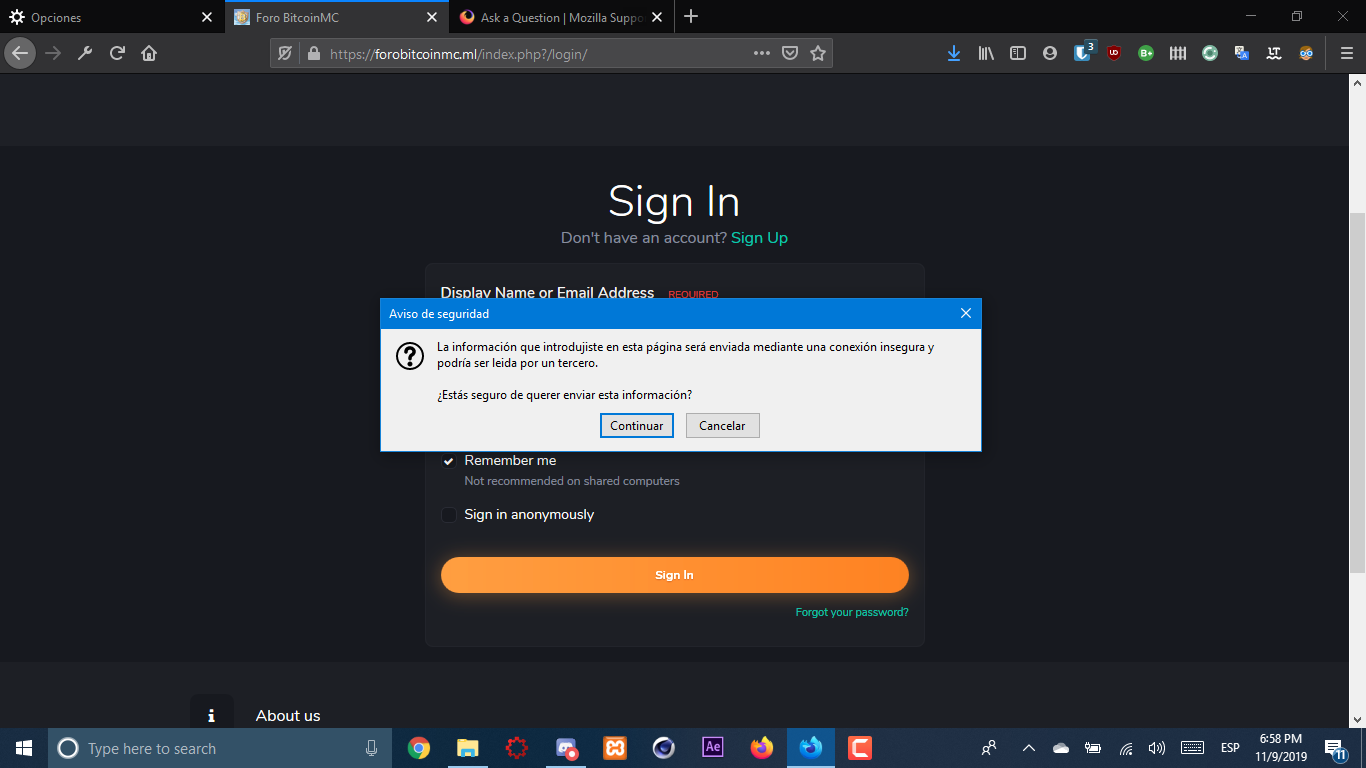
When I put my login details in the sign in page I see a message that says that "the information I sent through this page might be read by a 3rd party", is my own page and I have an SSL. When I click "continue" it refreshes the page but I'm not login. This happens every time I try to login, making it impossible to login.
I need to access my account so I can work on my site.
When I put my login details in the sign in page I see a message that says that "the information I sent through this page might be read by a 3rd party", is my own page and I have an SSL.
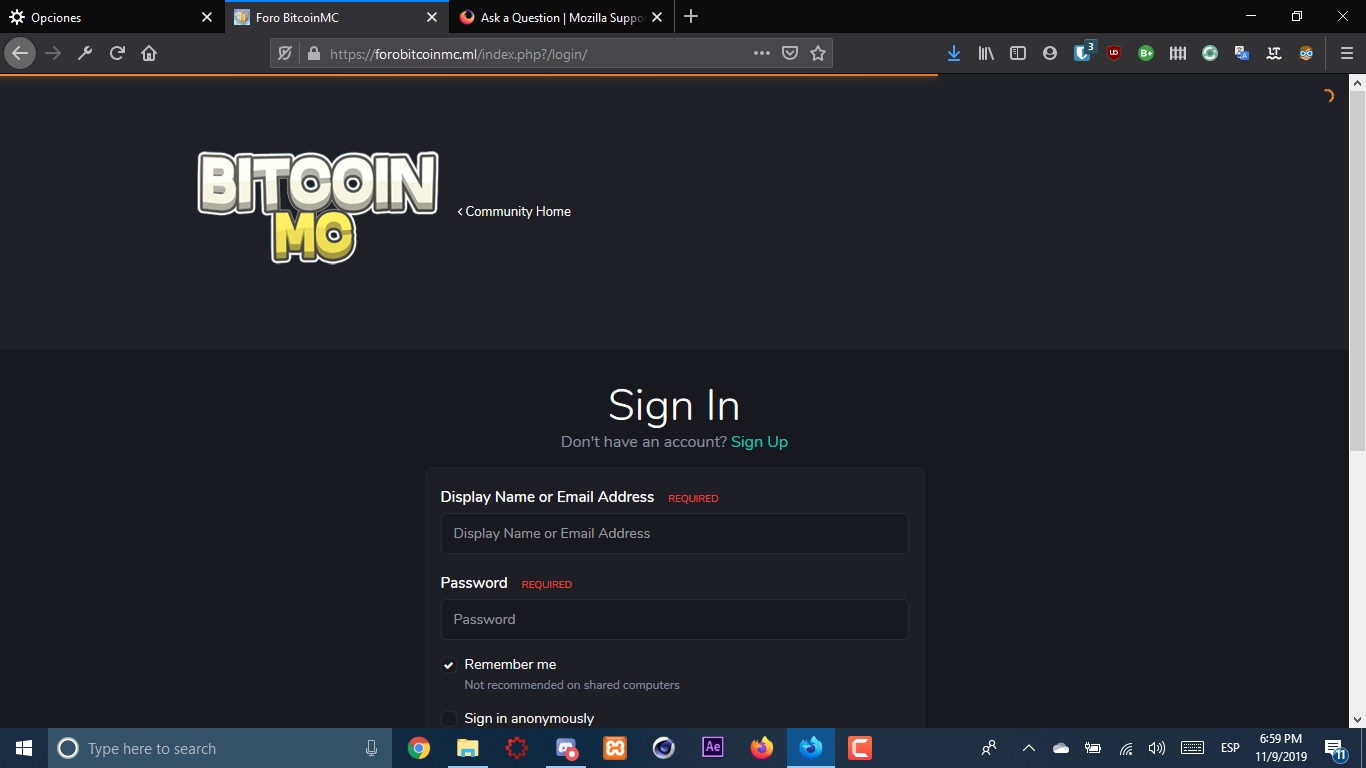
When I click "continue" it refreshes the page but I'm not login. This happens every time I try to login, making it impossible to login.
I need to access my account so I can work on my site.
כל התגובות (2)
grpccode said
When I put my login details in the sign in page I see a message that says that "the information I sent through this page might be read by a 3rd party", is my own page and I have an SSL. When I click "continue" it refreshes the page but I'm not login. This happens every time I try to login, making it impossible to login. I need to access my account so I can work on my site.
I indeed said "login" to many times. Ups.
It is possible that the login form is submitted to an open http:// URL. Maybe check that in the Inspector and also check the Web Console for security related messages.
- "3-bar" menu button or Tools -> Web Developer
You can right-click and select "Inspect Element" to open the builtin Inspector with this element selected.