


Can't select text in Firefox anymore
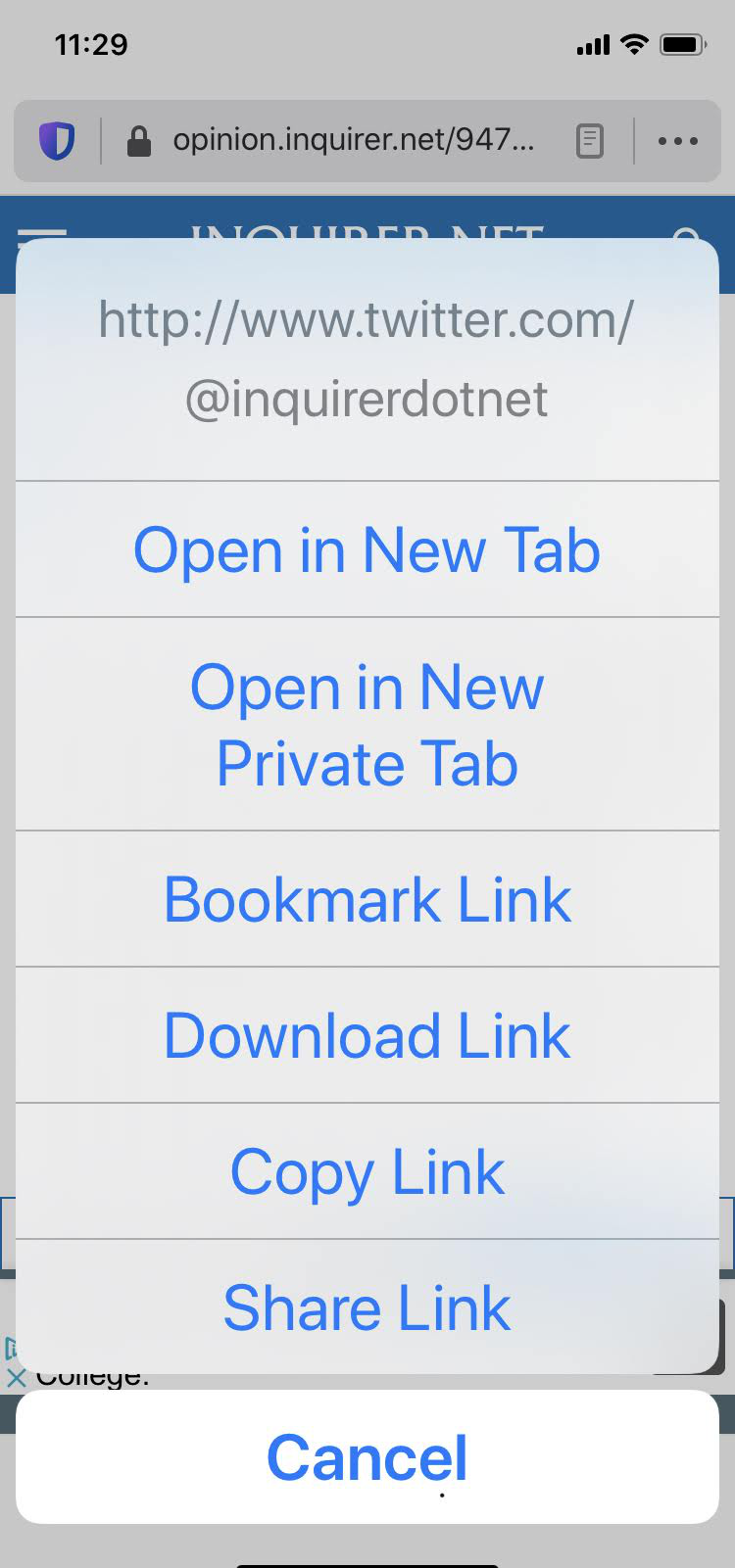
I'm using Version 19.1 (16203) of Firefox on my iPhone XR. For the last few weeks (after updates to IOS), I've lost the ability to select text by tapping on the browser screen. It either doesn't respond or pops up a screen that gives options as if I've tapped on a URL (photo attached). I can copy the URL and open it in Safari or Chrome on the same phone and have no problem selecting text. Firefox is my favorite browser and I'd rather not go back to using Chrome. Is this a way to overcome this bug/feature?
כל התגובות (2)
If you go to Tools > Options > Content and disable JavaScript then reload the page,
you can copy anything you want.
You may have to clear the cache first.
To clear the browser cache
(use menu path Tools > Options > Advanced > Network tab > click on "Clear Now" button.)
I am also having this problem, but in Firefox Focus for iOS. Same device and OS version as OP.
The solution posted here does not work in Focus, as the same options do not exist.