

אשכול זה הועבר לארכיון.
נא לשאול שאלה חדשה אם יש לך צורך בעזרה.

Archived
Attaching a file to a new message doesn't attach the file, it opens it.

When writing a message, attaching a file opens the usual "Attach file(s)" pop-up window. At that point, selecting the the file and clicking the "open" button at the lower-right corner of the pop-up doesn't attach the file to the message, instead it opens the file. Going to Tools > options > Attachments > Outgoing doesn't seem to offer any options on this problem (re. attached screenshot) Thanks !
When writing a message, attaching a file opens the usual "Attach file(s)" pop-up window. At that point, selecting the the file and clicking the "open" button at the lower-right corner of the pop-up doesn't attach the file to the message, instead it opens the file.
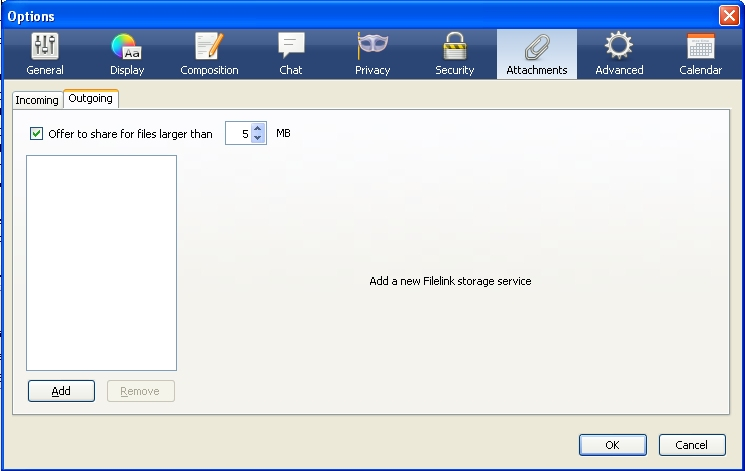
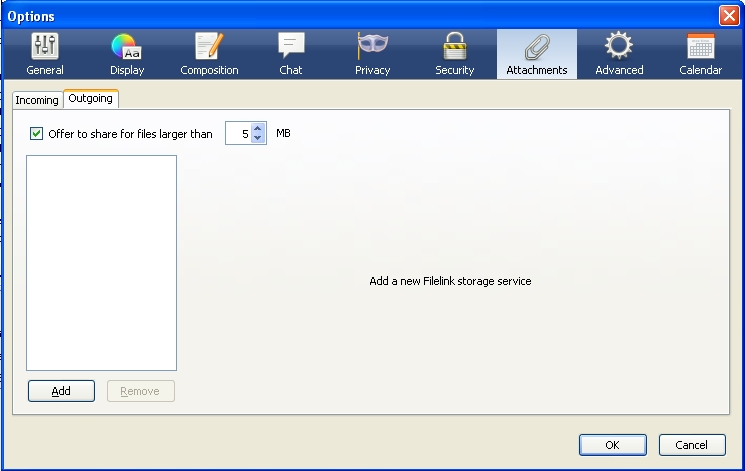
Going to Tools > options > Attachments > Outgoing doesn't seem to offer any options on this problem (re. attached screenshot)
Thanks !
כל התגובות (1)
Restart Thunderbird with add-ons disabled (Thunderbird Safe Mode). On the Help menu, click on "Restart with Add-ons Disabled". If Thunderbird works like normal, there is an Add-on or Theme interfering with normal operations. You will need to re-enable add-ons one at a time until you locate the offender.