

Wannan tattunawa ta zama daɗaɗɗiya.
Yi sabuwar tambaya idan ka na bukatar taimako.

Ajiyayyu
Issue with Theme Appearance but NOT in Firefox
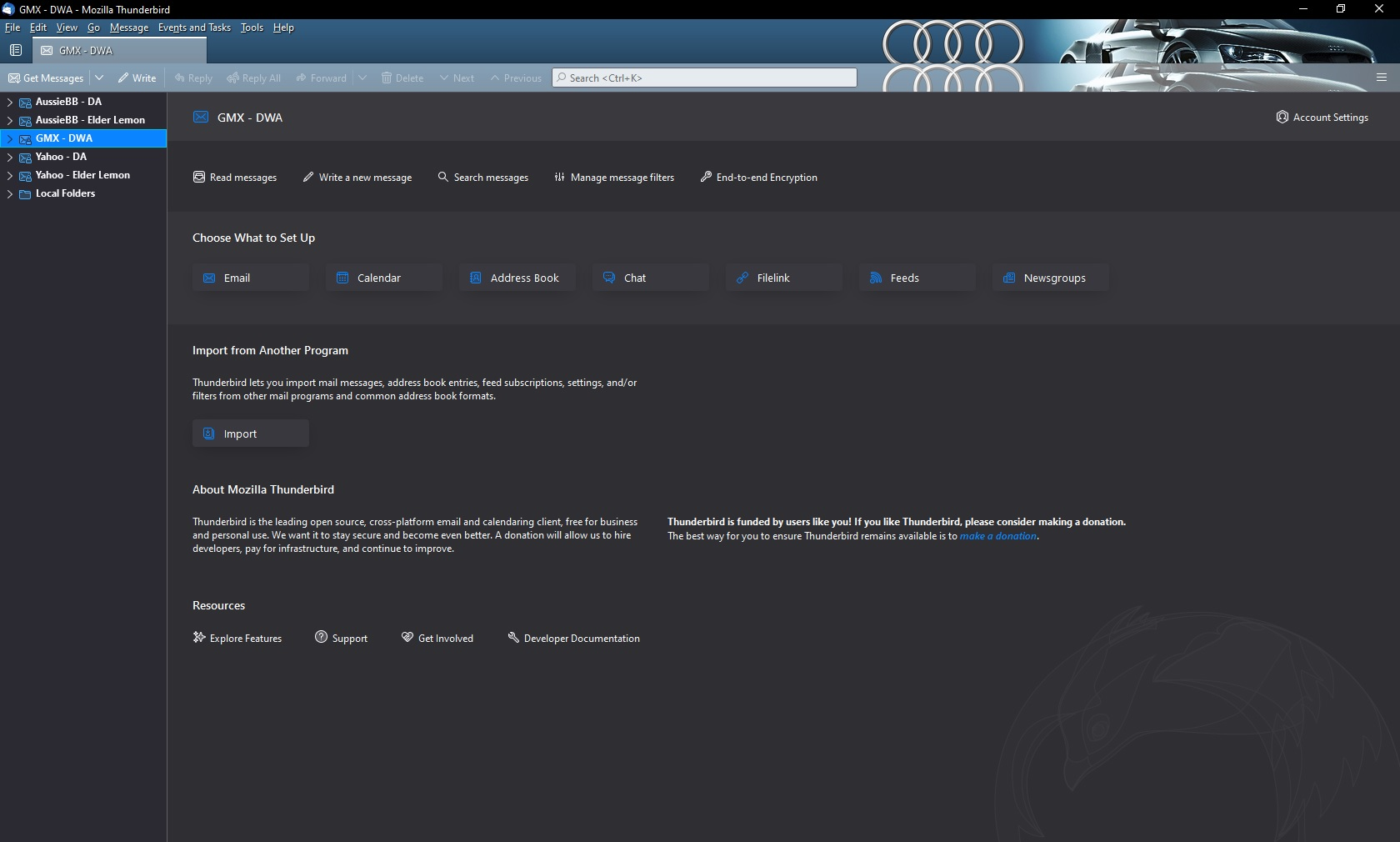
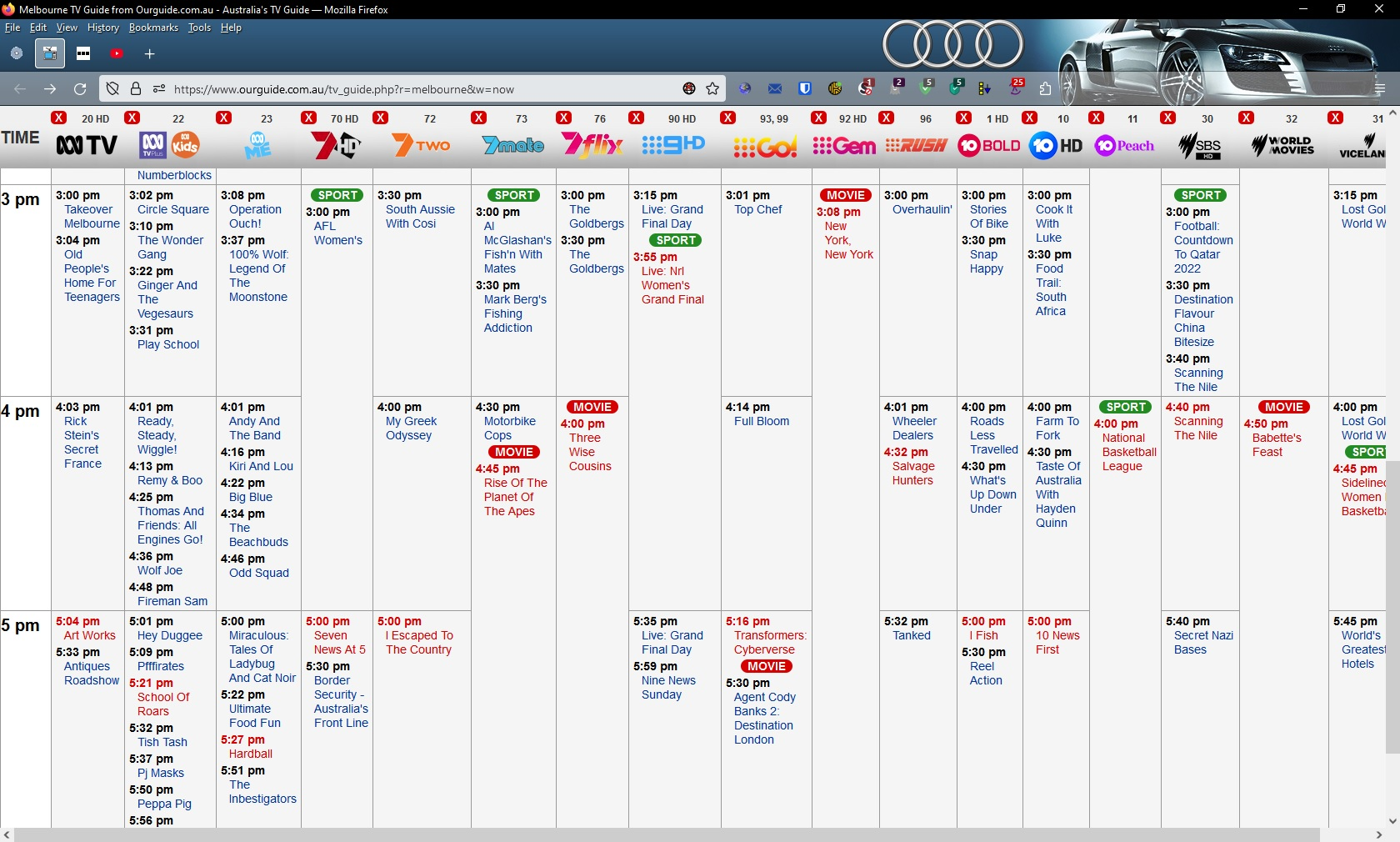
I am running Thunderbird Version 102.3.1 (64-bit) and there is an issue with the appearance of a theme when it is enabled.
The theme is audi_r8 and as you can see from the attached screenshots, it does not display correctly in Thunderbird but displays correctly in Firefox.
I used the same theme to show that it is not an issue with the theme but something that does not display correctly in Thunderbird so if anyone has any suggestions, apart from not displaying the Mail Toolbar, then I would be happy to hear from you.
Thanks.
All Replies (1)
That is how all themes appear in Thunderbird as far as I know. Certainly all the ones I have had installed and removed.