


How can I change the bar font sizes in some websites so they look normal?

Hello, I have connected my computer to my HDTV and now websites in firefox look very small. I have changed the font size in about:config , but the bar font sizes still looks distorted and small. What can I do to change to bring it back to normal size? Thanks
Opaite Mbohovái (5)
Some examples that look very small would be sites like:
grooveshark.com pandora.com and also the video player menu on youtube as well as many other sites
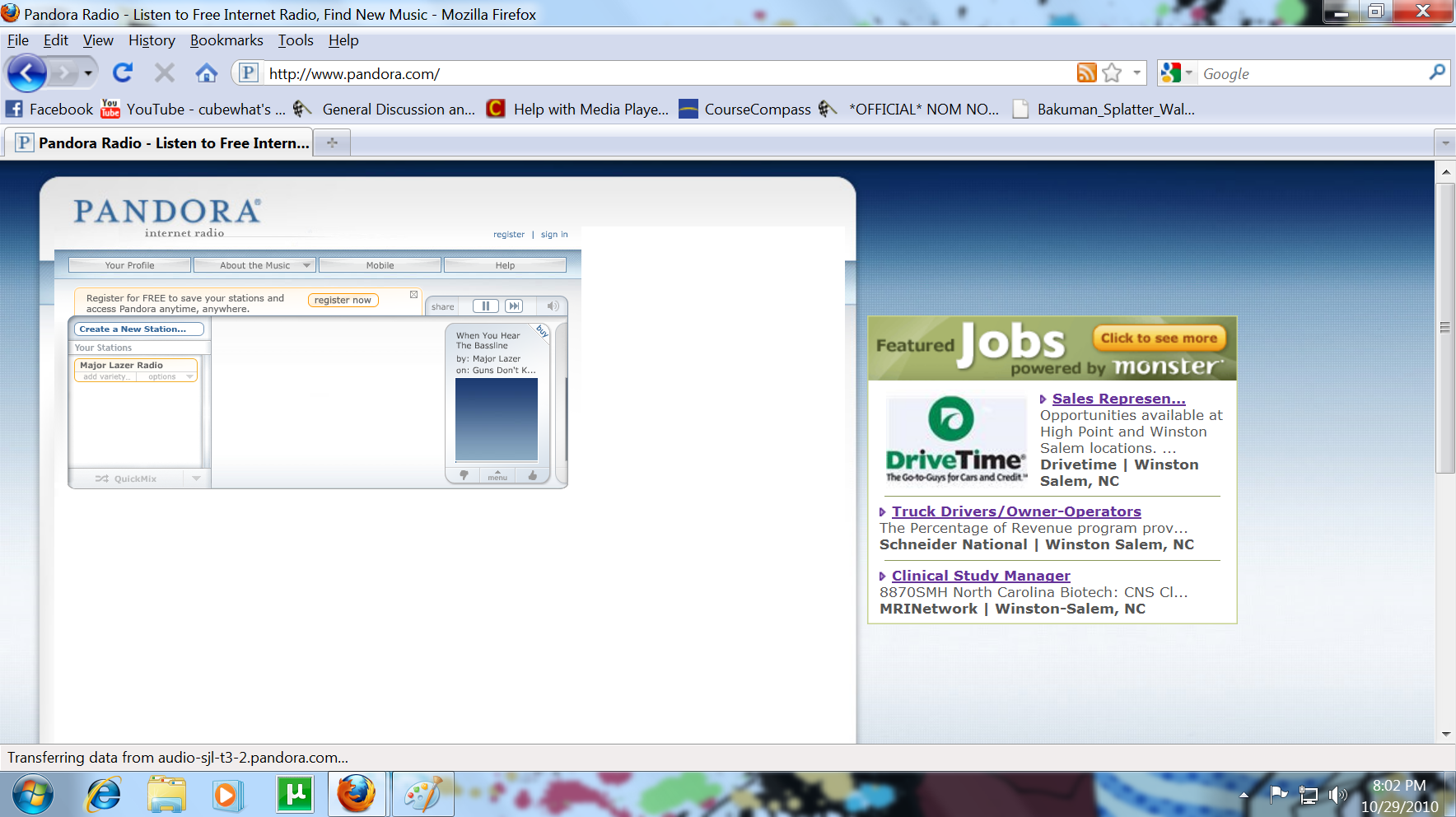
Here is a picture showing how small the sites are
Reset the page zoom on pages that cause problems: View > Zoom > Reset (Ctrl+0 (zero); Cmd+0 on Mac)
If you need to adjust the font size on websites then look at:
- Default FullZoom Level - https://addons.mozilla.org/firefox/addon/6965
- NoSquint - https://addons.mozilla.org/firefox/addon/2592
I have tried doing this, but it is still not working. No matter what it still looks very small and distorted. I tried it on Pandora and the music player still looks very small and is not normal size
You can increase the String pref layout.css.devPixelsPerPx from 1.0 to 2.0 in 0.1 steps to see what works best.
In Firefox 3.6 and later this pref is a String value parsed to a float and allows to fine tune the dimensions of all elements more precisely.
To open the about:config page, type about:config in the location (address) bar and press the "Enter" key, just like you type the url of a website to open a website.
If you see a warning then you can confirm that you want to access that page.
I have also already tried this, but it still does not fix the problem that I have