


Forwarding emails with attachments fails with an unclear error

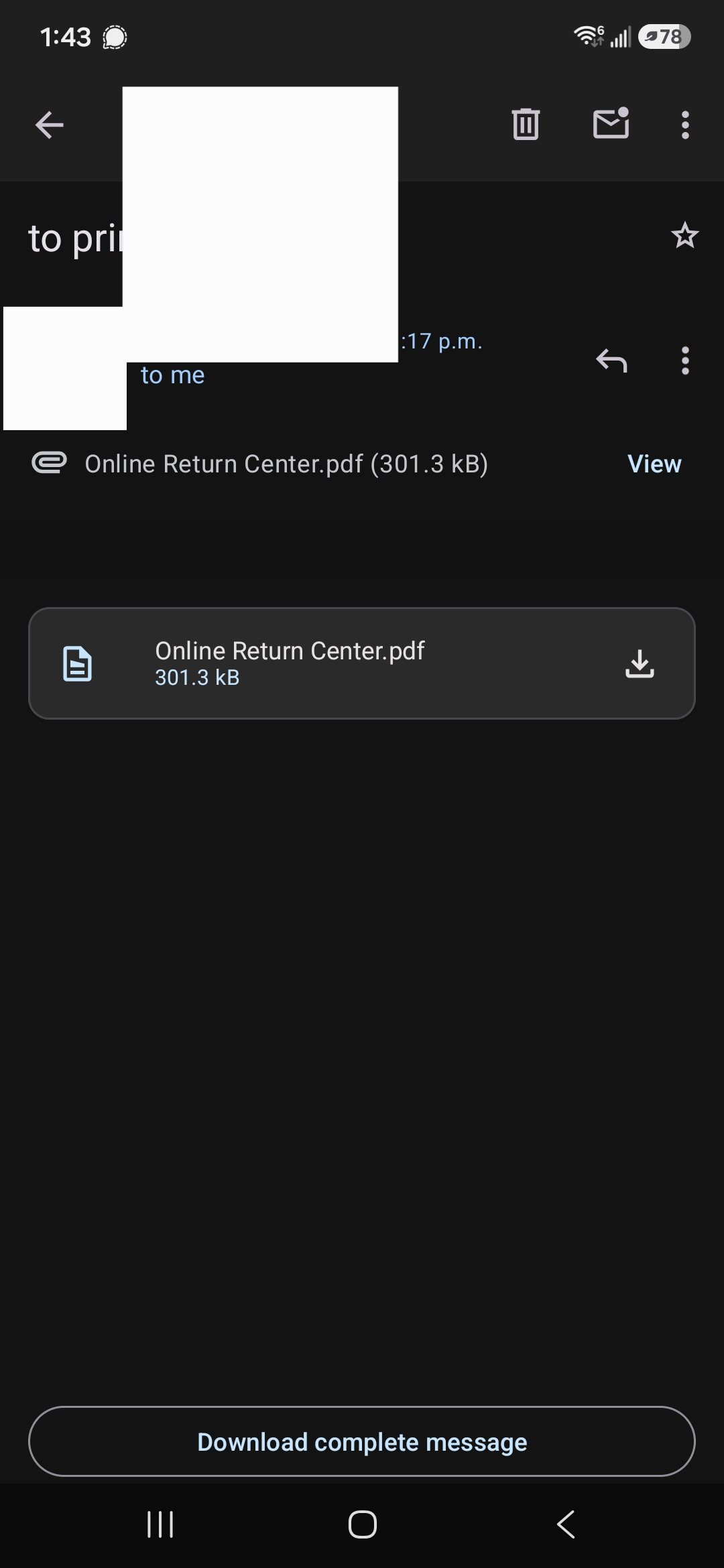
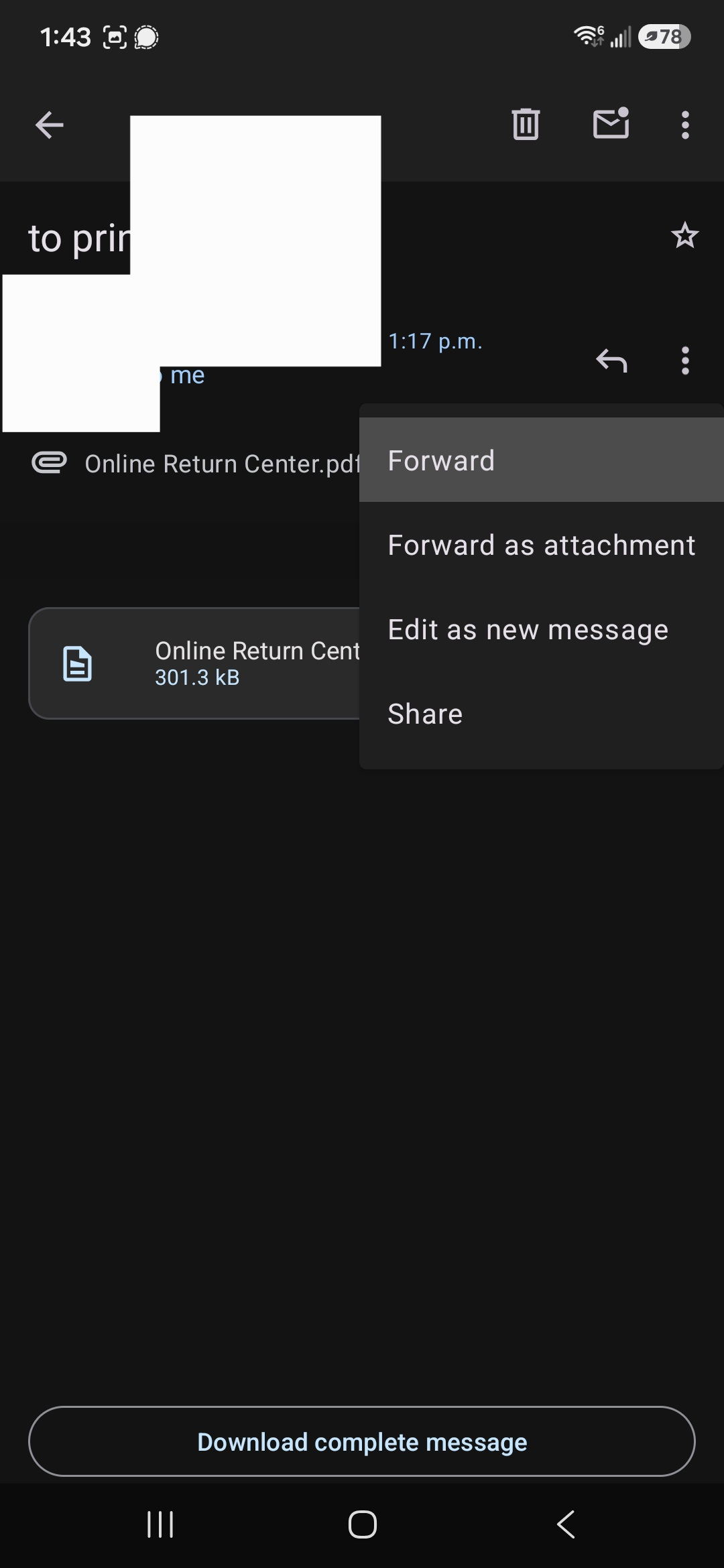
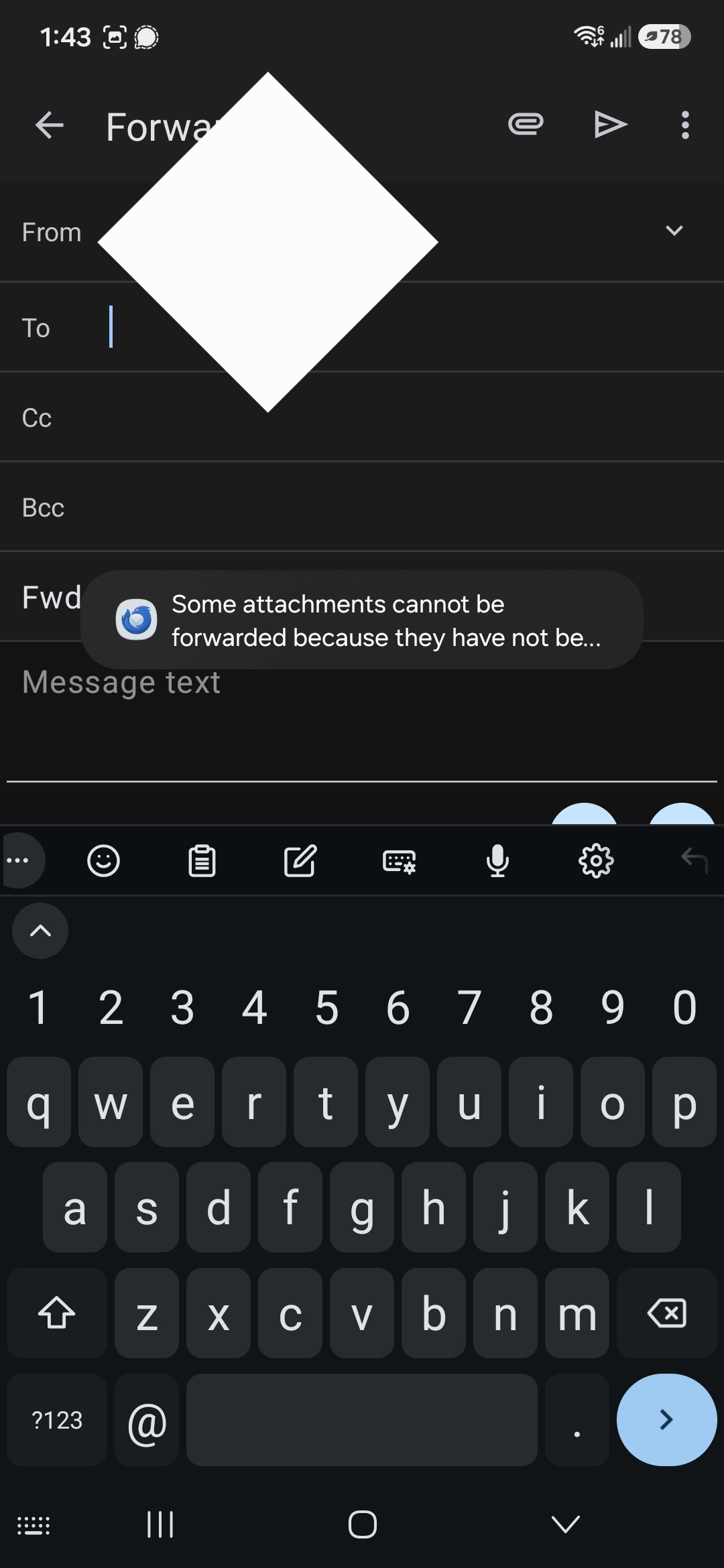
When I try to forward an email with an attachment on mobile I get an error that's not fully visible saying "Some attachments could not be forwarded because they have not be...' (I tried rotating the screen to see if it expands but it's the same unfortunately). It works fine on the desktop app, and it also works fine if I manually download the attachment and then draft an email and attach it.
Does anyone know if this is common, or how I can bypass it? I tried but couldn't find any info on this behavior.
Thanks!
Opaite Mbohovái (3)
Looking at the screenshots I realize it's because I'm not selecting the "download complete message" option at the bottom...why isn't it downloading it automatically when opened, is there a setting to make it do that?

The download complete message displays when the email size is larger that the "fetch message up to" size setting. You can find this under settings > account name > fetching mail. The default size is 32KiB.
You can also set images to always show but this is more about controlling the download of remote images to prevent tracking. You can find this setting under settings > account name > reading mail > Always show images.

This sounds like it could be related to the attachment size, file type, or the way the forwarding process handles attachments. I would first test forwarding a message with a small attachment and then try a different file type to narrow down the cause. If regular emails forward successfully but attachments consistently fail, checking the server or mail client logs for a more specific error would probably help identify where the forwarding process is breaking.