


Oĩporãmava
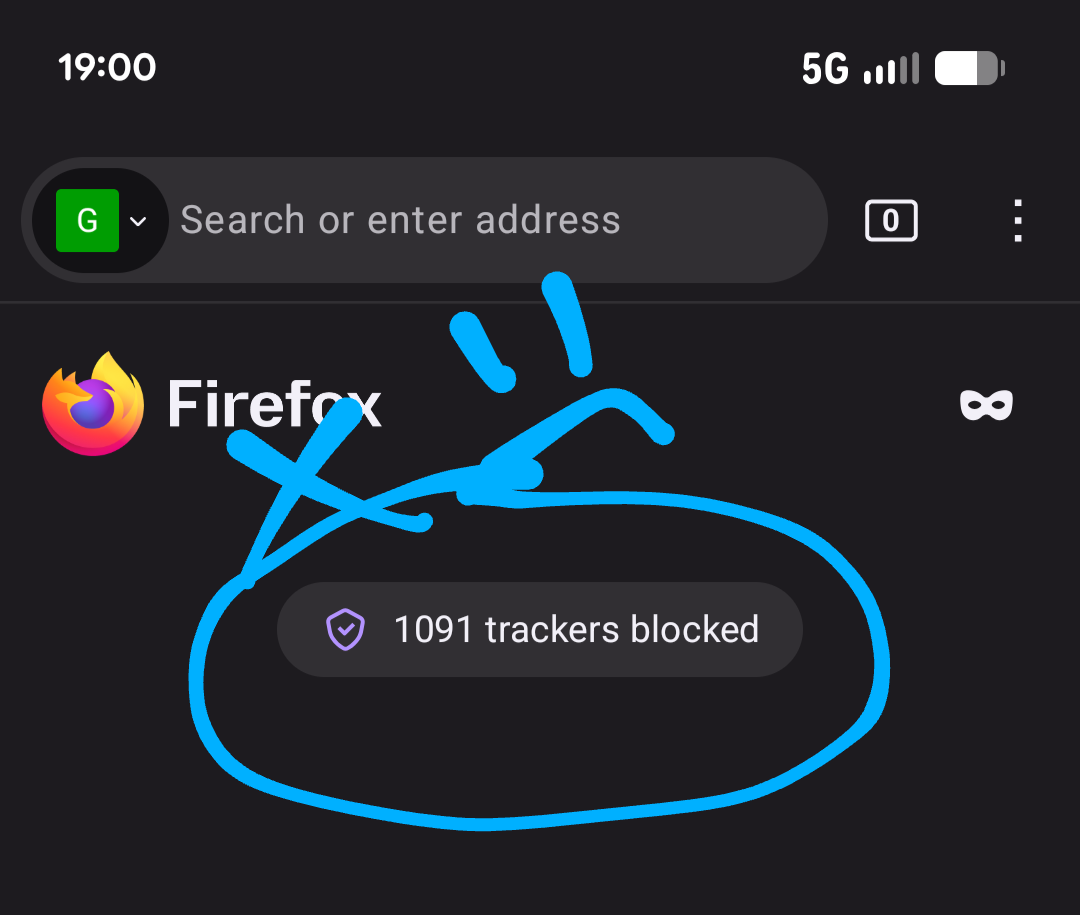
Turn off the annoying tracker announcement

I appreciate that my browser is blocking trackers. I even have two additional extensions to boost the power of this. But I don't want the announcement every time I load up my browser. How do I turn this off? I'm using Firefox 153.0.3 (Build #2016176519), on a Google Pixel 7 running Android 16, kernel 6.1.145-android14-11-gfa1d6308d1fe-ab14691759 #1 Fri Jan 9 16:33:46 UTC 2026.
Moderator note: Moved from the Firefox Desktop forum to the Firefox for Android forum.
I appreciate that my browser is blocking trackers. I even have two additional extensions to boost the power of this. But I don't want the announcement every time I load up my browser. How do I turn this off? I'm using Firefox 153.0.3 (Build #2016176519), on a Google Pixel 7 running Android 16, kernel 6.1.145-android14-11-gfa1d6308d1fe-ab14691759 #1 Fri Jan 9 16:33:46 UTC 2026.
''Moderator note: Moved from the Firefox Desktop forum to the Firefox for Android forum.''
Moambuepyre Denys rupive
Opaite Mbohovái (2)
Ñemoĩporã poravopyre
Hi,
You can disable this in Settings > Homepage > Privacy report.
And if you also want to hide it in the tabs view, you can disable Settings > Tabs > Privacy report.
Excellent! Thank you!