


Lost older emails

In the morning start up ALL my previous emails received are missing gone? Need to retrieve them all. Very important old emails.
Opaite Mbohovái (1)
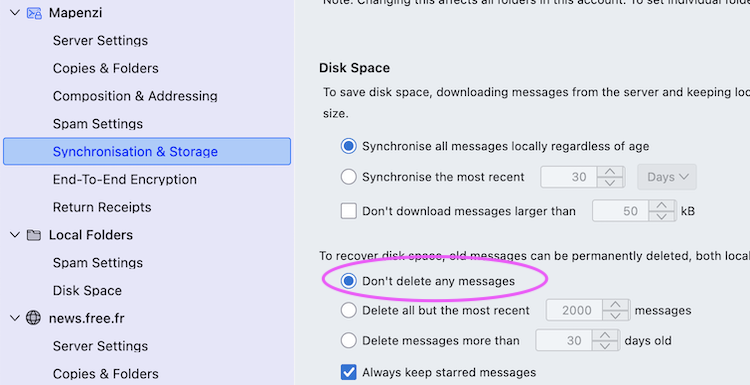
First test to be done in such a situation is to restart Thunderbird via Help > Troubleshoot Mode > ... https://support.mozilla.org/en-US/kb/troubleshoot-mode-thunderbird If in troubleshoot mode pour messages are still missing, go to Account settings > account name > Synchronisation & Disk Space > Disk Space and verify if ◉ "Don't delete any messages" is checked. Also do a R-click on your Inbox > Properties > General and look up the number of messages and size on disk. Then still in Properties open the Retention Policy tab and look up whether one of the two "Delete" options is activated. Do you have a backup copy of your Thunderbird profile? Does this issue concern your Inbox folder only or all folders? Did you set up the same email account on another PC or a smartphone?
Moambuepyre Mapenzi rupive