Non Add-on
I have a issue with a browser add-on There is a triangle icon with Len dau English: triangle icon - Go to Top I can not find any way to remove or I have know Idea how it was installed
Any help please


Opaite Mbohovái (4)

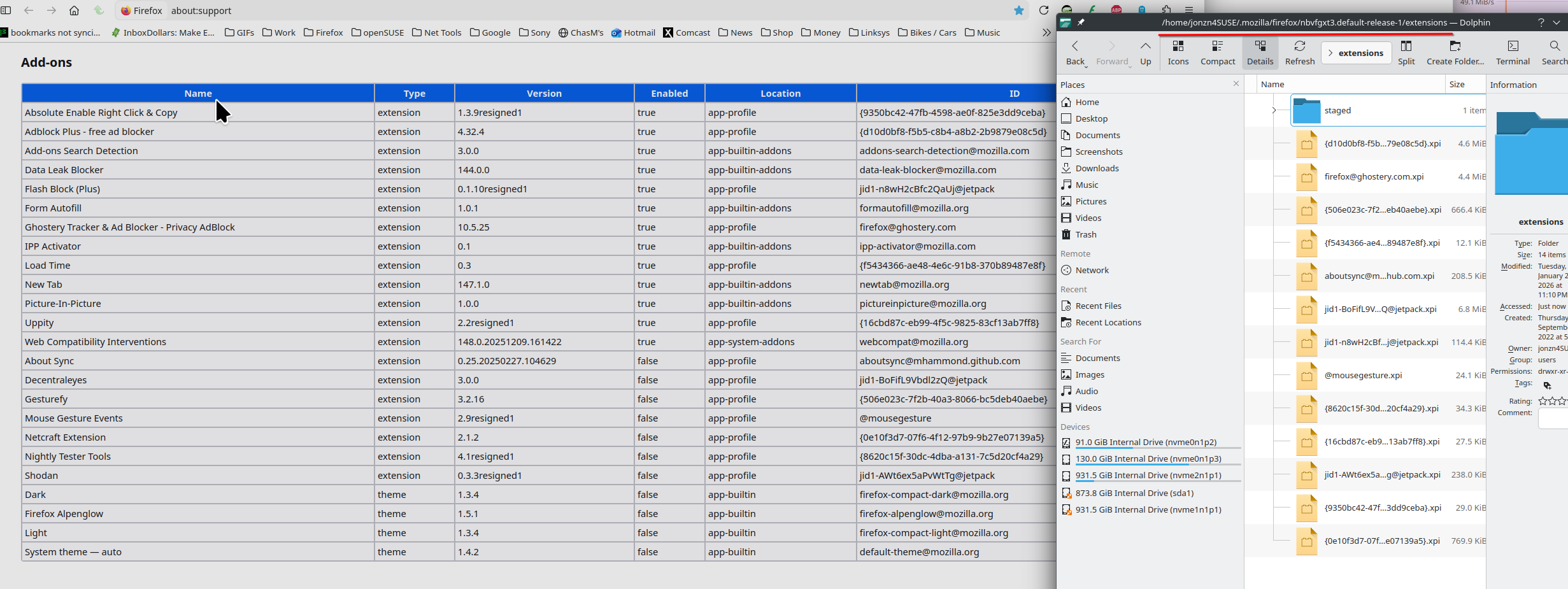
Open your profile by going to about:support in the browser. see screenshot Then you should see the option to open your profile folder. In windows explorer look for a folder called extensions. You should see something related to that add-on. Post a screenshot the folder.
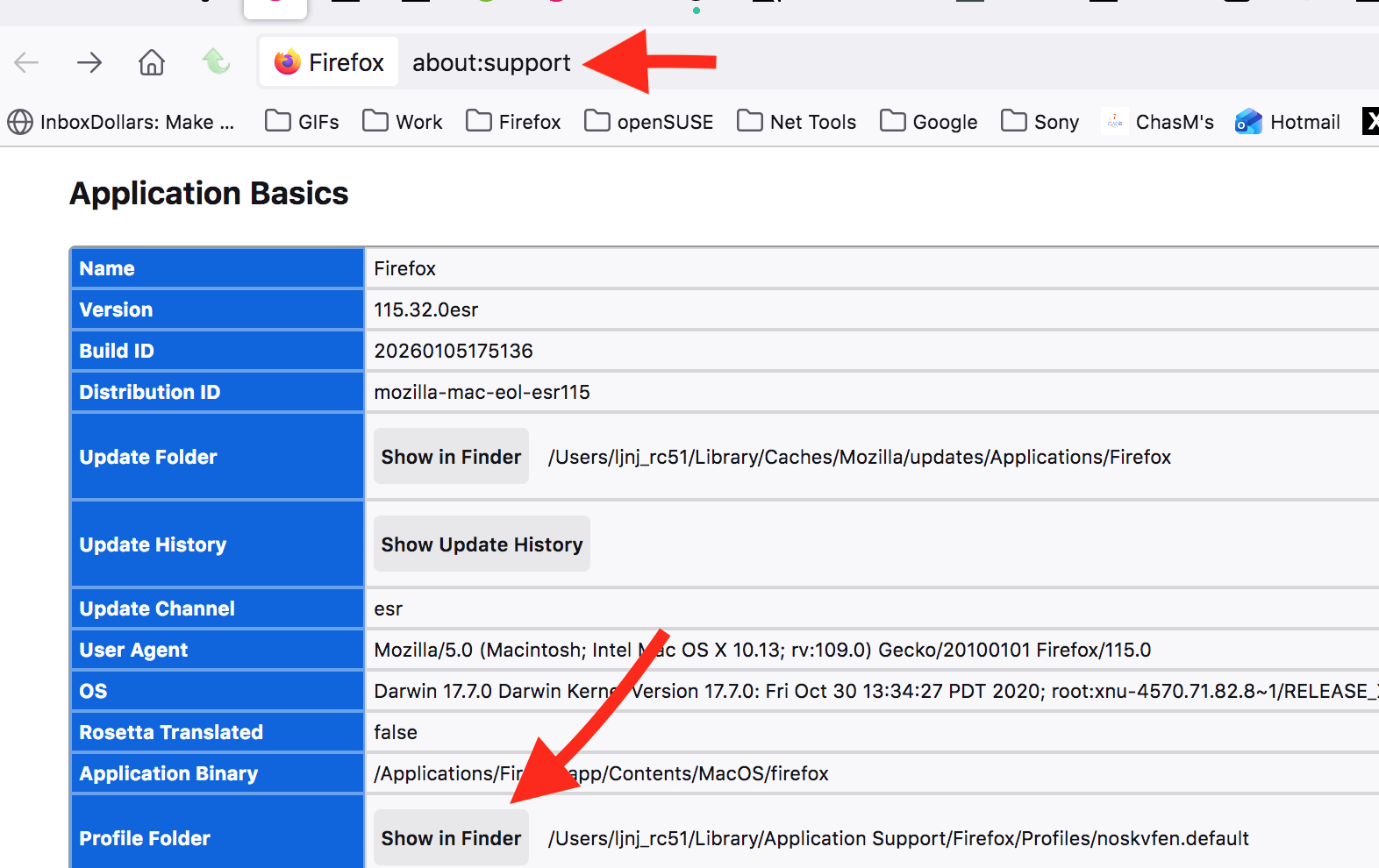
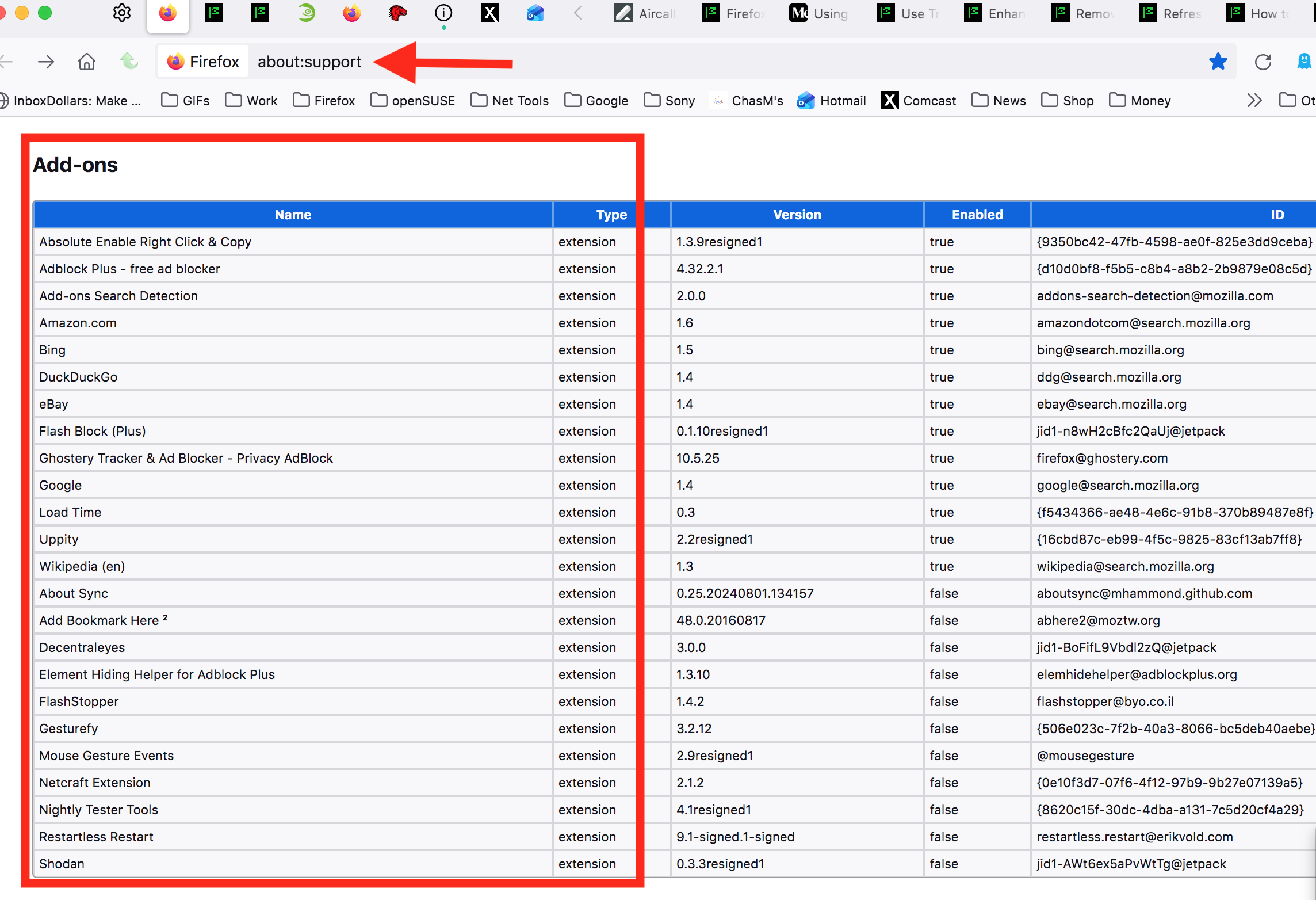
Moambuepyre jonzn4SUSE rupive
I have gone thru the default profile extinction folder and the end result was nothing for Len dau or go to top in the folder. Any Ideas, I have search the web for info about Len dau or go to top but nothing I can fined about this extinction or how it got into firefox
Are you going to give me more support for this issue? Or just leave me here in space with no support!
I have never added any extensions other than the ones posted on the Firefox site. How do I get rid of this issue.
Moambuepyre ontherun rupive
Roger that. Post similar screenshots like mine above and also post a screenshot showing what's in your extension folder. see my current add-ons and extension folder on this computer. see screenshot