


Windows 10 reached EOS (end of support) on October 14, 2025. For more information, see this article.

Eheka Pytyvõha

Emboyke pytyvõha apovai. Ndorojeruremo’ãi ehenói térã eñe’ẽmondóvo pumbyrýpe ha emoherakuãvo marandu nemba’etéva. Emombe’u tembiapo imarãkuaáva ko “Marandu iñañáva” rupive.

Kuaave

After email change sign-in to 2nd laptop not possible for synchronization

  • Mbohavai’ỹre
  • 0 oguereko ko apañuãi
  • 8 Hecha
jeporavorãve

I changed my email and my password for my Firefox account, on my primary laptop (MacBook Pro 2010). Both my smartphones (Android) synchronized afterwards without a problem, but my second laptop (MacBook Air 2020) asks me to sign into Firefox with the old email and does not accept the new email. When I put the new email, it gives the message in the attached screenshot (in German, sorry if the translation is wrong): "Cost limit is reached. Profile was previously synchronized with another account. Create a new profile to synchronize it." But I do not want to create a new profile, I do not want any subprofile that I would have to build up from scratch, and it is no solution to the original profile lingering around on the second laptop without ever being able to be connected to again.

I uninstalled and reinstalled Firefox from the second laptop, hoping the sign-in-data would be removed and I could just sign in to Firefox with my new email address, but no. It shows the same sign-in-form with the old email address and the same message.

I need help urgently. I have to travel and can only take the second smaller laptop with me. I hope someone can help me.
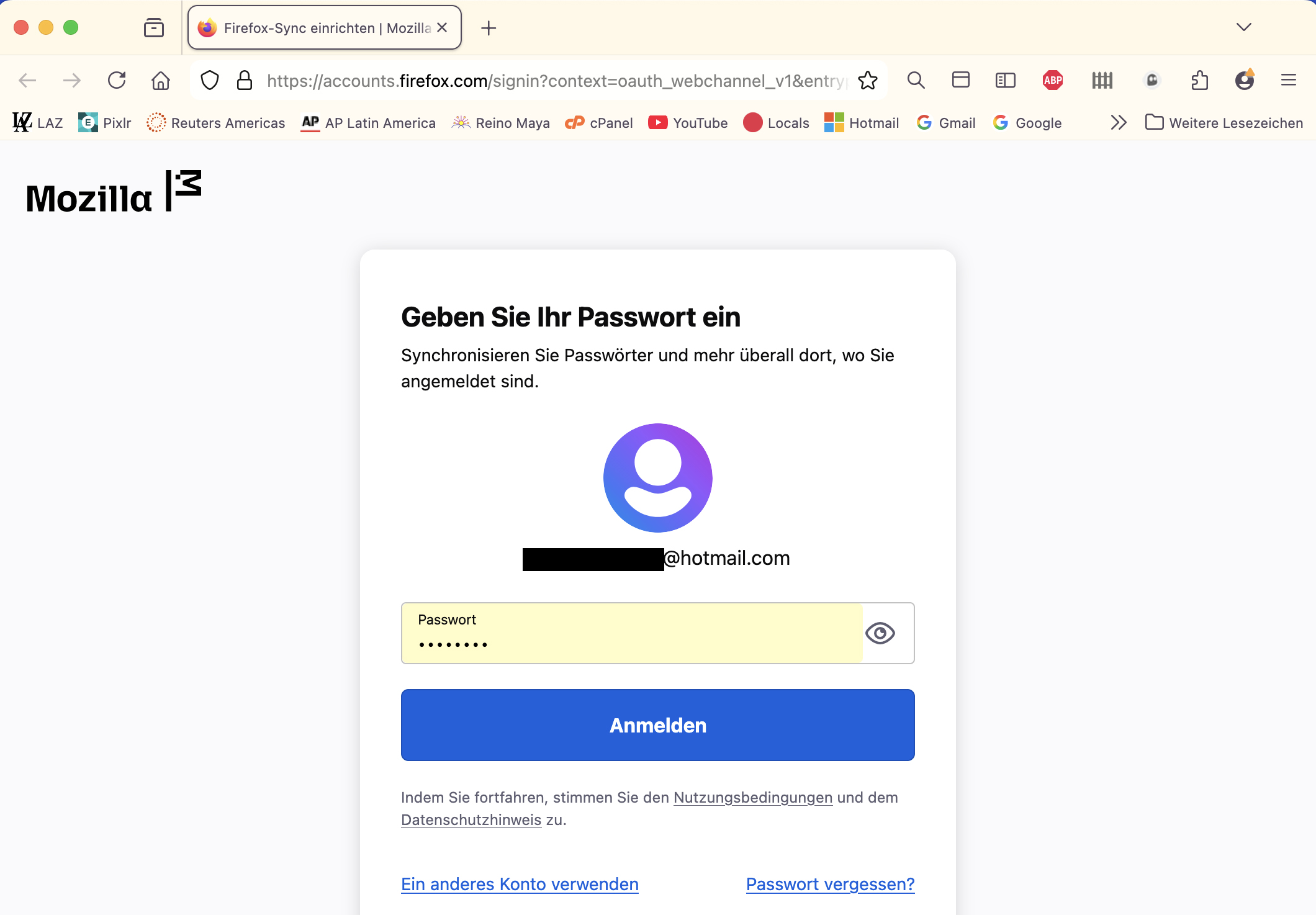
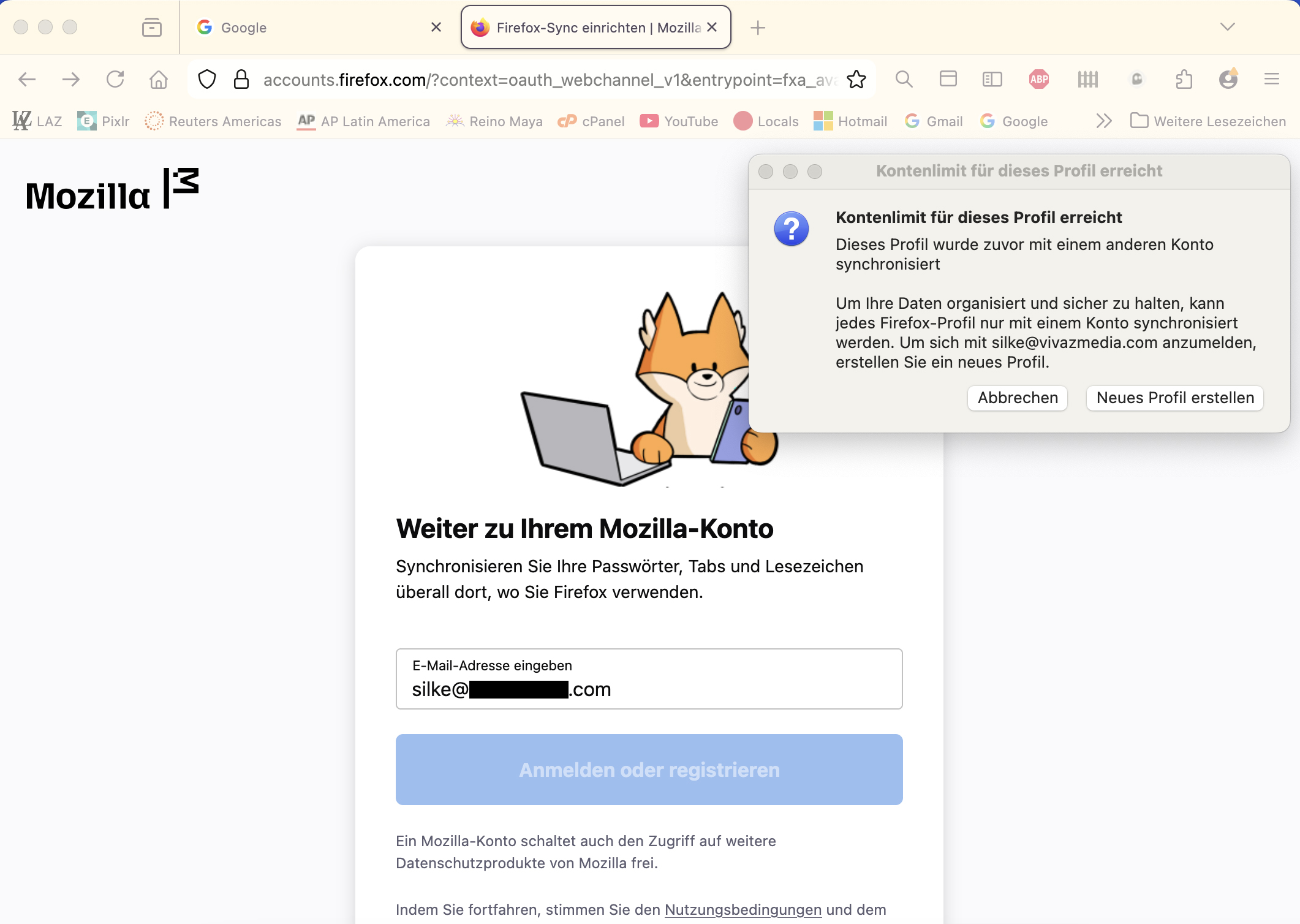
I changed my email and my password for my Firefox account, on my primary laptop (MacBook Pro 2010). Both my smartphones (Android) synchronized afterwards without a problem, but my second laptop (MacBook Air 2020) asks me to sign into Firefox with the old email and does not accept the new email. When I put the new email, it gives the message in the attached screenshot (in German, sorry if the translation is wrong): "Cost limit is reached. Profile was previously synchronized with another account. Create a new profile to synchronize it." But I do not want to create a new profile, I do not want any subprofile that I would have to build up from scratch, and it is no solution to the original profile lingering around on the second laptop without ever being able to be connected to again. I uninstalled and reinstalled Firefox from the second laptop, hoping the sign-in-data would be removed and I could just sign in to Firefox with my new email address, but no. It shows the same sign-in-form with the old email address and the same message. I need help urgently. I have to travel and can only take the second smaller laptop with me. I hope someone can help me.
Mba’erechaha japyhypyre oñondivegua

Nde eikéke nde mba’etepe embohovái hag̃ua ñe’ẽmondo. Ikatúpa, emoñepyrũ peteĩ porandu, ndereguerekói gueteriramo nemba’ete.