

Ko téma oñeñongatúma.
Ejapo porandu pyahu eikotevẽramo pytyvõ.

Ñongatupyre
Where is ALLOW?

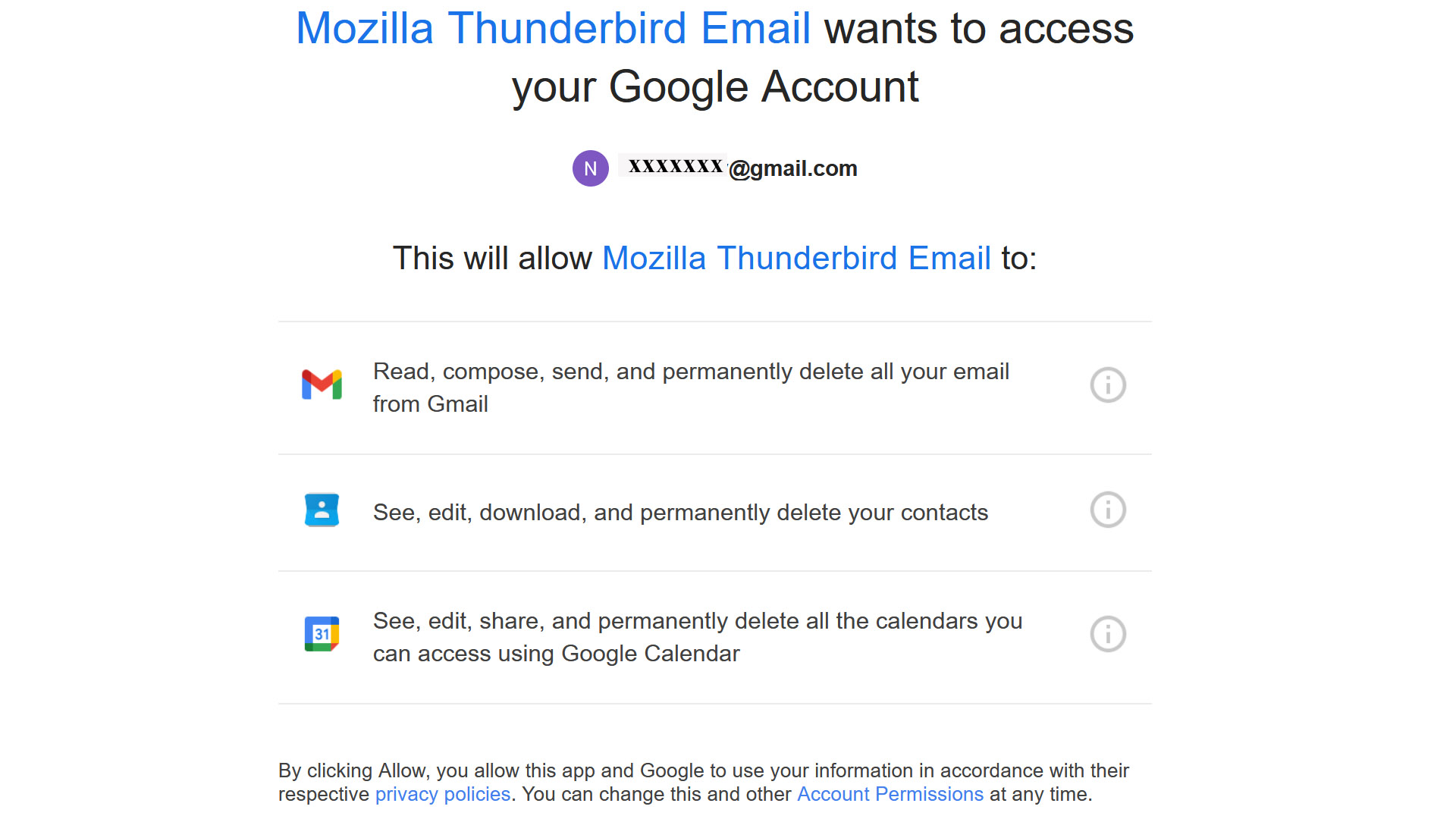
Recently I changed my Gmail password and Thunderbird keeps asking me to allow thunderbird to access my Google account; see attached image. I can NOT find Allow any place. (I now read my Gmail on the web.)
Thank you for your help.
Ernie
Recently I changed my Gmail password and Thunderbird keeps asking me to allow thunderbird to access my Google account; see attached image. I can NOT find Allow any place. (I now read my Gmail on the web.)
Thank you for your help.
Ernie
Opaite Mbohovái (3)
Try pressing F11 first to get thunderbird to full screen, as that may be preventing the full popup from appearing
Perhaps because the notification takes up the entire screen (no borders or URL bar) F11 did not do anything. I tried Ctrl -, but that had no effect either.
Thank you.
Ernie
Gmail does the layout of the screen, so Thunderbird has no control of it. So in your OS you'll need to change screen resolution and/or text size.