


No audio

I used Firefox and recently there is no audio on any of the websites I visit. I am using an ASUS laptop with Windows 11. Other browsers (Edge and Chrome) do have audio. I tried disabling all of the add-ons but it did not help. Has anyone else experienced this or have a possible solution?
I used Firefox and recently there is no audio on any of the websites I visit. I am using an ASUS laptop with Windows 11. Other browsers (Edge and Chrome) do have audio. I tried disabling all of the add-ons but it did not help. Has anyone else experienced this or have a possible solution?
Ñemoĩporã poravopyre
Thank you for answering. Here is what I see:
Emoñe’ẽ ko mbohavái ejeregua reheve 👍 0Opaite Mbohovái (3)

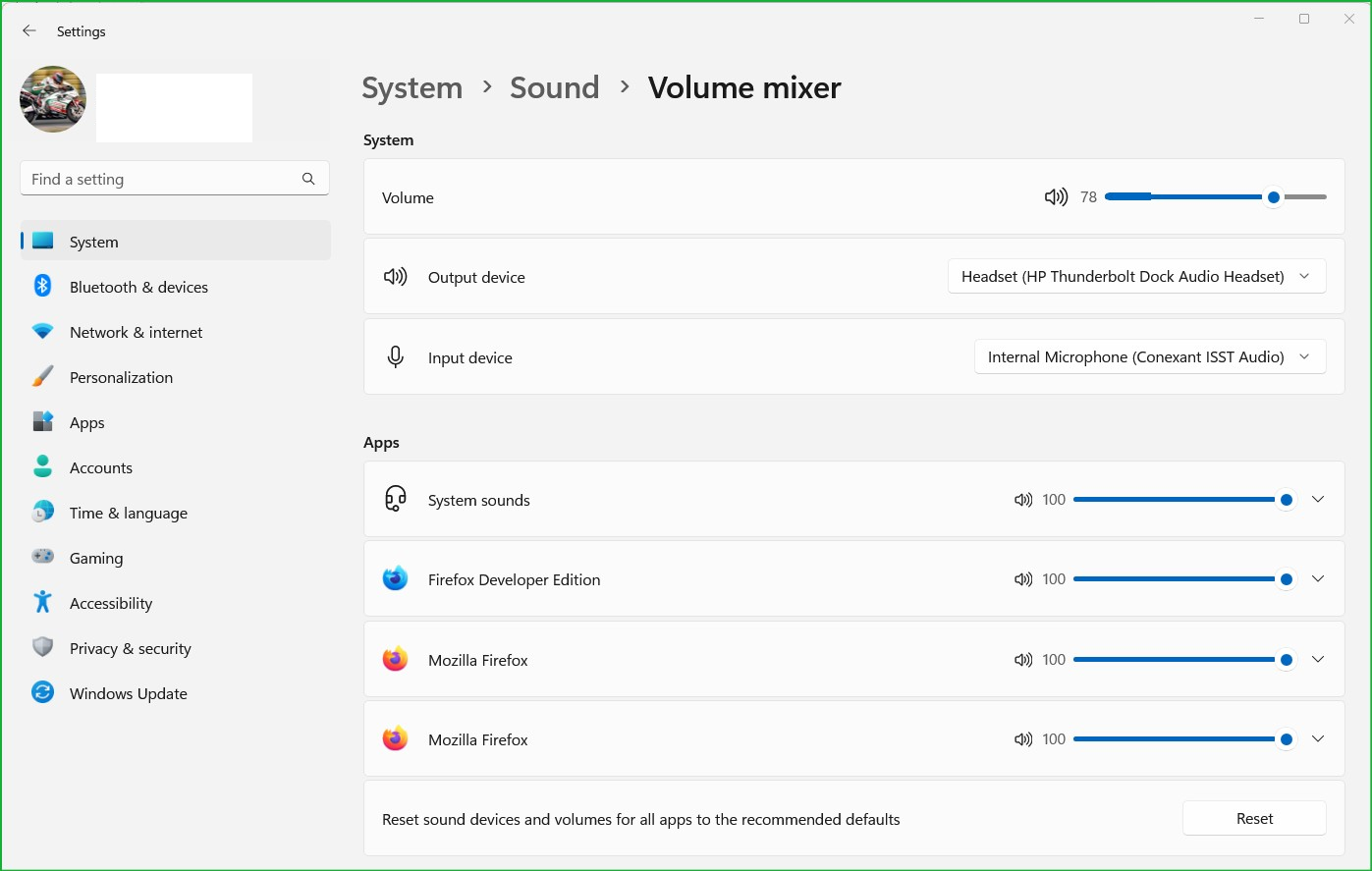
What do you see here? see screenshot
Ñemoĩporã poravopyre
Thank you for answering. Here is what I see:
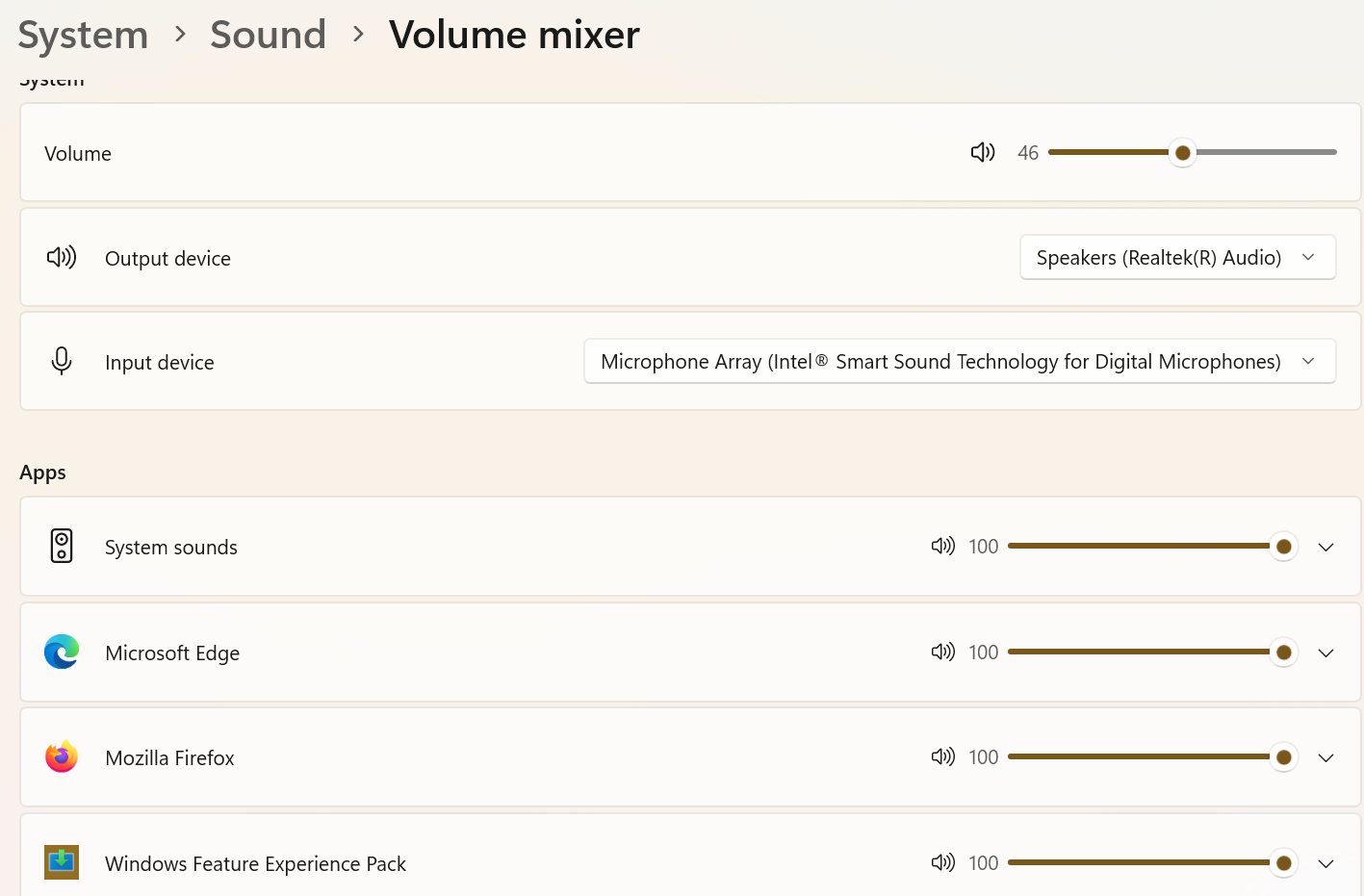
I tried selecting the "Reset sound devices and volumes for all apps to the recommended defaults." at the bottom of the screen. That solved the problem.