


share screen in a google meeting

I was in a meeting and needed to show my screen. Clicked the button at bottom to share and schecked entire screen then allow....it said firefox wouldn't allow me to share because of firefox. I also tried to just share Acrobat and had same result. What setting or plugin do I need to set to allow screen sharing in Google meet, microsoft team and zoom meetings?
Opaite Mbohovái (3)

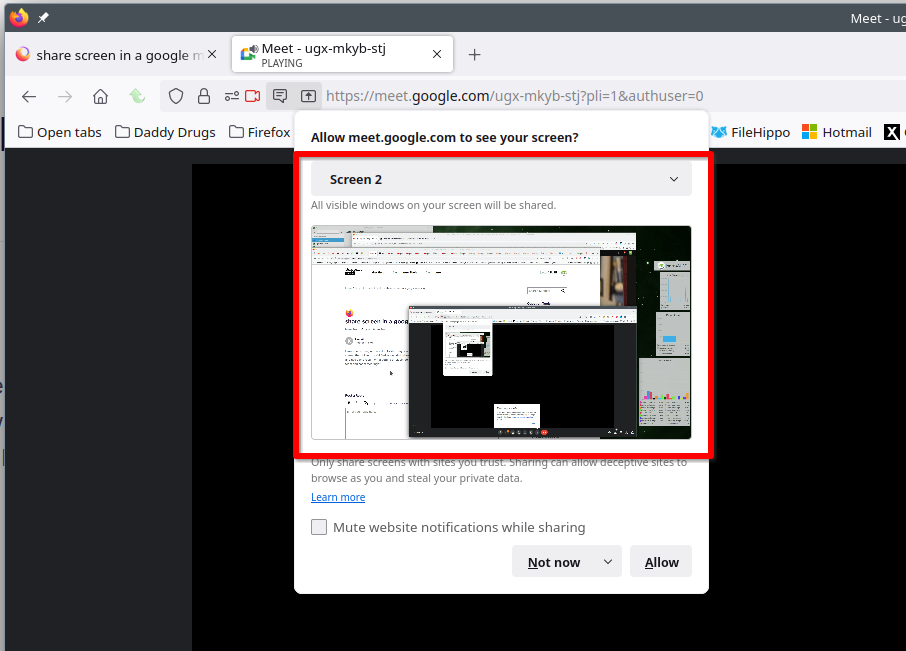
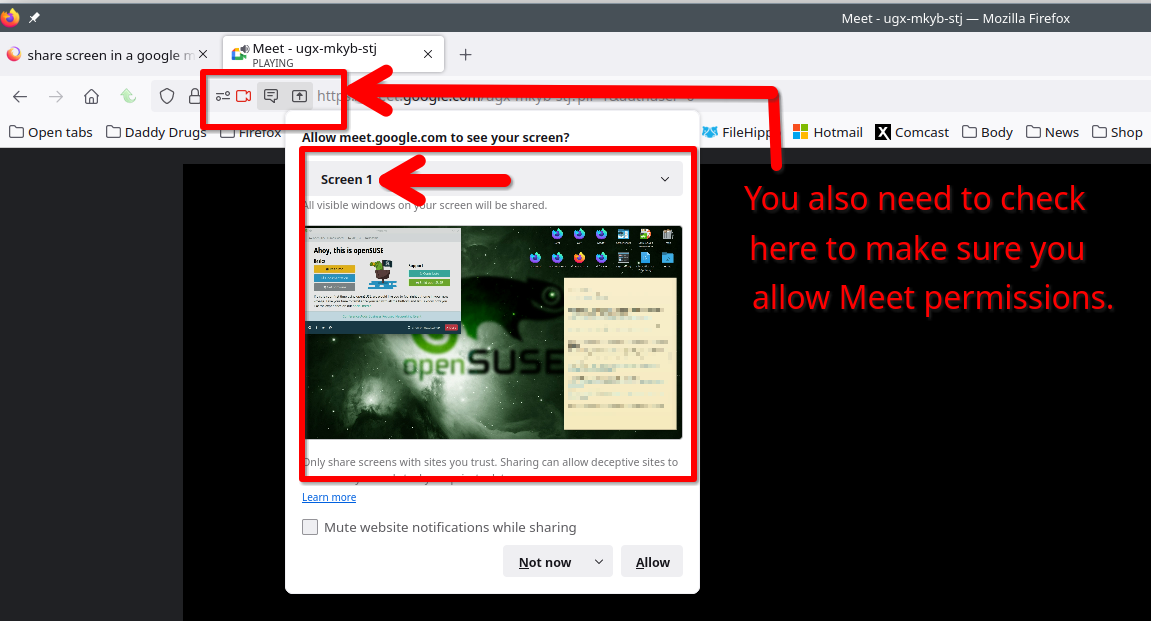
It works for me. see screenshots I was able to share my laptop and external monitor screen.
I did that -- it did not work! That is why I posted the question. A screen came up that said Fiorefox wouldn't allow screen sharing. I am on a mac and solutions are never the same as a PC. ''''''But you only pointed to buttons within meetings. Where can I change permissions in firefox?''''''
Moambuepyre kkerski rupive