


FIREFOX EMBLEMS

HOW CAN I GET MY SCREEN TO DISPLAY THE APP EMBLEMS AND NOT THE FIRFOX EMBLEM. SEE ATTACHED
Opaite Mbohovái (7)
Hi Rod
I am not sure what you mean and cannot see your screenshot.
If you could add a screenshot to a reply to this thread, it would really help.
There is a sceenshot as an attachment below.

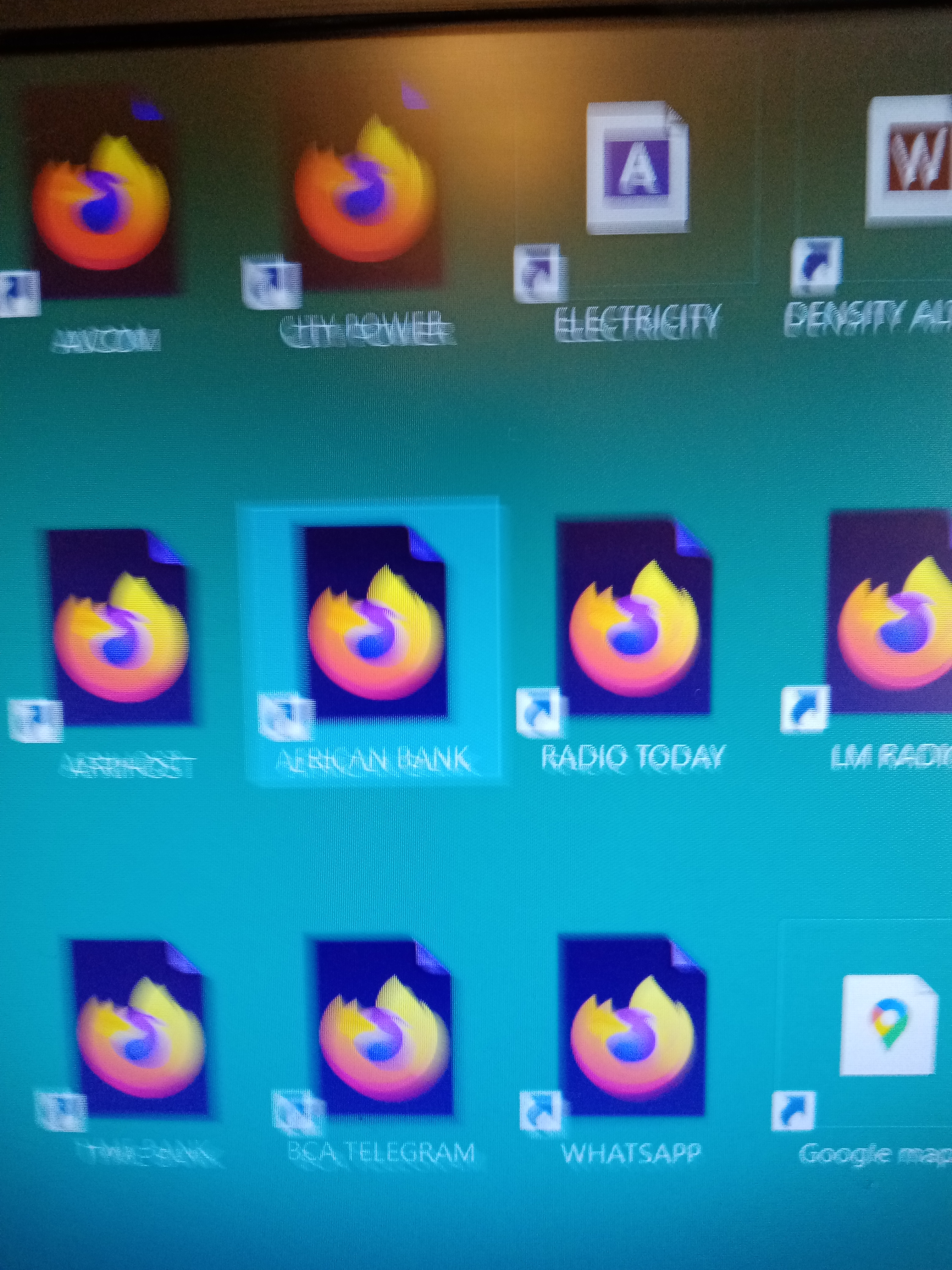
That look like internet shortcuts that have the icon of the default browser (Firefox) and not the website favicon. You should be able to change the icon via Properties in the right-click context menu.
What is the value of the browser.shell.shortcutFavicons pref? Does it make a difference if you toggle this pref? You may have to close and restart Firefox after changing the pref.
You can open the about:config page via the location/address bar. On the warning page, you can click "Accept the Risk and Continue" to open about:config.
Sorry. Too complicated. Am not a computer techhie
To put this simply - the icons displayed are of the app that opens those icons. With Firefox selected as your default web browser, these saved web page shortcuts have the Firefox icon.
Thank you Paul. Can it be changed?
That takes me to a Bing page ??